User's Manual
182
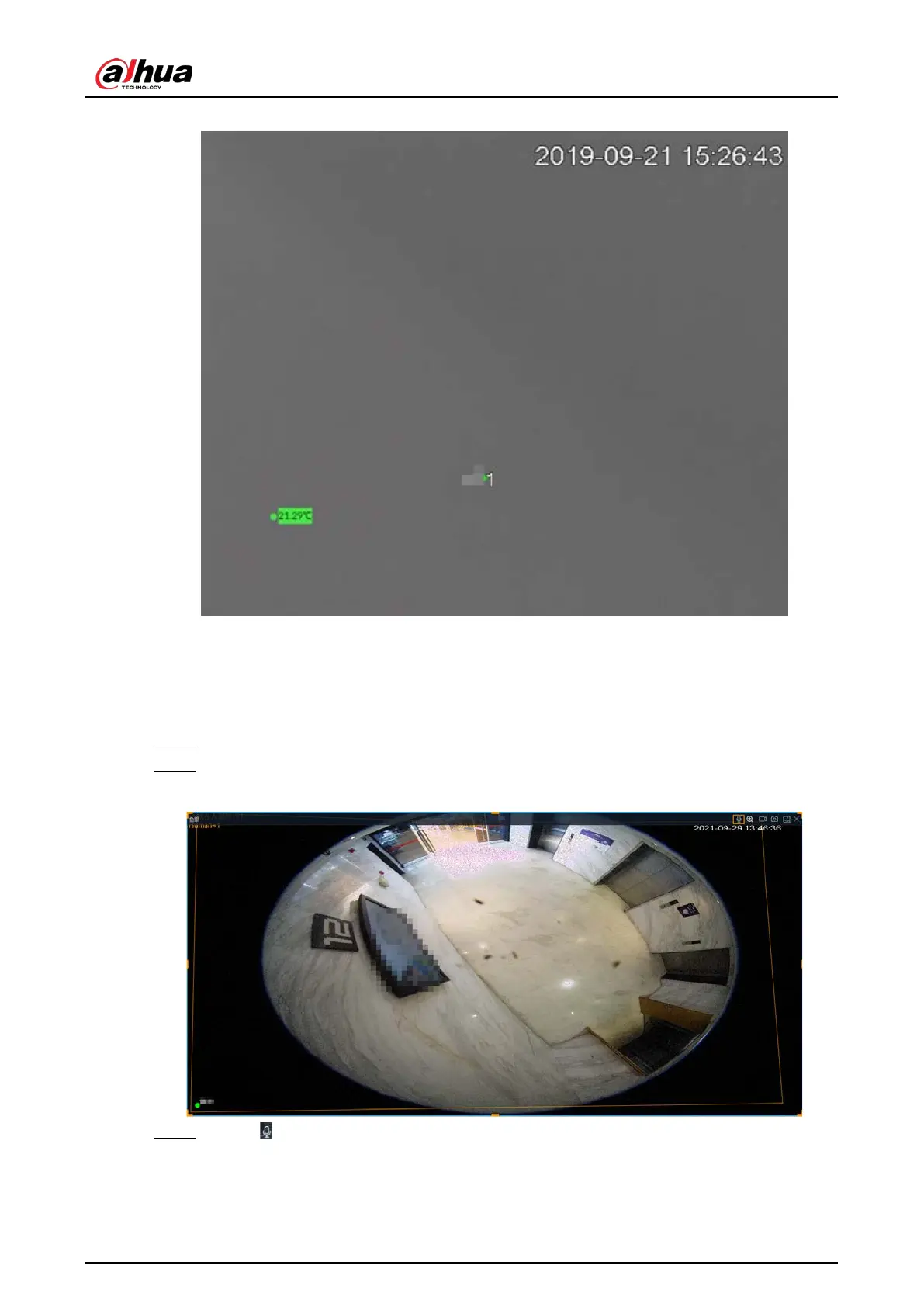
Figure 7-18 Thermal
7.1.1.3.8 Talk
The Talk function enables voice interaction between the Device and remote devices, improving the
efficiency in handling emergency events.
Step 1 Log in to PCAPP.
Step 2 Open a view on the Live page.
Figure 7-19 Talk
Step 3 Click at the upper-right corner of the view window to enable the Talk function. Click
again to disable the function.


 To Next Page
 Loading...

