User's Manual
211
Step 3 Click to enable the function.
Figure 7-55 Extract Eigenvector Again
Step 4 Specify the start time and end time of the day.
●
The system automatically creates tasks to re-extract Eigenvector of history images with
unmatched model versions during the period.
●
During the re-extraction period, the AI functions are not available.
7.5 Backup
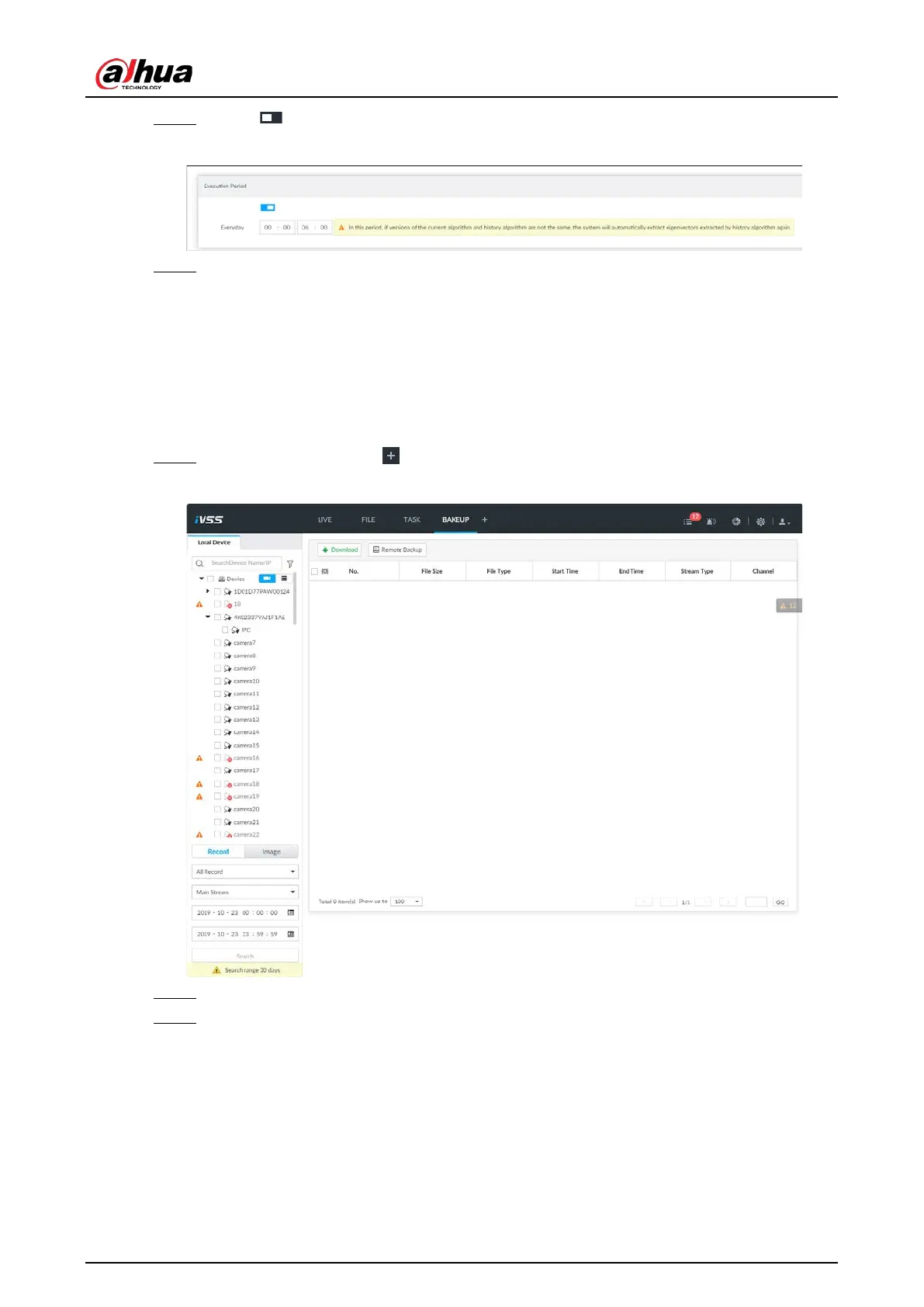
Step 1 On the LIVE page, click , and then select BACKUP.
Figure 7-56 Backup
Step 2 Select a channel from the resource tree on the left.
Step 3 Select a file type.
●
Record
1) Select a record type from
All Record, Instant Record, Video Detect and IO Alarm.
2) Select a stream type from
Main Stream and Sub Stream.
3) Set the time period.
●
Image
1) Select an image type from
Manual Snap, Video Detect, and IO Alarm.
2) Select a stream type from
Main Stream and Sub Stream.


 To Next Page
 Loading...

