User's Manual
302
●
System has two default user groups (read-only): admin and ONVIF.
●
Create new user group under the root.
8.7.1.1 Adding User Group
Step 1 Click , or click on the configuration page, and then select ACCOUNT.
Step 2 Select the root node in the device tree on the left and then click at the lower-left
corner.
Step 3 Enter current user’s login password, and then click OK.
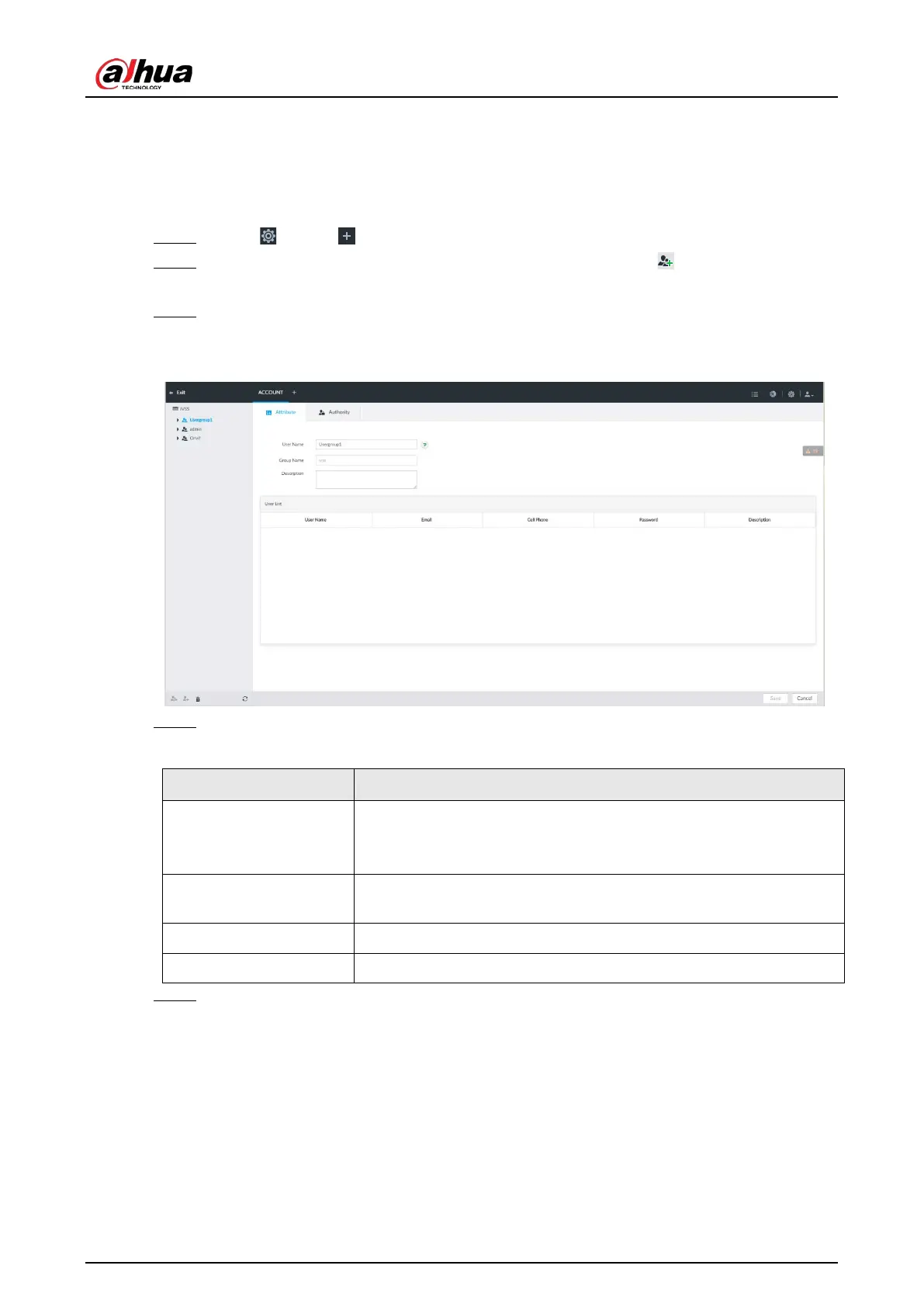
System creates one user group and displays the Property page.
Figure 8-99 User group property
Step 4 Set parameters.
Table 8-33 User group
Name
Set user group name.
The name ranges from 1 to 64 characters. It can contain English
letters, number and special character ("_", "@", ".").
Group name
Displays user group organization node. System automatically
recognizes the group name.
Description Enter user group description information.
User list Displays user information of current group.
Step 5 Select user authority.
1) Click Authority tab.


 To Next Page
 Loading...

