User's Manual
223
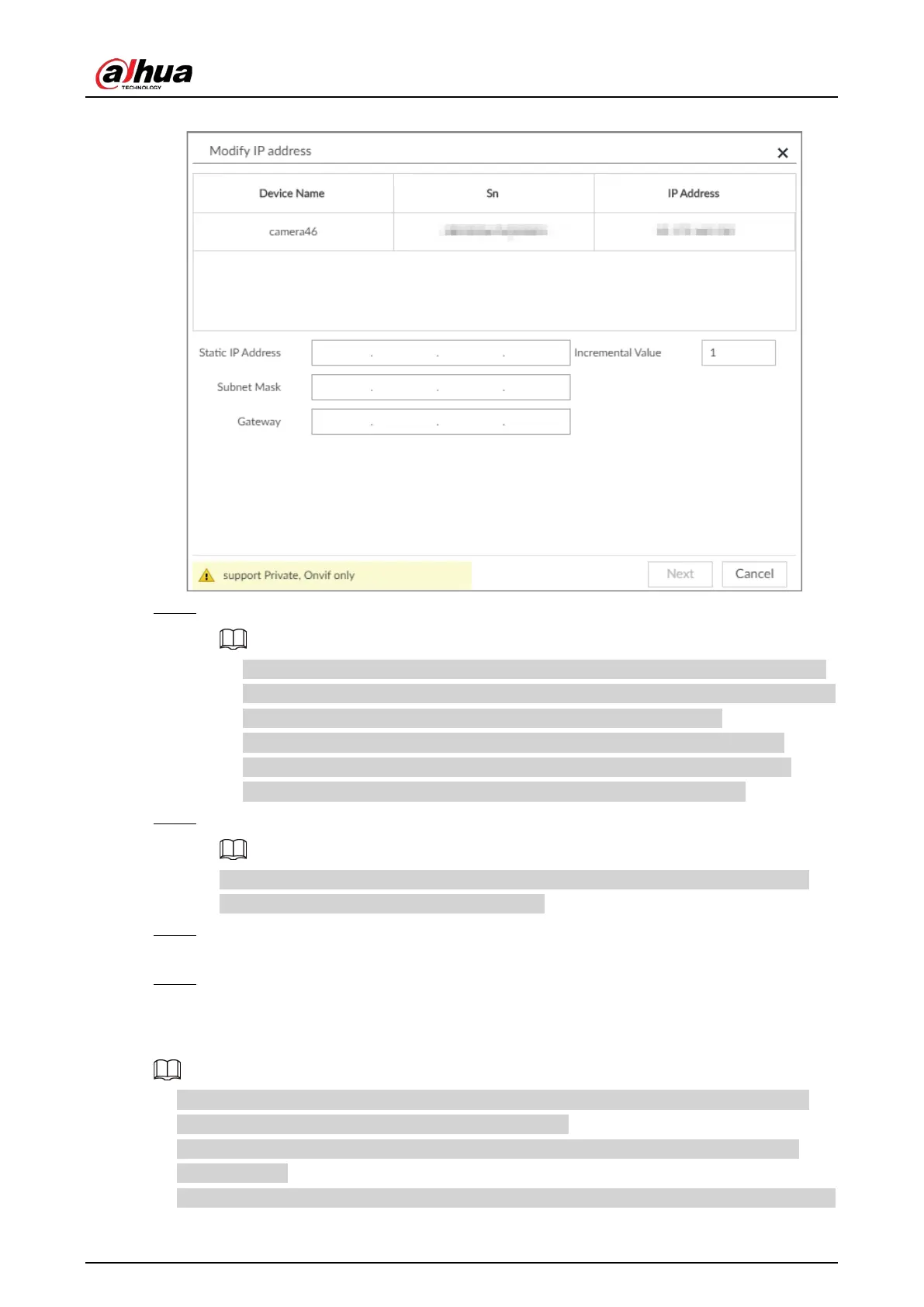
Figure 8-6 Modify IP (1)
Step 5 Enter the static IP address, subnet mask, gateway, and incremental value.
●
Enter incremental value only when multiple remote devices are modified. If you want
to change IP addresses of several devices at the same time, system allocates IP address
one by one according to your setting at the fourth bit of the IP address.
●
If there is IP conflict when changing static IP address, device pops up IP conflict
dialogue box. To change IP addresses in batches, system automatically skips the
conflicted IP and begins the allocation according to the incremental value.
Step 6 Enter the username and password of remote device.
When you are changing several device IP addresses, make sure that the username and
password of these remote devices are the same.
Step 7 Click Next.
The modification result is displayed.
Step 8 Click OK to complete the modification.
8.2.2.2.2 Modifying IP of Connected Devices
●
You can only modify the IP address of initialized devices. For remote device initialization, see
"5.4.1 Initializing Remote Device" for detailed information.
●
You can only modify the IP address of remote devices connected through
Private, Onvif or
Onvifs protocol.
●
To modify the IP address of connected devices one by one, see "8.2.2.3.2 Configuring Connection


 To Next Page
 Loading...

