User's Manual
340
11 Log Out, Reboot, Shut Down, Lock
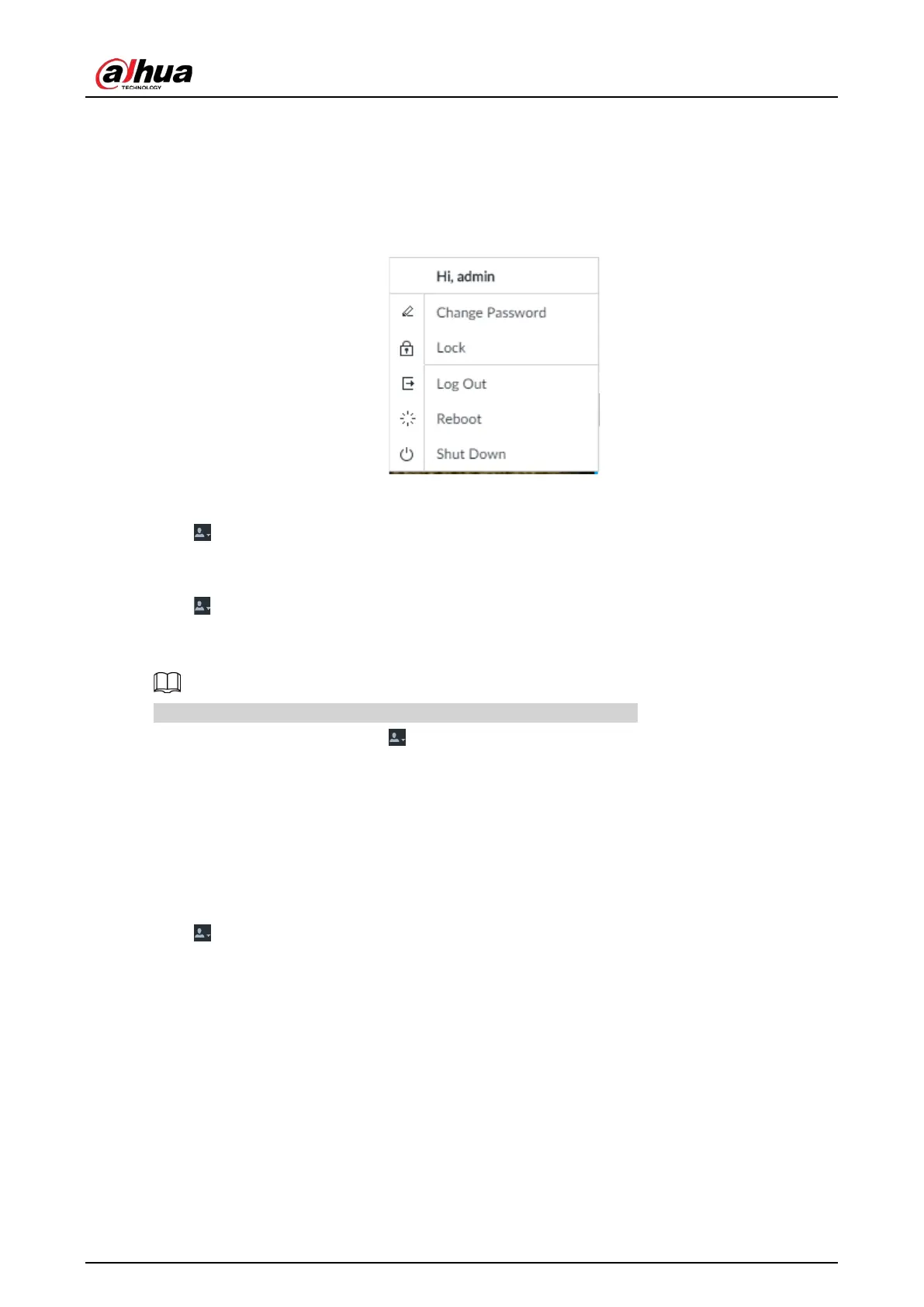
Log out, reboot, shut down and lock out the Device.
Figure 11-1 User operation
Logging Out
Click , and then select Log Out.
Rebooting
Click , and then select Reboot. System pops up confirm dialogue box. Click OK to reboot.
Shutting Down
To unplug the power cable might result in data (record and image) loss.
●
Mode 1 (recommended): Click , and then select
Shutdown. System pops up confirm dialogue
box and then click OK to shut down.
●
Mode 2: Use power on-off button on the device.
◇
8-HDD series product: Press power on-off button on rear panel.
◇
Other series products: Press the power on-off button on the device for at least 4 seconds.
●
Mode 3: Unplug the power cable.
Locking
Click , and then select Lock to lock the client. The locked client cannot be operated.
To unlock the client, click anywhere on the client, and then the Unlock dialogue box is displayed.
Enter the username and password, and then click
OK. You can also click Switch User to switch to
another user account.


 To Next Page
 Loading...

