User's Manual
112
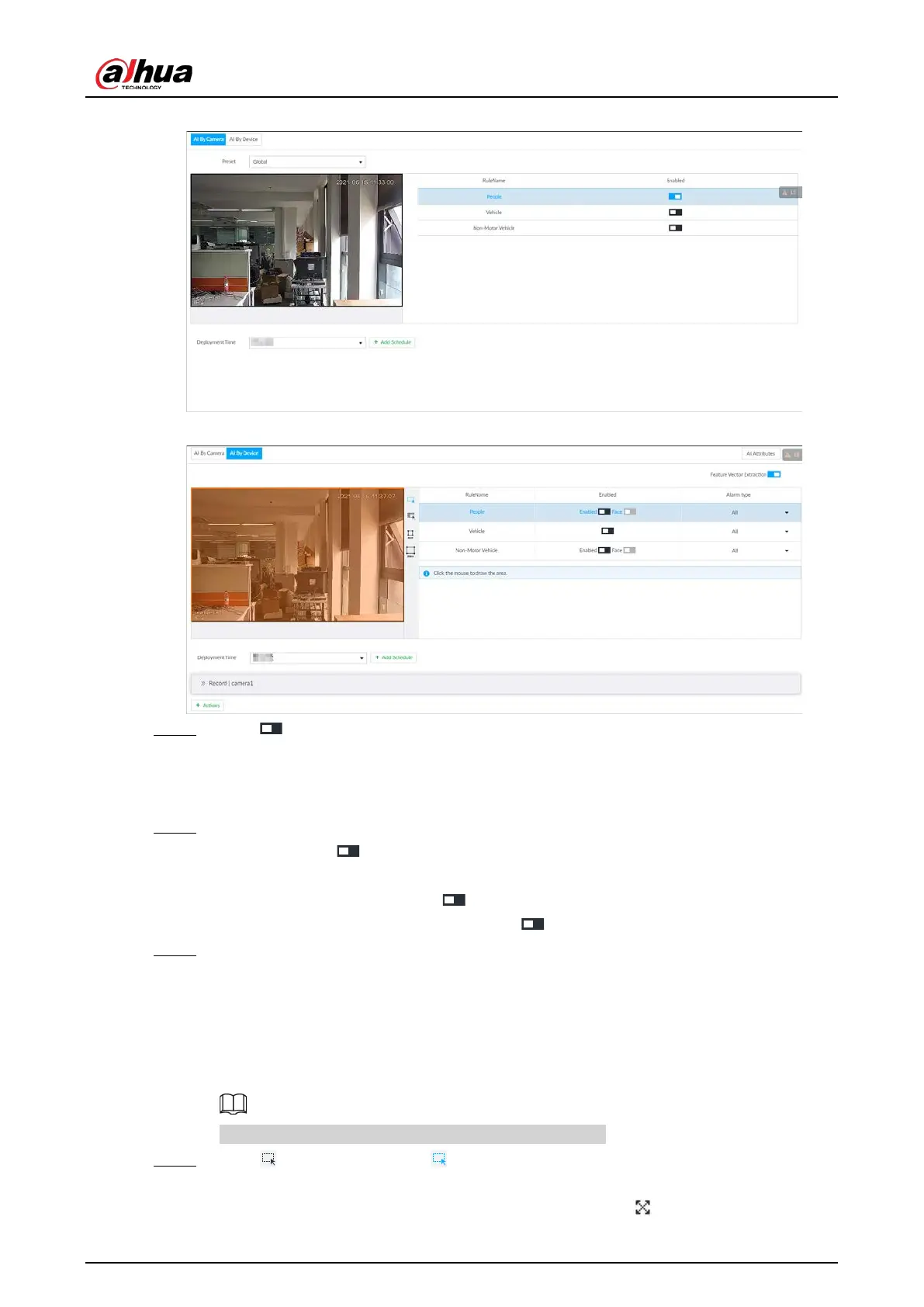
Figure 6-72 AI by camera
Figure 6-73 AI by device
Step 4 Click next to Feature Vector Extraction to enable feature extraction, and then the
Device can extract features of human, vehicles and non-motor vehicles and display them
on the live view. The search by image function is available only when feature vector
extraction is enabled.
Step 5 Select the detection target.
●
People: Click next to
Enabled to enable people detection. Face detection can also
be enabled at the same time.
●
Vehicle: Click corresponding to enable vehicle detection.
●
Non-Motor Vehicle: Click corresponding to enable non-motor vehicle detection.
Step 6 Select alarm type.
●
All: An alarm is triggered when a target is detected.
●
Match Attributes Alarm: An alarm is triggered when the detected target matches the
defined attributes.
●
Mismatch Attributes Alarm: An alarm is triggered when the detected target does not
match the defined attributes.
You can select alarm type only when AI by device is used.
Step 7 Click (the icon changes to ), and then you can configure detection area (orange) in
the video image.
●
Click any white dot on the frame, and the dot changes to .


 To Next Page
 Loading...

