User's Manual
171
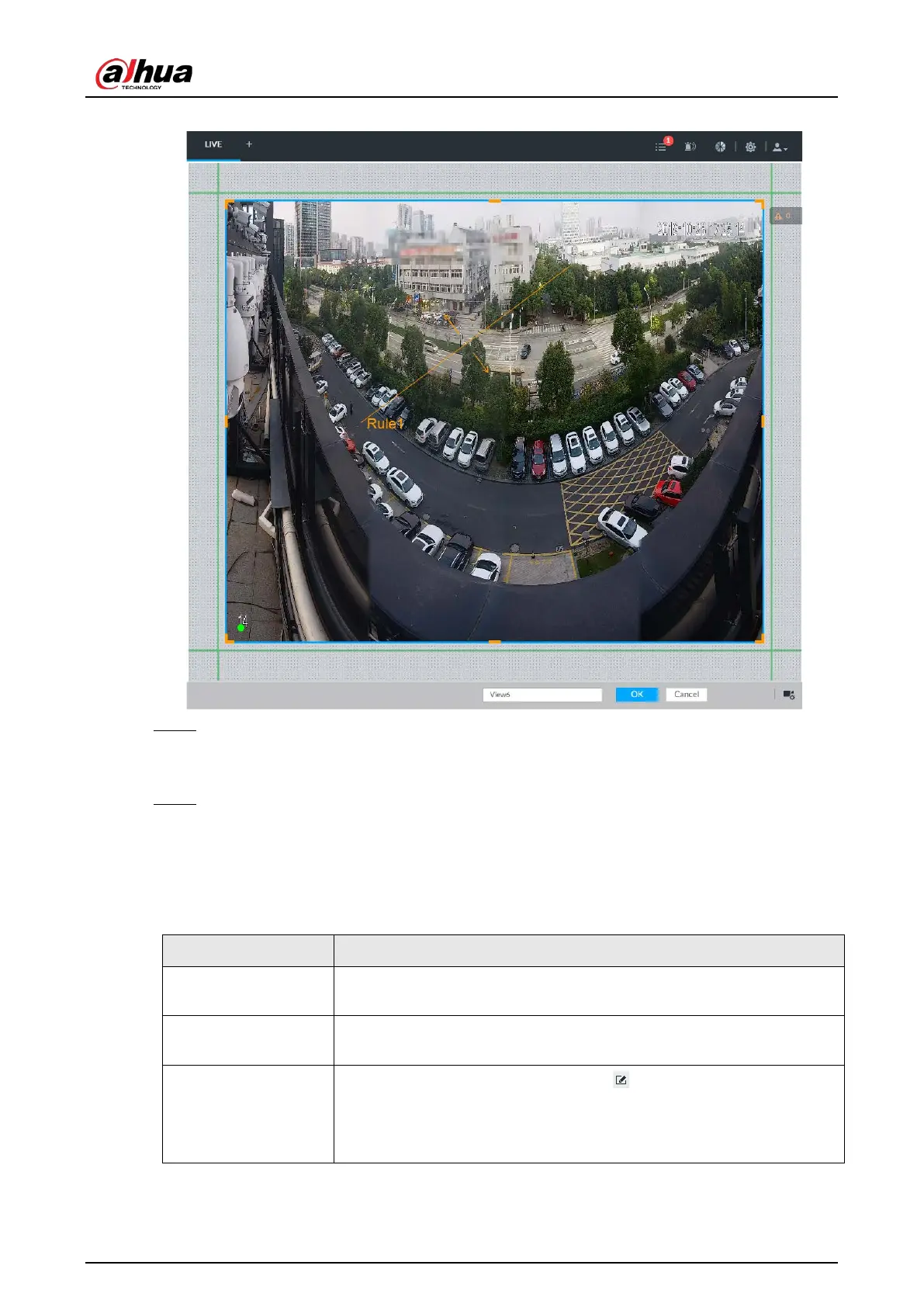
Figure 7-7 Edit view (2)
Step 3 Set view name.
The view name ranges from 1 to 64 characters. It can contain English letters, number and
special character.
Step 4 Click
OK to save the configuration.
Device pops up a prompt of Successfully operated.
Related Operations
After creating view, view can be edited, enabled, renamed or deleted.
Table 7-3 View
Edit View
Edit remote device in the view, window layout and view name. See
"7.1.1.2.2 Editing View" for detailed information.
Enable view
After enabling view, view real-time image of remote device in the view.
See "7.1.1.2.3 Enabling view" for detailed information.
Rename view
●
Select a view group and then click . Set view group name and
click any spare panel.
●
Right-click view and select
. Set view name and click any
spare panel.


 To Next Page
 Loading...

