User's Manual
31
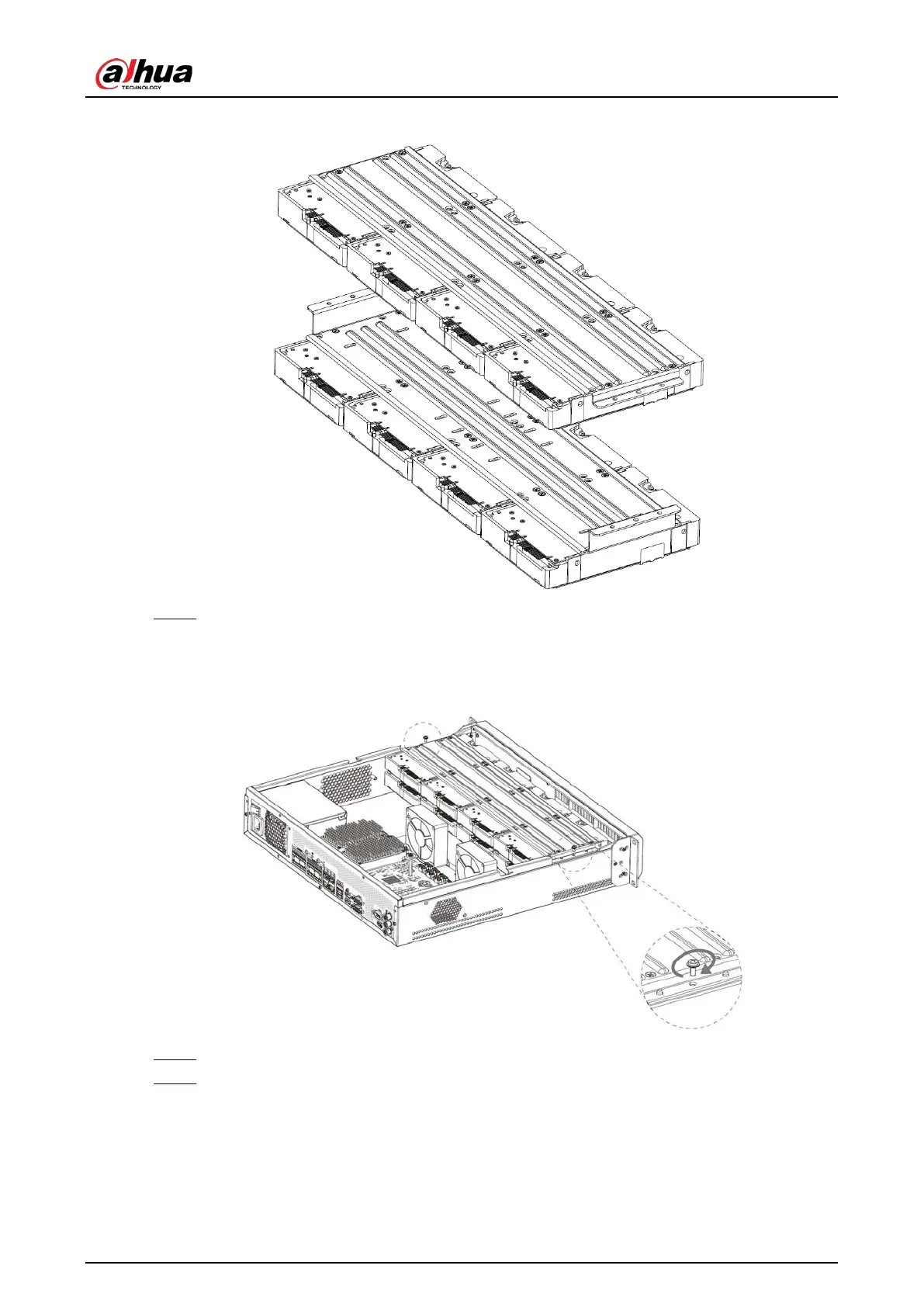
Figure 3-7 Install HDD (3)
Step 7 Align the left and right 2 pairs of holes of the two holders to the corresponding holes on
the chassis, place the holders on the chassis, and then tighten the screws on the edge of
the holders.
Figure 3-8 Install HDD holders
Step 8 Connect HDD signal wire and power cord.
Step 9 Put back the cover, and then tighten the 2 screws on the rear panel.


 To Next Page
 Loading...

