User's Manual
187
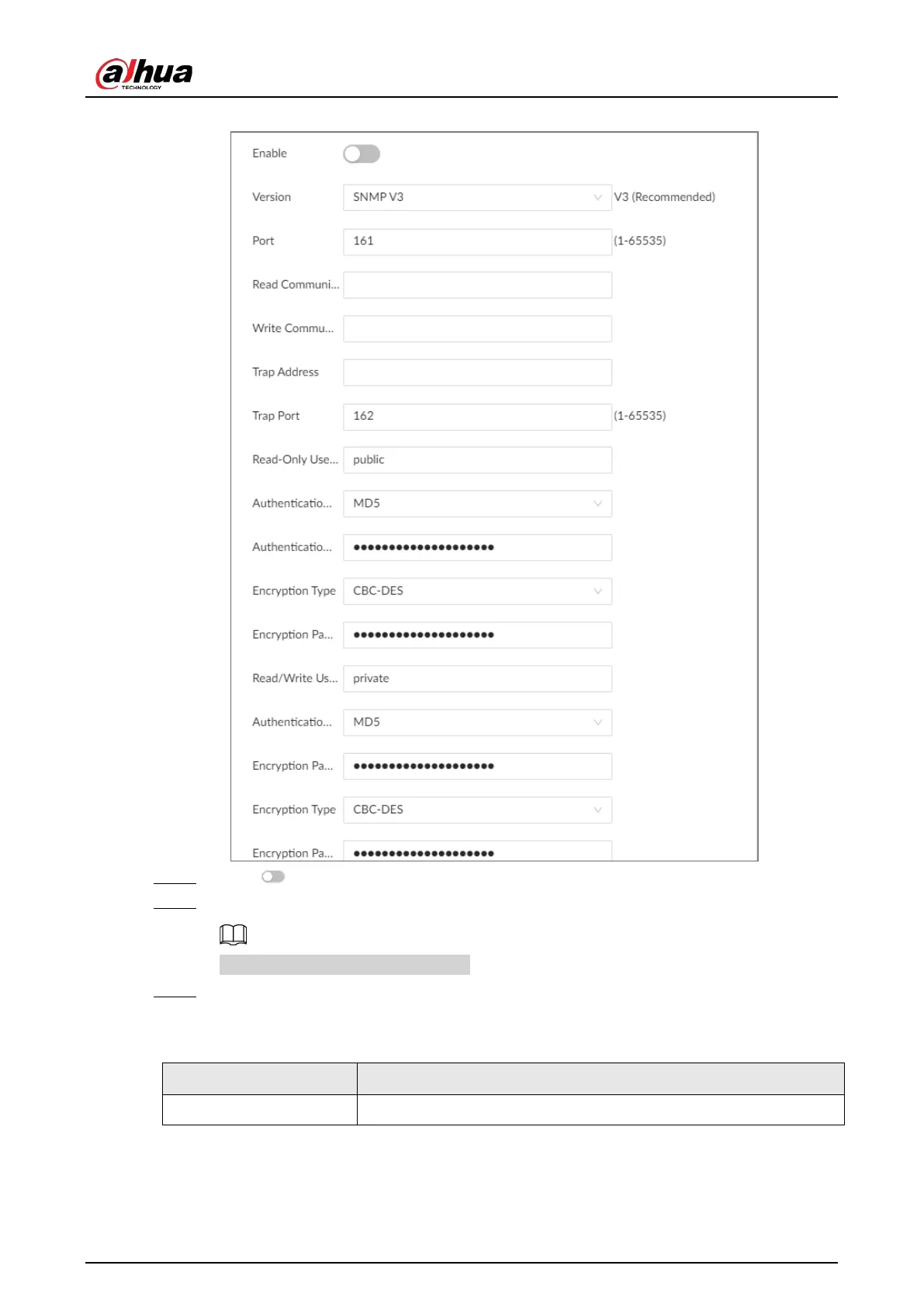
Figure 8-22 SNMP (1)
Step 4 Click to enable the function.
Step 5 Select SNMP version.
For data security, we recommend V3.
Step 6 Set parameters. For
Trap Address
, enter the IP address of the computer installed with the
MG-SOFT MIB Browser. Leave the other parameters as default.
Table 8-12 SNMP parameters
Parameter Description
Port Listening port of agent programs on the device.


 To Next Page
 Loading...

