User's Manual
330
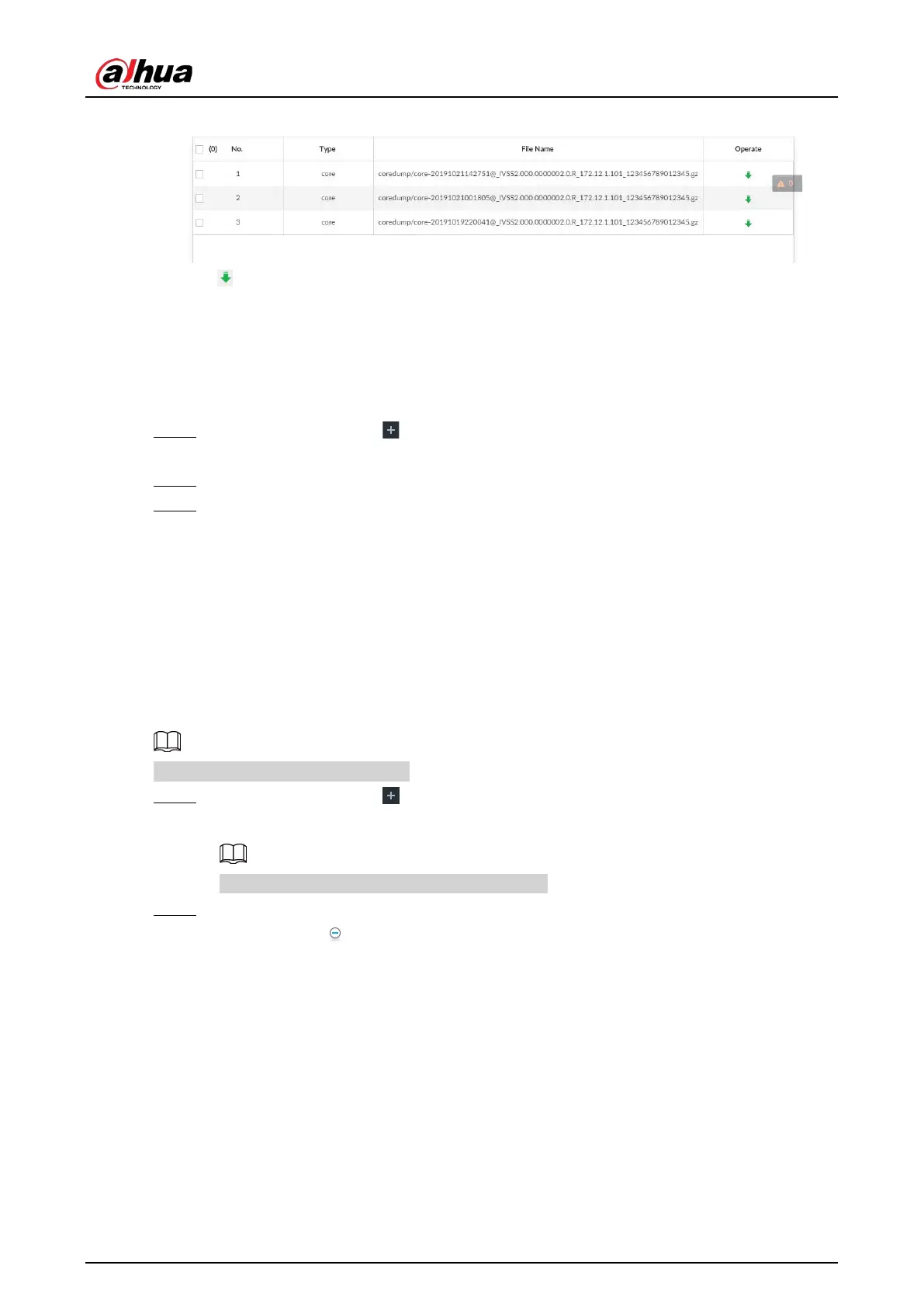
Figure 9-8 Logs
●
Click to export a log.
●
After selecting multiple logs, click
Export to export them in batches.
9.5.2 One-click Export
Export the diagnosis data for troubleshooting when the device is in exception.
Step 1 On the
LIVE page, click , and select MAINTAIN > Intelligent Diagnosis > One-click
Export.
Step 2 Click
Generate Diagnosis Data to generate diagnosis data.
Step 3 Click Export to export the diagnosis result.
9.6 Network Care
9.6.1 Online User
Search for remote access network user information or you can block a user from access for a period
of time. During the block period, the selected user cannot access the Device.
Cannot block yourself or block admin.
Step 1 On the
LIVE page, click , and select MAINTAIN > Network Care > Online User.
The Online User page is displayed.
The list displays the connected user information.
Step 2 Block user.
●
Block: Click corresponding to the user.
●
Batch block: Select multiple users you want to block and then click
Block.
The
Block page is displayed.



 To Next Page
 Loading...
