User's Manual
305
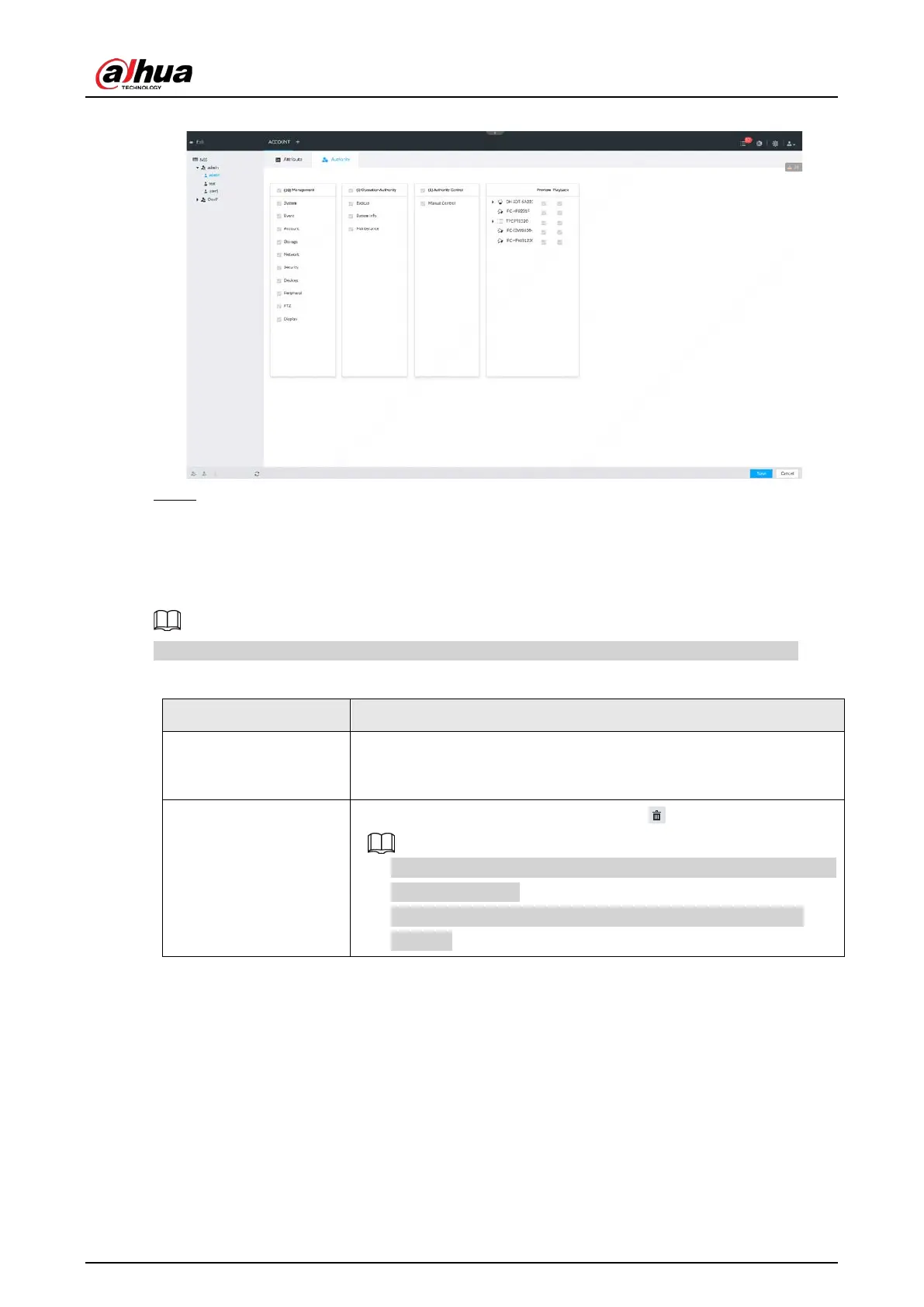
Figure 8-102 Authority
Step 6 Click Save.
8.7.2.2 Operation
After adding a user, you can modify user information or delete the user.
The user with account management authority can change its own and other users’ information.
Table 8-35 User operation
Edit user information
Select a user from user list. The
page of the user is
displayed, and the user’s login password and description information
can be modified.
Delete User
Select a user from user list, and then click to delete.
●
Before deleting an online user, block the user first. For details, see
"9.6.1 Online User".
●
User information cannot be restored after being deleted. Be
cautious.
8.7.3 Password Maintenance
Maintain and manage user’s login password.
8.7.3.1 Changing Password
Change user’s login password.



 To Next Page
 Loading...
