User's Manual
323
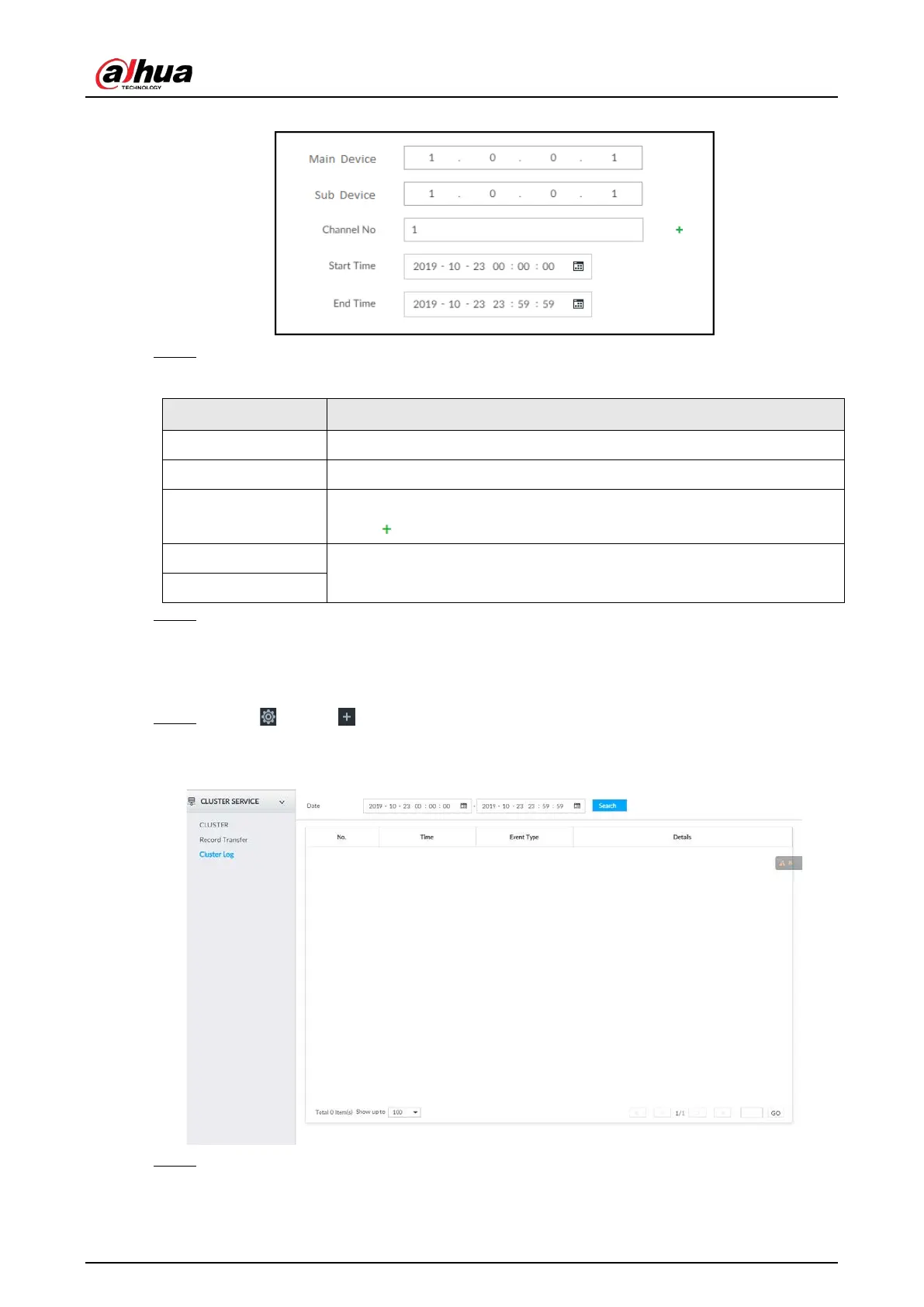
Figure 8-125 Add
Step 3 Set parameters.
Table 8-43 Parameters
Main Device Main device IP.
Sub Device Sub device IP.
Channel No.
Select the channel of which the video is to be transferred.
Click to set the channel range.
Start Time
The start and end time of the video.
End Time
Step 4 Click OK.
8.9.3 Viewing Cluster Log
Step 1 Click , or click on the configuration page, and then select CLUSTER SERVICE >
Cluster Log.
Figure 8-126 Cluster log
Step 2 Set search time, and then click Search.
The logs during the set time period are displayed.


 To Next Page
 Loading...

