User's Manual
236
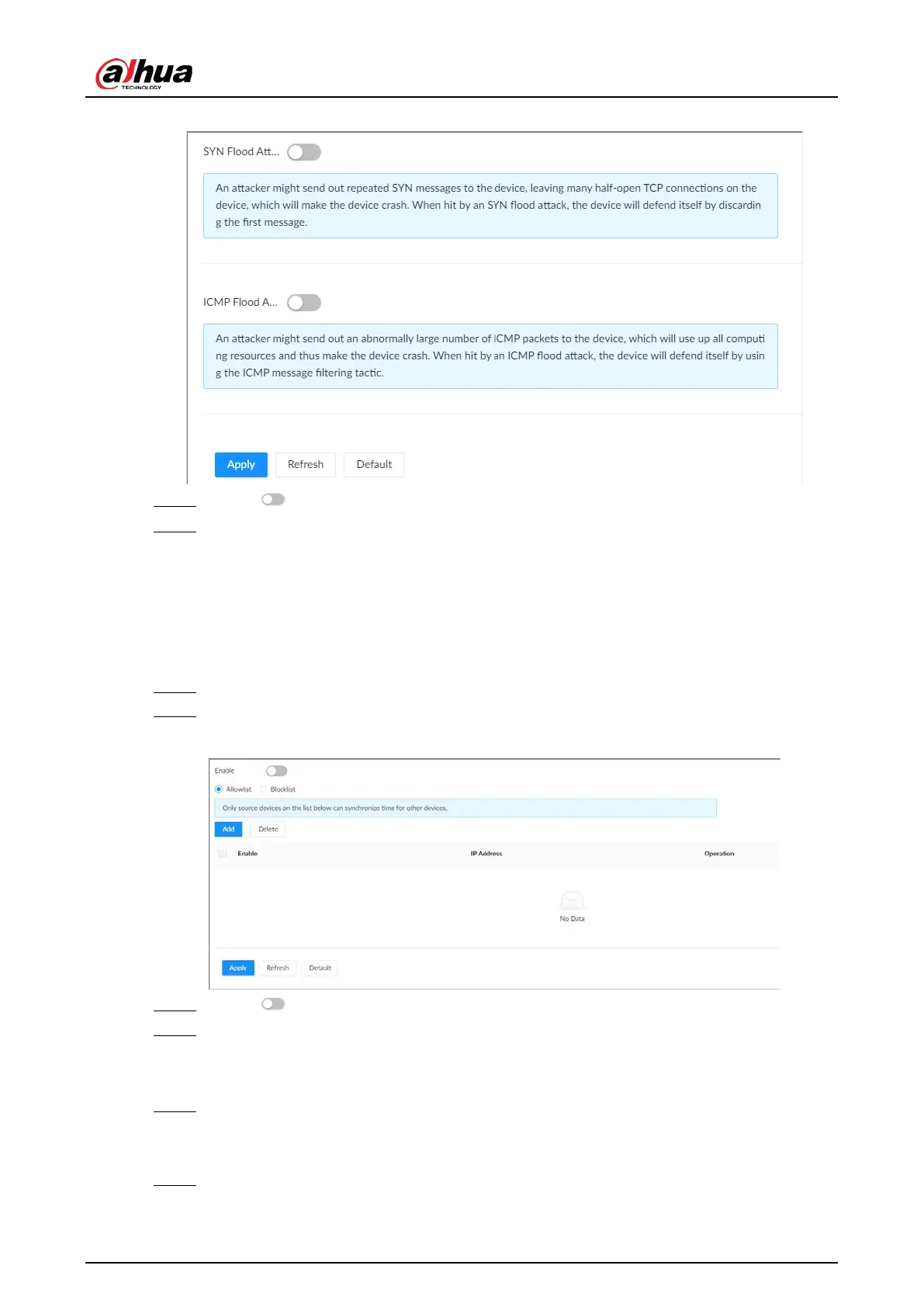
Figure 8-68 Account lockout
Step 3 Click to enable
SYN Flood Attack Defense
or
ICMP Flood Attack Defense
.
Step 4 Click
Apply
.
8.5.3.4 Time Synchronization Permission
Configure permissions of time synchronization actions from other devices or servers.
Procedure
Step 1 Log in to the PC client.
Step 2 On the home page, select
Security
>
Attack Defense
>
Sync Time
.
Figure 8-69 Sync time
Step 3 Click to enable time synchronization restriction.
Step 4 Select
Allowlist
or
Blocklist
.
●
Allowlist
: Hosts on the allowlist have the permission to synchronize time of the Device.
●
Blocklist
: Hosts on the blocklist cannot synchronize time of the Device.
Step 5 Click
Add
to add an allowlist or blocklist.
You can allow or prohibit a specific IP address, IP addresses on a specific network segment,
or a specific MAC address to synchronize time with the Device.
Step 6 Add IP addresses to the allowlist or blocklist .
1) Click
Add
.


 To Next Page
 Loading...

