User's Manual
208
7.4.1.2 Importing Task Resources
Import task resources from PC or USB storage device for AI analysis.
Procedure
Step 1 On the LIVE page, click , and then select TASK > Resource Management.
Figure 7-51 Resource management
Step 2 Click Import to import .dav file from PC or USB storage device.
Related Operations
●
: Delete task resources.
●
: Search for task resources by file name.
7.4.1.3 Creating AI Analysis Task
Step 1 On the LIVE page, click , and then select TASK > AI Analysis Task.
Step 2 Click Create.
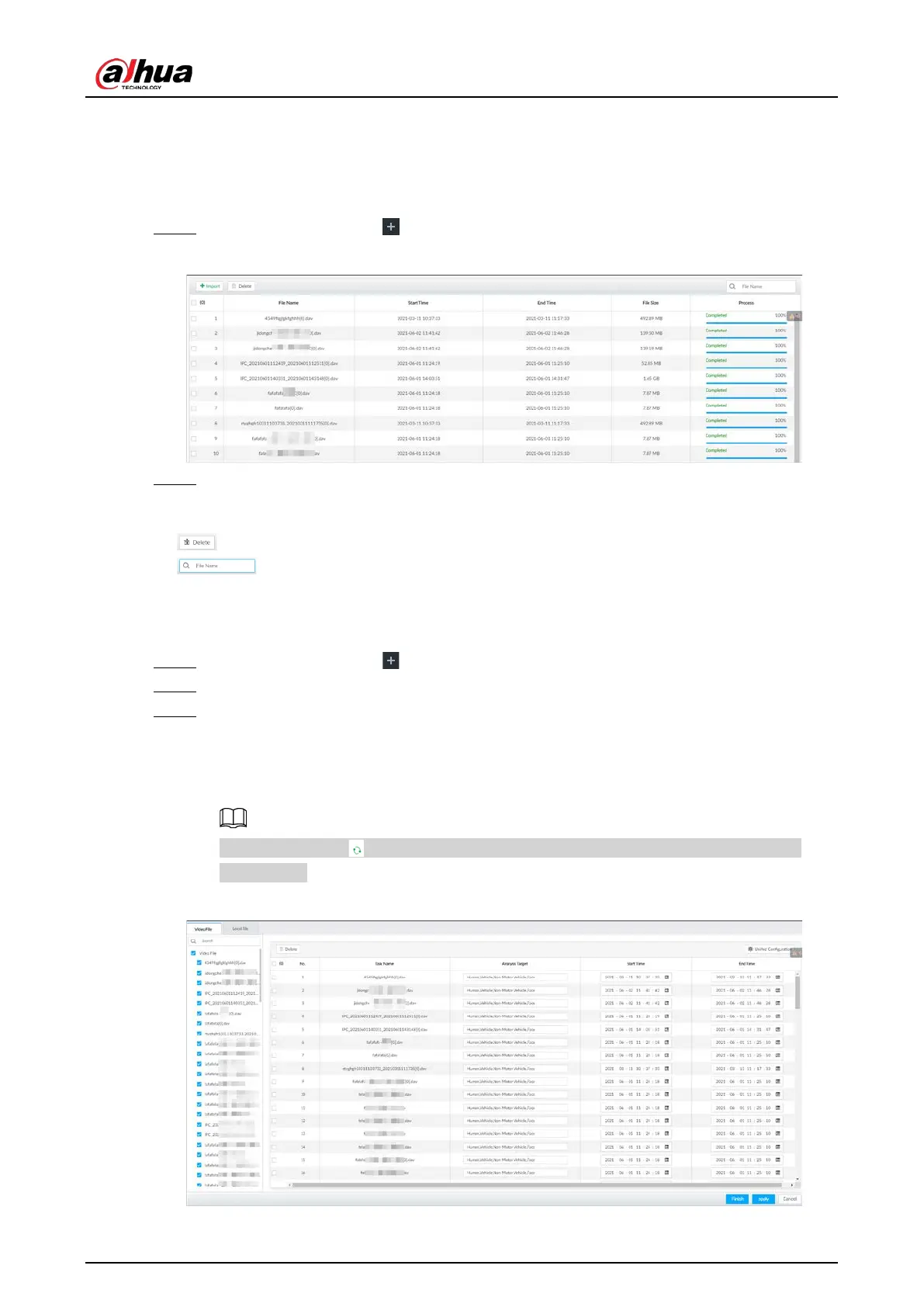
Step 3 Select the files or channels to be analyzed.
●
In the
Video File tab, select the video files to be analyzed. The files are imported from
PC or USB storage device
。
●
In the
Local File tab, select the channels whose videos you want to analyze.
In the device tree, indicates that the camera has been configured with intelligent
analysis task.
Figure 7-52 Create AI analysis task



 To Next Page
 Loading...
