User's Manual
221
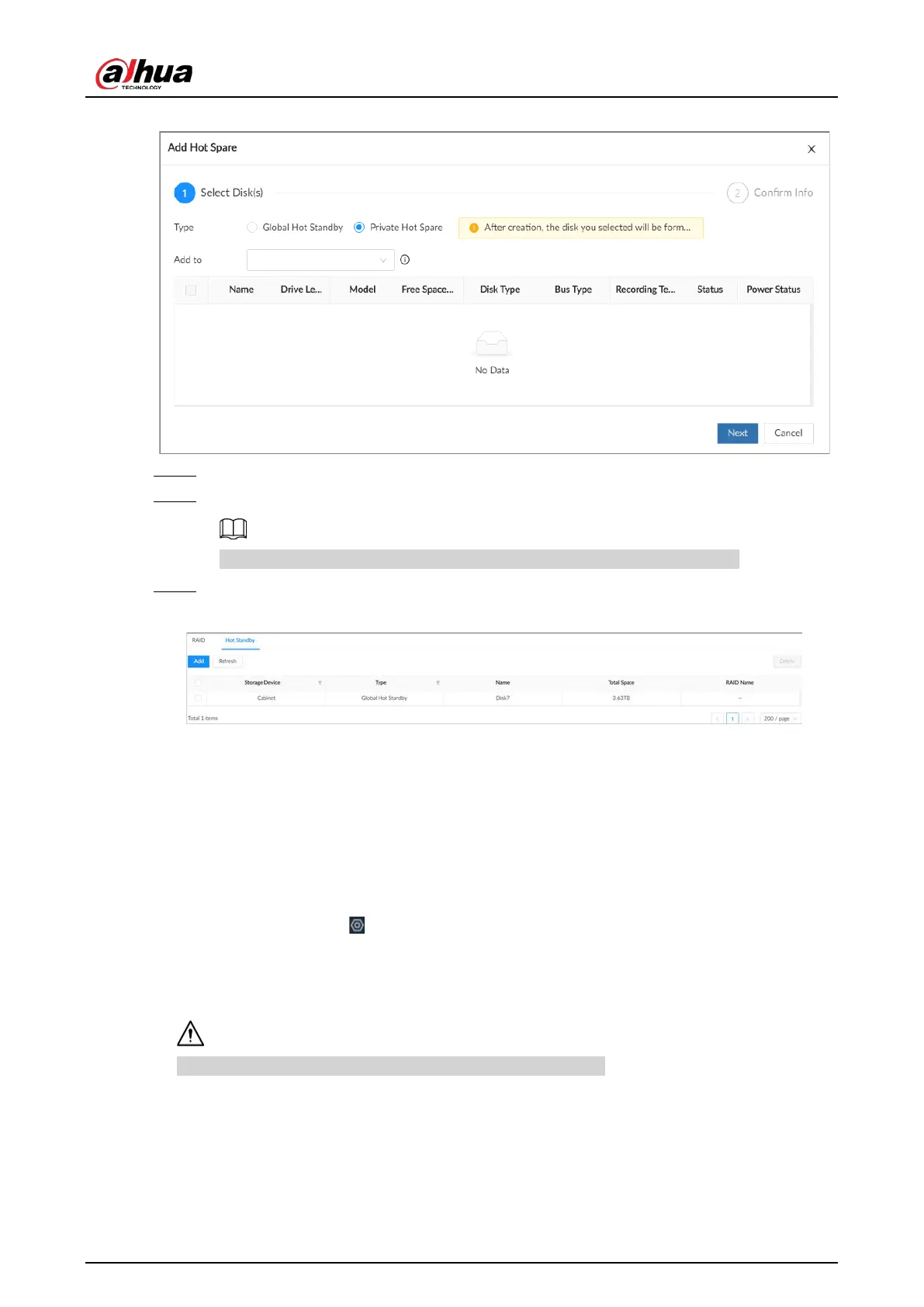
Figure 8-51 Private hot standby
Step 6 Click
Next
.
Step 7 Confirm information, and then click
Create
.
If the information is wrong, click
Back
to modify the hot standby parameters.
Step 8 Click
Create
.
Figure 8-52 Hot standby
8.4.1.3 Network Disk
Network disk is a network-based online storage service that stores device information on the
network hard disk through the iSCSI protocol.
8.4.1.3.1 iSCSI Application
Log in to the PC client. Click on the upper-right corner and then select
Storage
>
Storage
Resource
>
Network Disk
>
iSCSI Application
. .ou can view usage of the network disk, including its
remaining capacity and status.
●
Select a network disk, and then click
Format
to format the disk.
Please be advised that formatting will erase all data on the disk.
●
Click the box in the
Disk Operation
column, and then you can select an operation permission


 To Next Page
 Loading...

