User's Manual
183
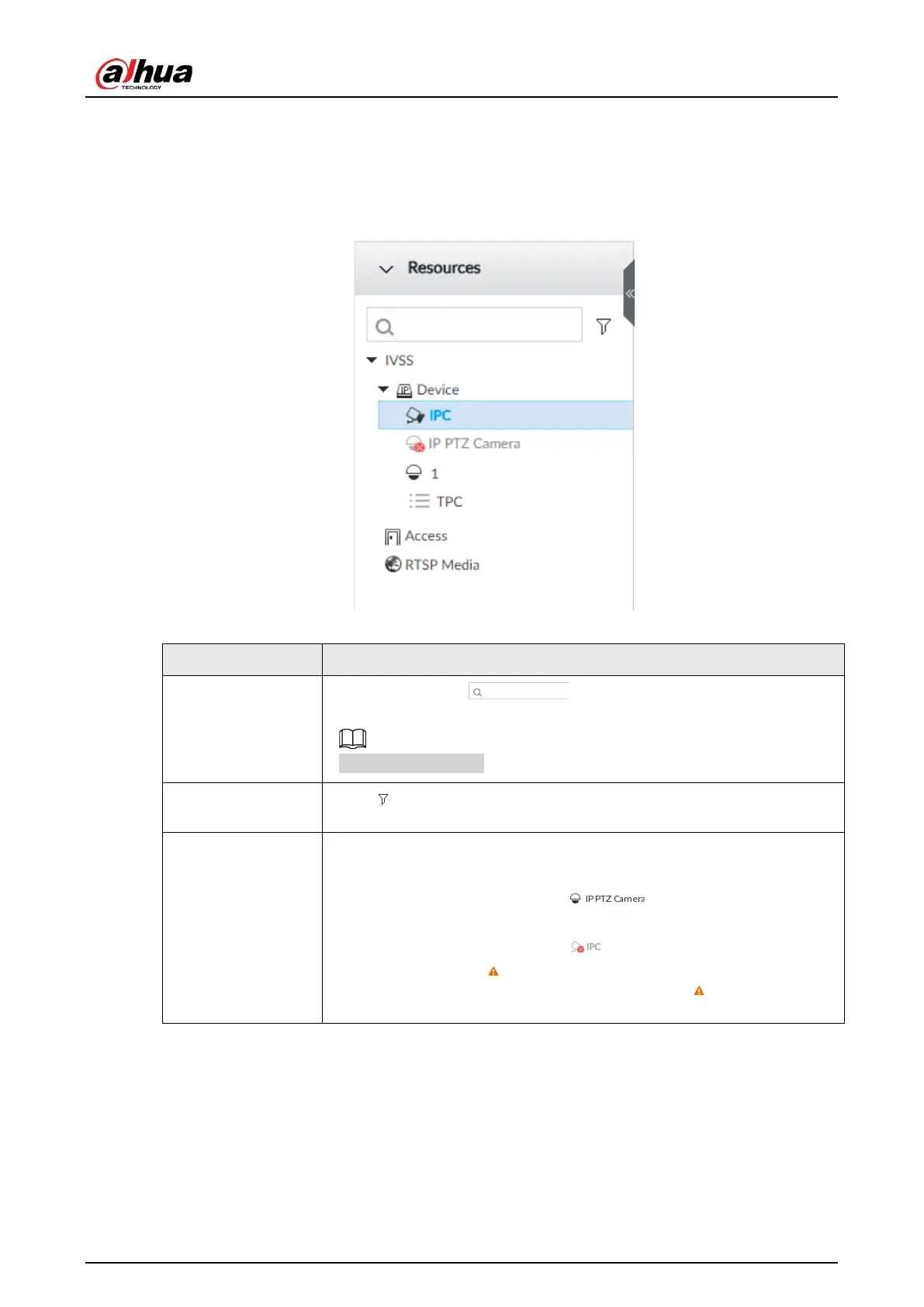
7.1.2 Resources Pool
The resource pool displays the added remote device list. The system automatically divides into
groups according to device type.
Figure 7-20 Resources pool
Table 7-8 Resources pool description
Search device
Input key words at , device displays the corresponding
remote devices.
Support fuzzy search.
Filter device
Click and then select all, online, offline. It is to filter the disqualified
remote device.
View device status
Display remote device status on the resources pool.
●
If the remote device name and icon is black, it means the remote
device is online. For example, .
●
If the remote device name and icon is gray, it means the remote
device is offline. For example, .
●
If there is an icon before the remote device, it means remote
device is abnormal, alarming, and so on. Point to , to view the
detailed information.


 To Next Page
 Loading...

