User's Manual
168
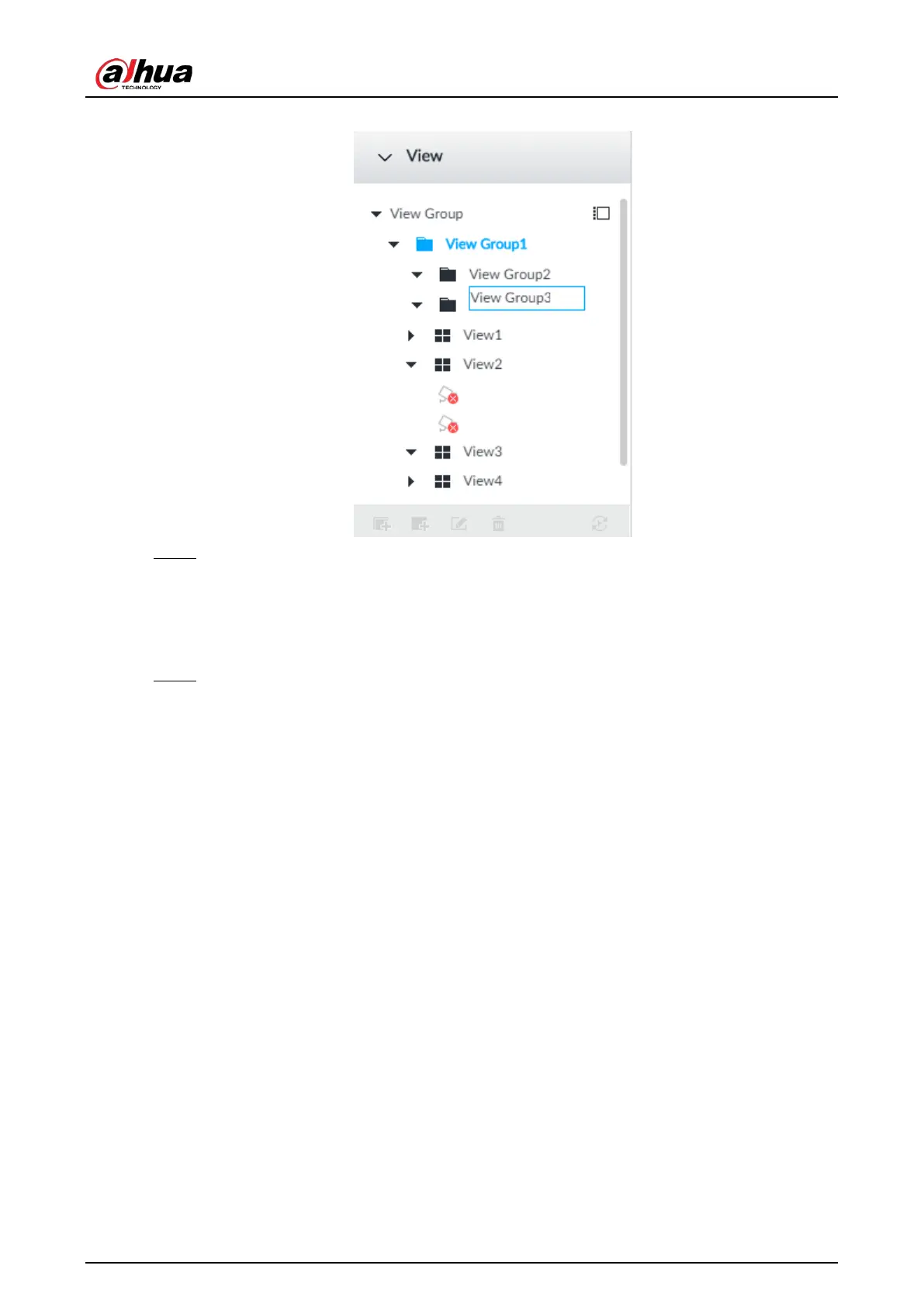
Figure 7-4 Create view group
Step 2 Set view group name.
●
The view group name ranges from 1 to 64 characters. It can contain English letters,
numbers and special characters.
●
View group is to classify or category different view groups. We recommend the view
group name shall be easy to recognize.
Step 3 Click any black space on the page.
7.1.1.1.2 Operation
After creating view group, view group can be renamed or deleted.


 To Next Page
 Loading...

