User's Manual
264
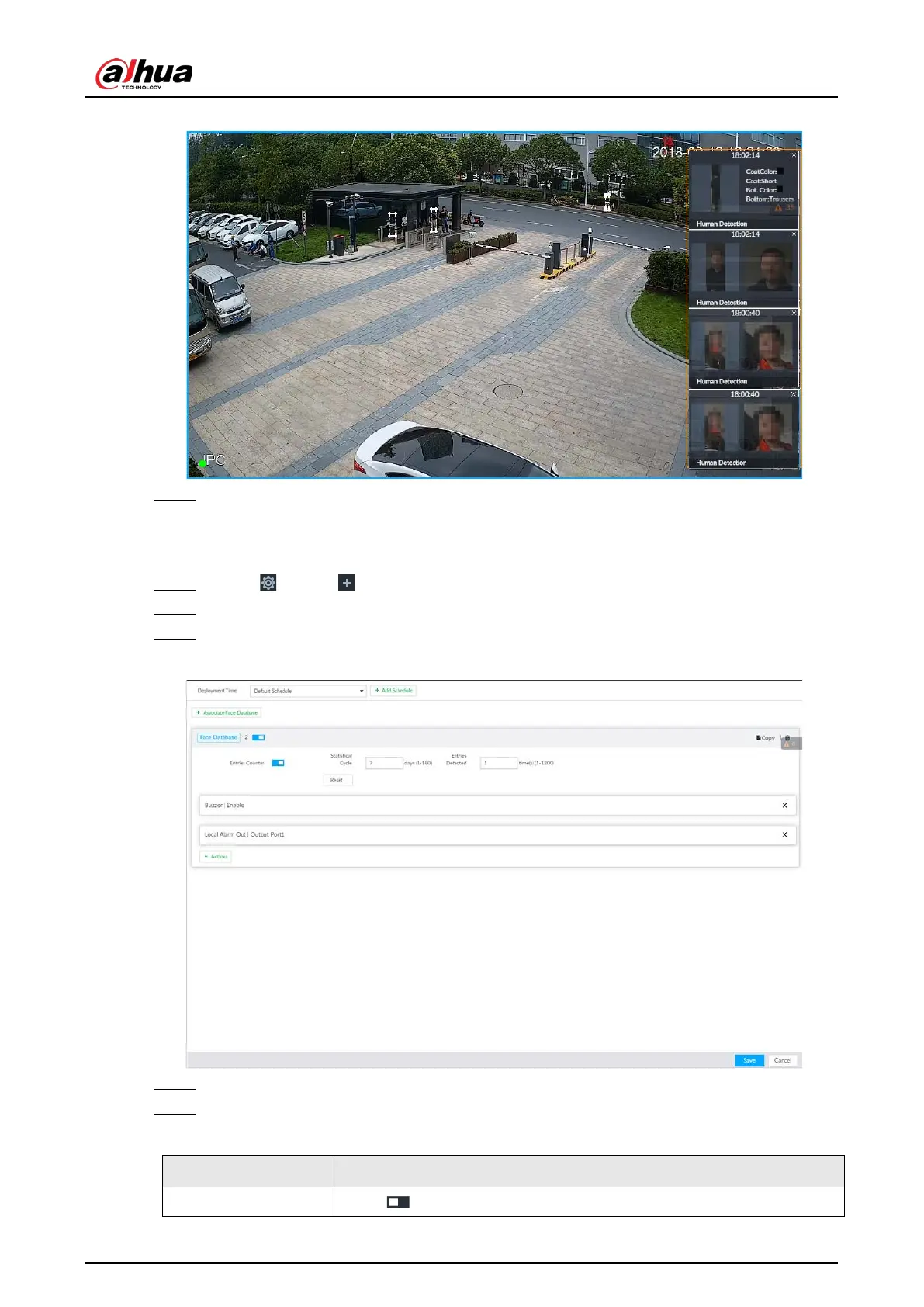
Figure 8-55 Features panel
Step 7 Click Save.
8.4.2.4.3 Setting Entries Frequency
Step 1 Click , or click on the configuration page, and then select EVENT.
Step 2 Select the root node in the device tree on the left.
Step 3 Select AI Application > Entries Frequency.
Figure 8-56 Entries frequency
Step 4 Click Associate Face Database, and then select the database to be linked.
Step 5 Configure the parameters.
Table 8-20 Entries frequency parameters
Entries Counter Click to enable entries counter. Entries will be counted.


 To Next Page
 Loading...

