User's Manual
72
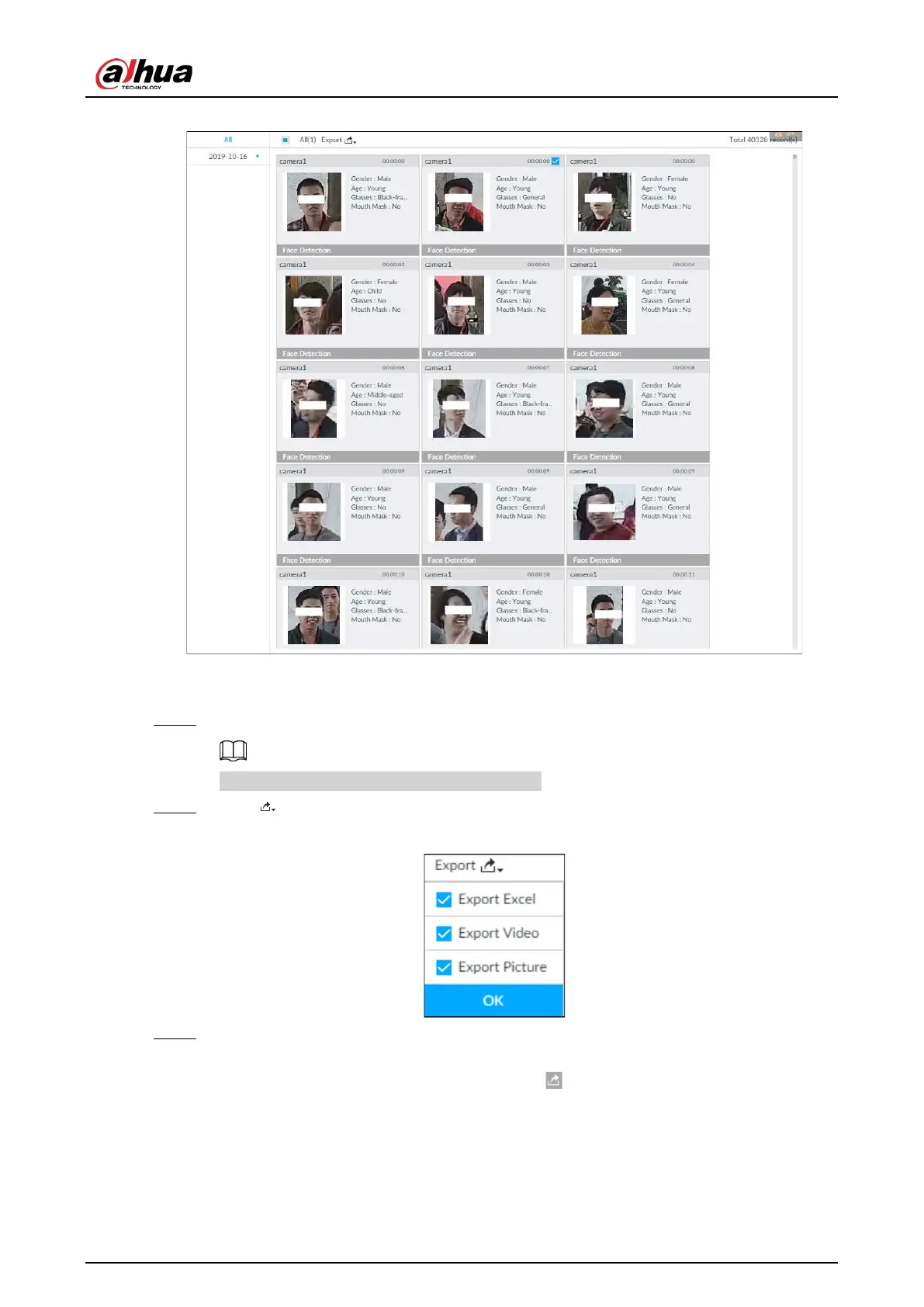
Figure 6-19 Search results of face records
●
Export in batches
Export more than one record. Support specifying file formats.
Step 1 Select more than one record.
To export all records, select the checkbox of All.
Step 2 Click , and then select file formats.
Figure 6-20 File format
Step 3 Click OK, and then follow the onscreen instructions to finish exporting.
●
Export one by one
1. Point to a piece of record, and then click .
2. The Save page is displayed.
3. Select a file type between DAV and MP4, set the saving path, and then click
OK.
Export one piece of record. The exported file contains picture, video and video player by
default.


 To Next Page
 Loading...

