User's Manual
198
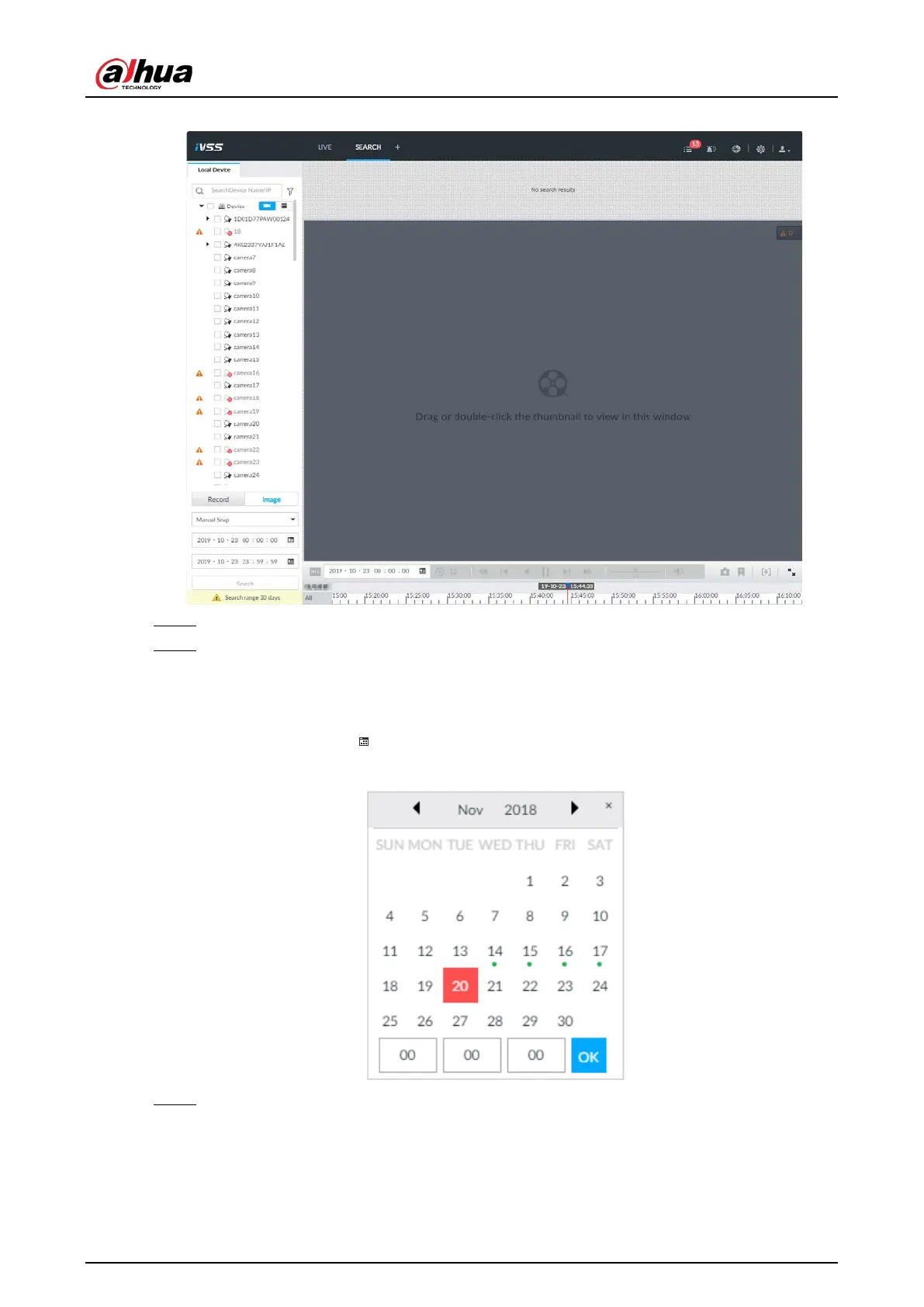
Figure 7-36 Image playback (1)
Step 3 Select image type, including Manual Snap, Video Detect, IO Alarm and Thermal.
Step 4 Set search time.
●
Method 1: Click the date or time on the time column, change time or date value.
●
Method 2: Click the date or time on the time column, use the mouse wheel to adjust
time or date value.
●
Method 3: Click , set date or time on the schedule, click
OK.
Figure 7-37 Schedule
Step 5 Click Search.


 To Next Page
 Loading...

