User's Manual
212
3) Set the time period.
Step 4 Click
Search.
Step 5 Back up files by downloading or remote backup.
●
Download
1) In the search results, select one or more files, and then click
Download.
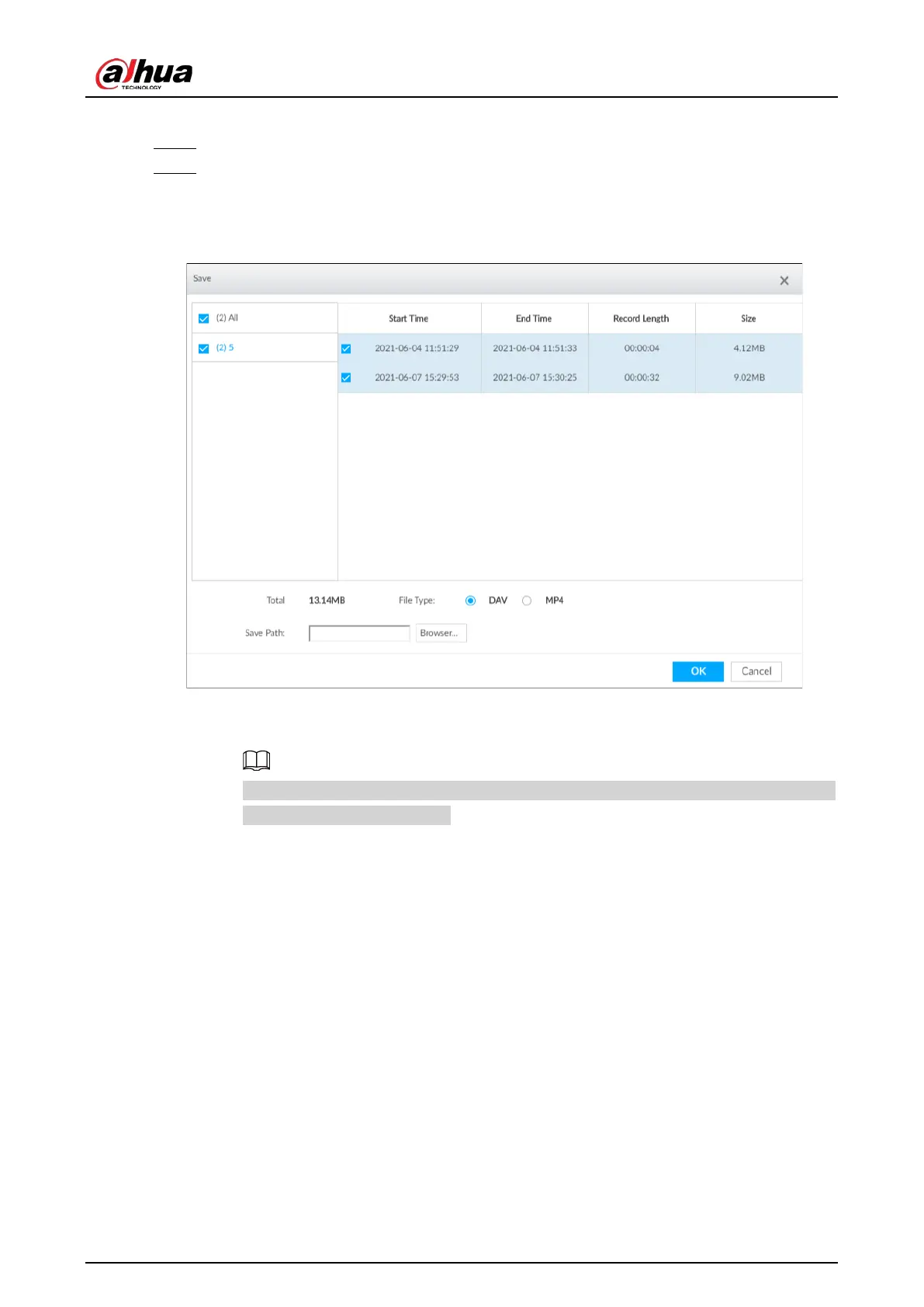
Figure 7-57 Save
2) Select a file type.
3) Click
Browse to set saving path. You can download files to PC or USB storage device.
When downloading to USB storage device, making sure that the USB device has already
been connected to the Device.
4) Click
OK.
●
Remote backup
1) In the search results, select one or more files, and then click
Remote Backup.


 To Next Page
 Loading...

