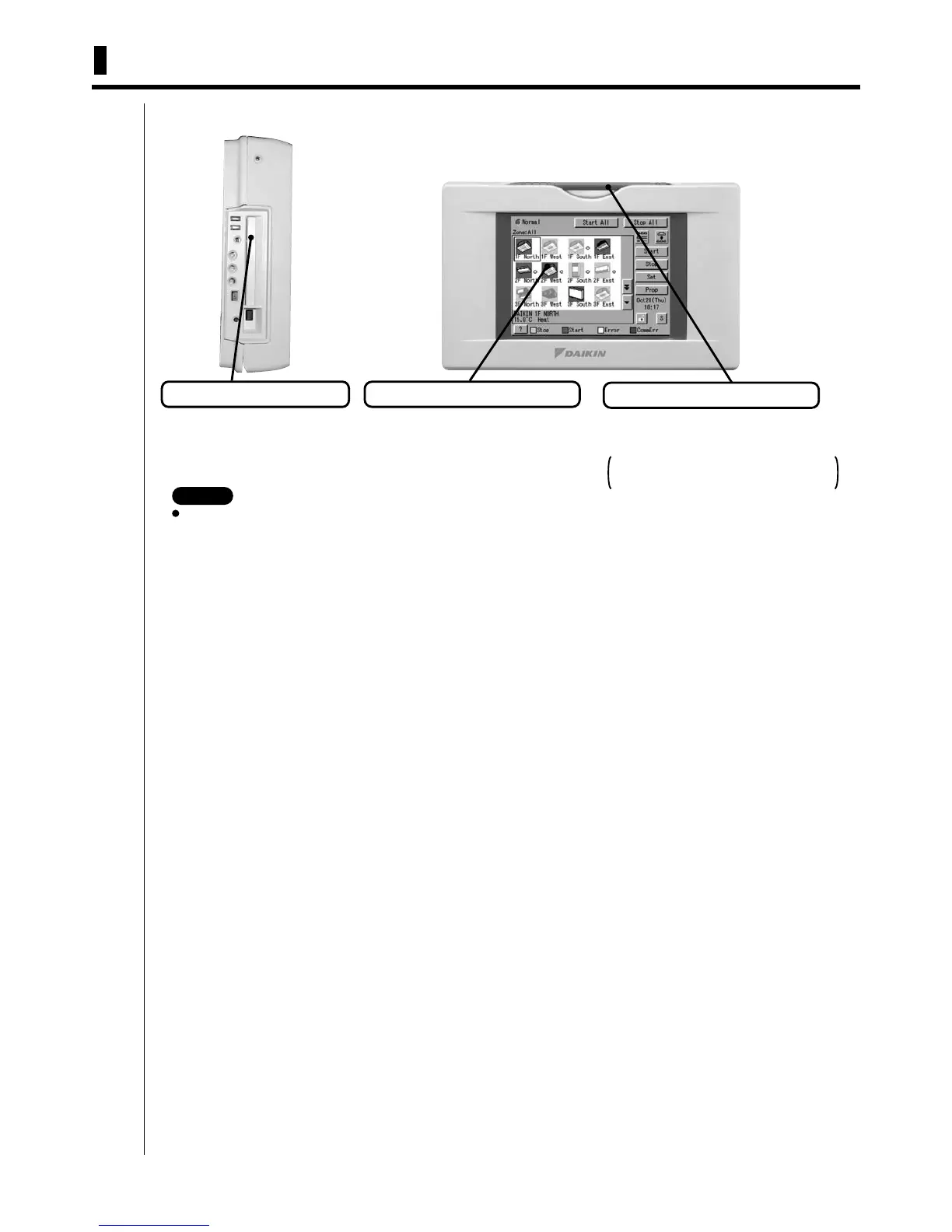
92 1.1 Front and Side View
intelligent Touch Controller
1. Part Names and Functions
1.1 Front and Side View
3P073677-12R
Be sure to use the touch pen for operation of the touch panel of the intelligent Touch Controller.
Operating with an object other than the touch pen provided may cause damage and failure.
Color LCD with Touch Panel
Provides a display for monitoring
and operation.
Be sure to use the touch pen
provided for operation.
PCMCIA Card Slot
Used when using the optional
Power Proportional Distribution
(DCS002C51) or updating the
intelligent Touch Controller
software to a newer version.
Touch Pen
Use the touch pen for operation.
Be sure to use the touch pen for operation.
Use caution not to lose the touch pen.
When the pen is lost, contact the dealer
you purchased the product from.
NOTE



 To Next Page