8.1 Check for Centralized Control Devices in Simultaneous Use 49
Fundamental of DIII-NET
8.
Combination of Multiple Central Remote Controllers <DCS302CA61 • DCS301BA61 • DST301BA61>
8.1 Check for Centralized Control Devices in Simultaneous Use
Be sure to always mount the
connector for parent centralized
control.
No master/slave setting required.
(Remote control inhibition can be
allowed at any time.)
Upper Lower
Middle
intelligent Manager
BACnet
®
Interface
DMS-IF
intelligent Touch
Controller
Central controller
ON/OFF controller
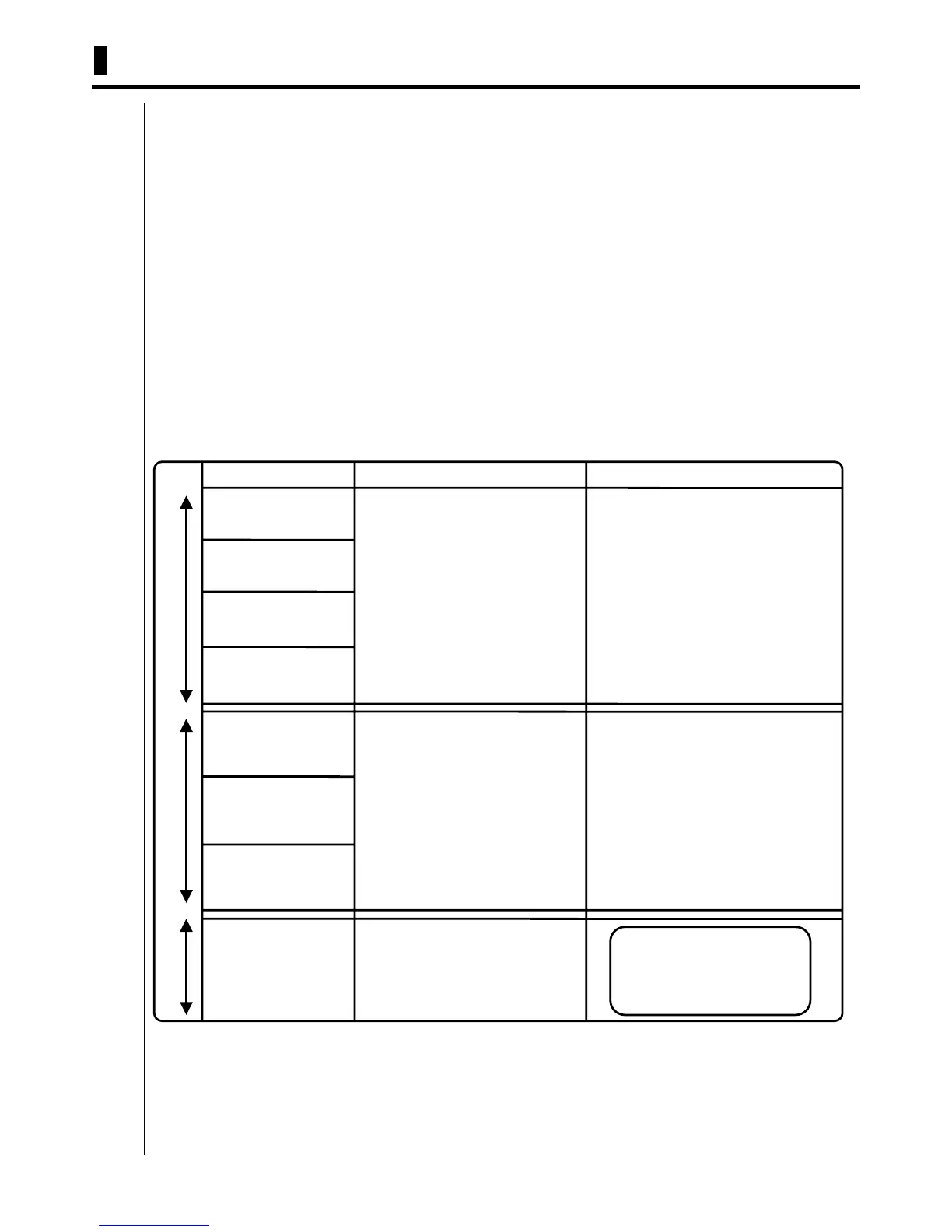
Connector setup for DIII-NET parent centralized control
Master/slave setup
Unit name
DIII-NET PLUS adaptor
Parallel interface
intelligent Touch Controller requires the following two settings. Note that these settings may vary depending on
the types of centralized control units in simultaneous use. Check for centralized control units in each customer
and list the necessary intelligent Touch Controller settings in the form of the next page, referring to a summary
given in the following table before starting to make the settings.
1. Making the setting for the master or slave
When two intelligent Touch Controller’s are connected or one central controller and one intelligent Touch
Controller are used, one unit must be set up as the master and another as the slave.
(Only the intelligent Touch Controller set up as the master permits you to make the settings for remote control
permission/inhibition and setup temperature limitation.)
*Note that the intelligent Touch Controller must be set up as the master when only one intelligent Touch
Controller is available.
2. Setting the connector for DIII-NET parent centralized control
Attach the connector only to one of the centralized control units connecting to the DIII-NET
communication line and remove all the other centralized control units.
Only the unit provided with the connector supplies power to the DIII-NET communication line.
Read the following descriptions for master/slave settings and relationship among settings required
for DIII-NET parent centralized control.
For presence of upper unit
⇒ Remove the connector for parent
centralized control.
For absence of upper unit
⇒ Attach the connector for parent
centralized control to one of the
middle-grade units for use.
For presence of upper or middle unit
⇒ Remove the connector for parent
centralized control.
For absence of upper and middle units
⇒
Attach the connector for parent centralized
control to one of the lower units for use.
Set one of the middle units as the master and
another as the slave.
Master = Settings for remote control inhibition
can be made (when the upper unit is not used).
Slave = Settings for remote control inhibition
cannot be made.
When the upper unit is used together :
⇒ Settings for remote control inhibition cannot
be made.
*DIII-The NET PLUS adaptor has no
master/slave relationship.
For details of master/slave settings
on the ON/OFF controller, refer to
the D-BACS Design Guide.)



 To Next Page