RS20i Installation and Operating Guide Page E-8
Appendix E. Remote Command API Document #: 9301H52900 Ver. 1.02
Audio Setup
10. Channel Noise Sequencer
Command: @NOISESEQ<space>[value]<CR>
Operation
Response: NOISESEQ value<CR>
Read/Write
Enable an internally generated pink noise that is sequenced through RS20i channels.
The exact channel sequence is dependant on the speaker configuration. This sequence
for each speaker configuration is shown in the table below. The LFE and additional sub
woofers are not included in the noise sequence.
NOTE! Auro-3D configurations are only available if the RS20i has the Auro-3D
option installed
Parameters
value Selection
0
Turn off pink noise.
1
Automatically sequence pink noise through each channel.
2
Manual mode: Use to stop pink noise on current speaker.
3
Channel Step. Advance to the next channel in the sequence
and return to manual mode (value will be
2 when read from
the command).
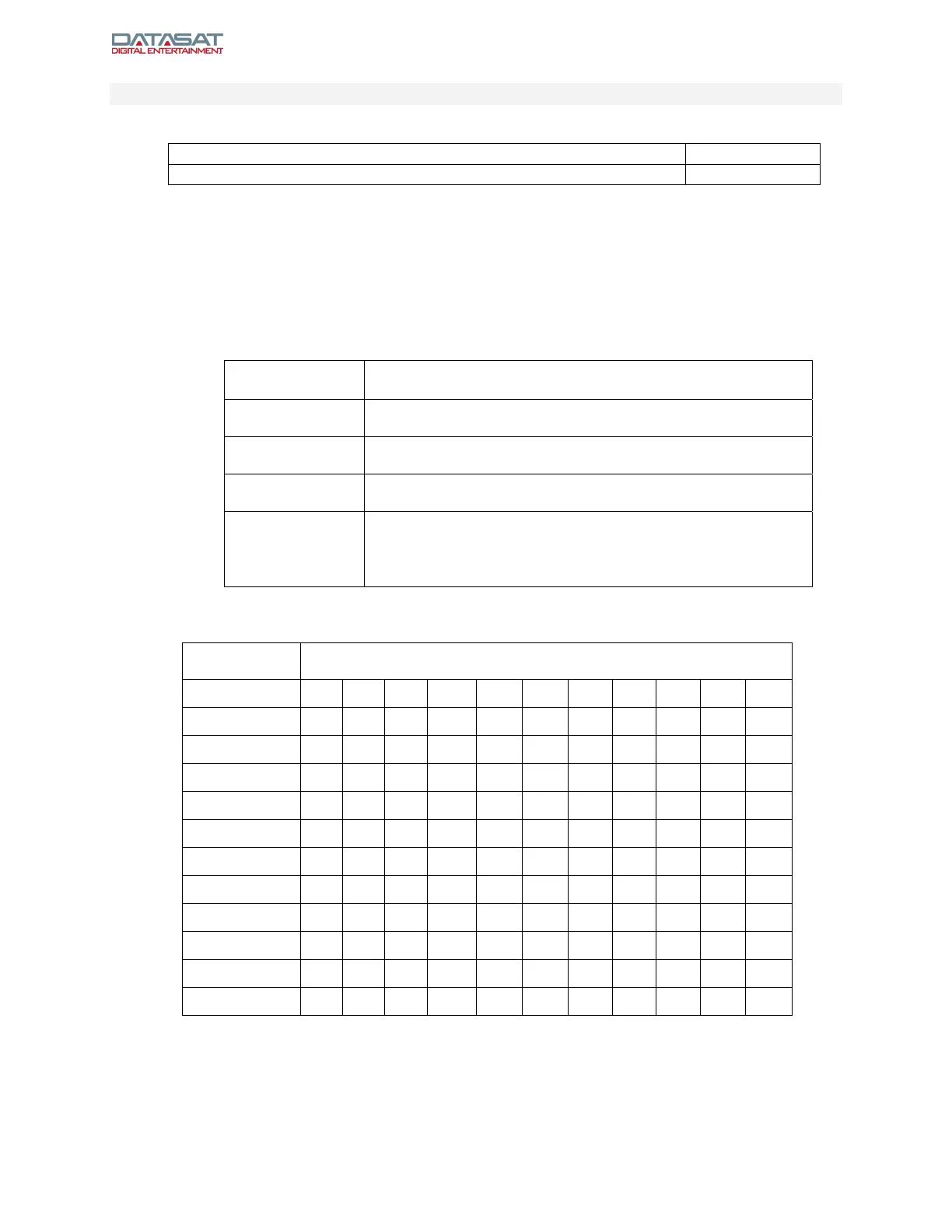
Table 1. Non-Auro Configurations
Speaker
Configuration
Channel Sequence
2.0 L R
2.1 L R
3.1 L C R
4.1 L R RS LS
5.1 L C R RS LS
7.1h L C R HR RS LS
7.1w L C R RW RS LS LW
9.1hw L C R RW HR RS LS HL LW
7.1 L C R Rs Rb Lb Ls HL
9.1h L C R HR Rs Rb Lb Ls HL
9.1w L C R RW Rs Rb Lb Ls LW
11.1hw L C R RW HR Rs Rb Lb Ls HL LW



 To Next Page