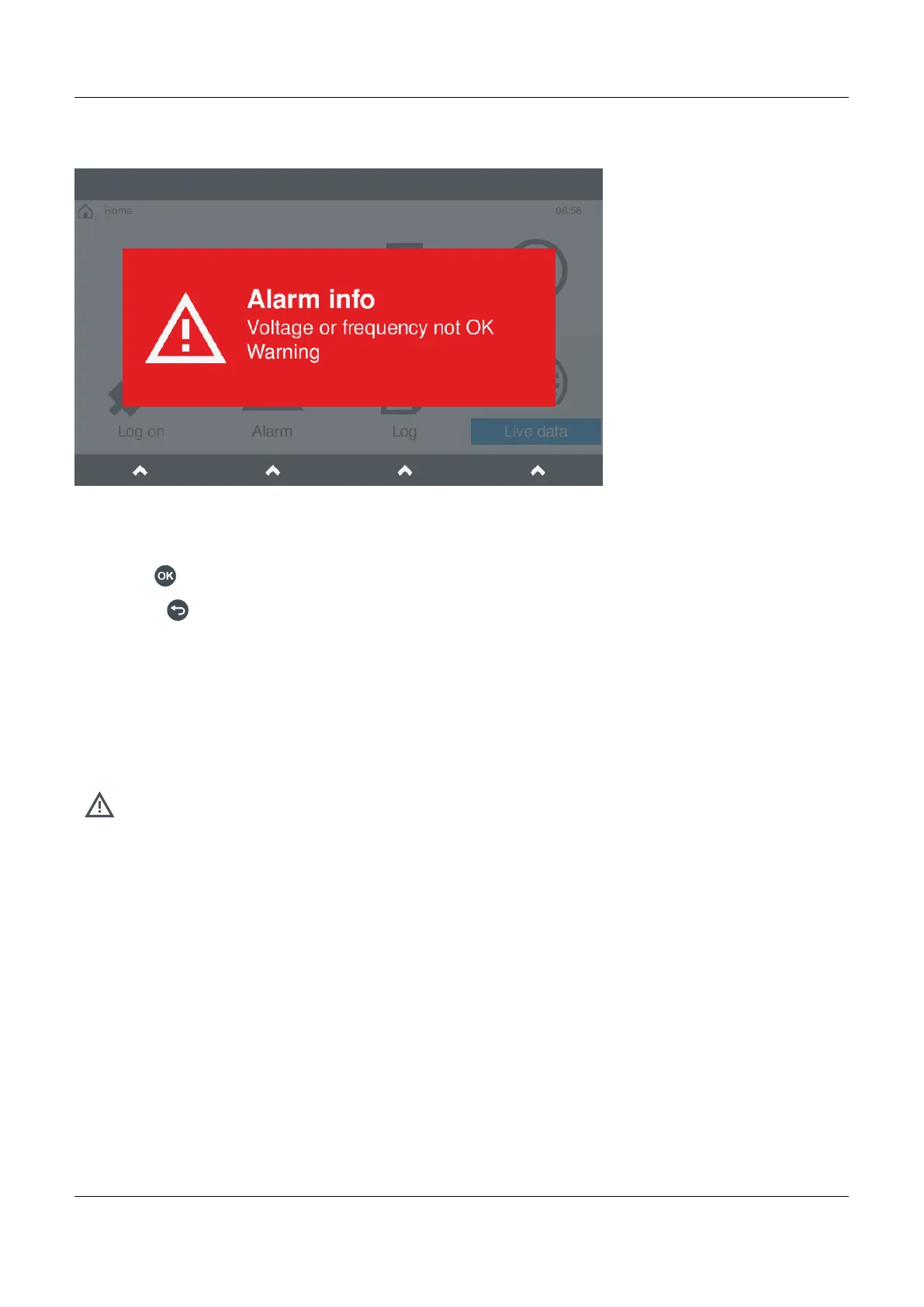
Figure 8.3 Example alarm notification
Alarm notification
From the pop-up window you can either:
• Select OK
to go directly to the alarms page.
• Select Back to close the notification and remain on the same page.
8.2 Alarm actions
8.2.1 View alarms
View the alarms under
Alarms.
You can view or action alarms from the alarm list shown.
8.2.2 Operator actions
An operator of the display unit can perform the following actions:
• Acknowledge
• Silence alarm(s)
• Reset alarm latches (if applicable)
• Shelve
• Out of service
PPM 300 Operator's manual 4189340910 UK
www.deif.com Page 121 of 157



 To Next Page