INFO
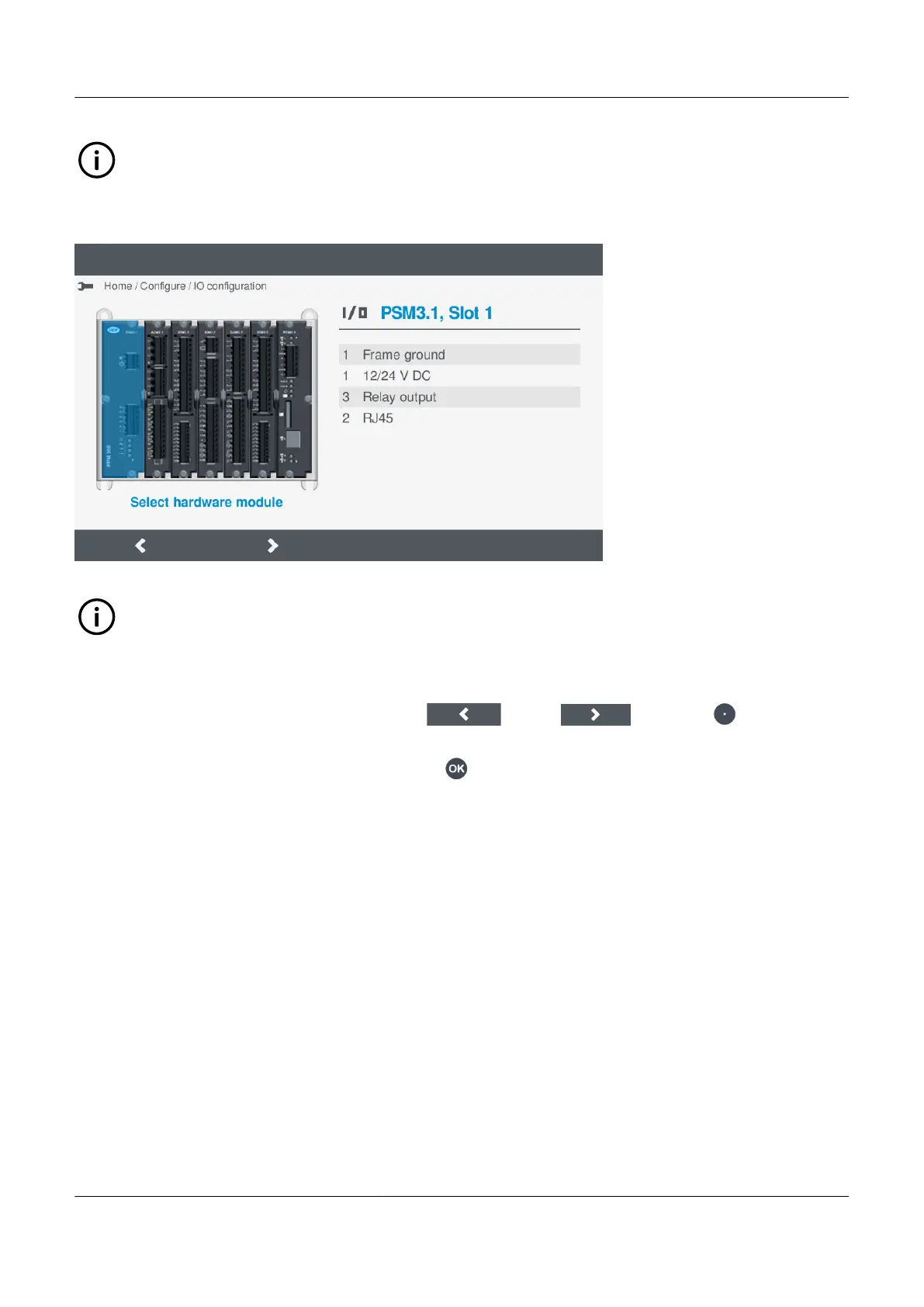
The hardware modules shown vary depending upon controller type or hardware modules installed. The hardware
selection screen shows the same hardware modules as you have installed in the controller.
Figure 7.3 Example select hardware module
INFO
Basic details about the available I/Os on the module are shown at the right.
Selecting a hardware module
To select the hardware module, perform the following steps:
1. To move between the hardware modules, select Left
or Right , by pressing .
• Basic information about the selected hardware module is shown at the right.
2. Select the highlighted hardware module by pressing OK .
• The I/O terminals for the hardware module are displayed on screen.
7.5.3 View or configure hardware module I/O terminals
After selecting the hardware module, the details of the available terminals are shown on the display.
PPM 300 Operator's manual 4189340910 UK



 To Next Page