10.5 Permissions
10.5.1 About permissions
The permissions menu allows you to do the following:
View the Group information.
View the User information.
10.5.2 View groups
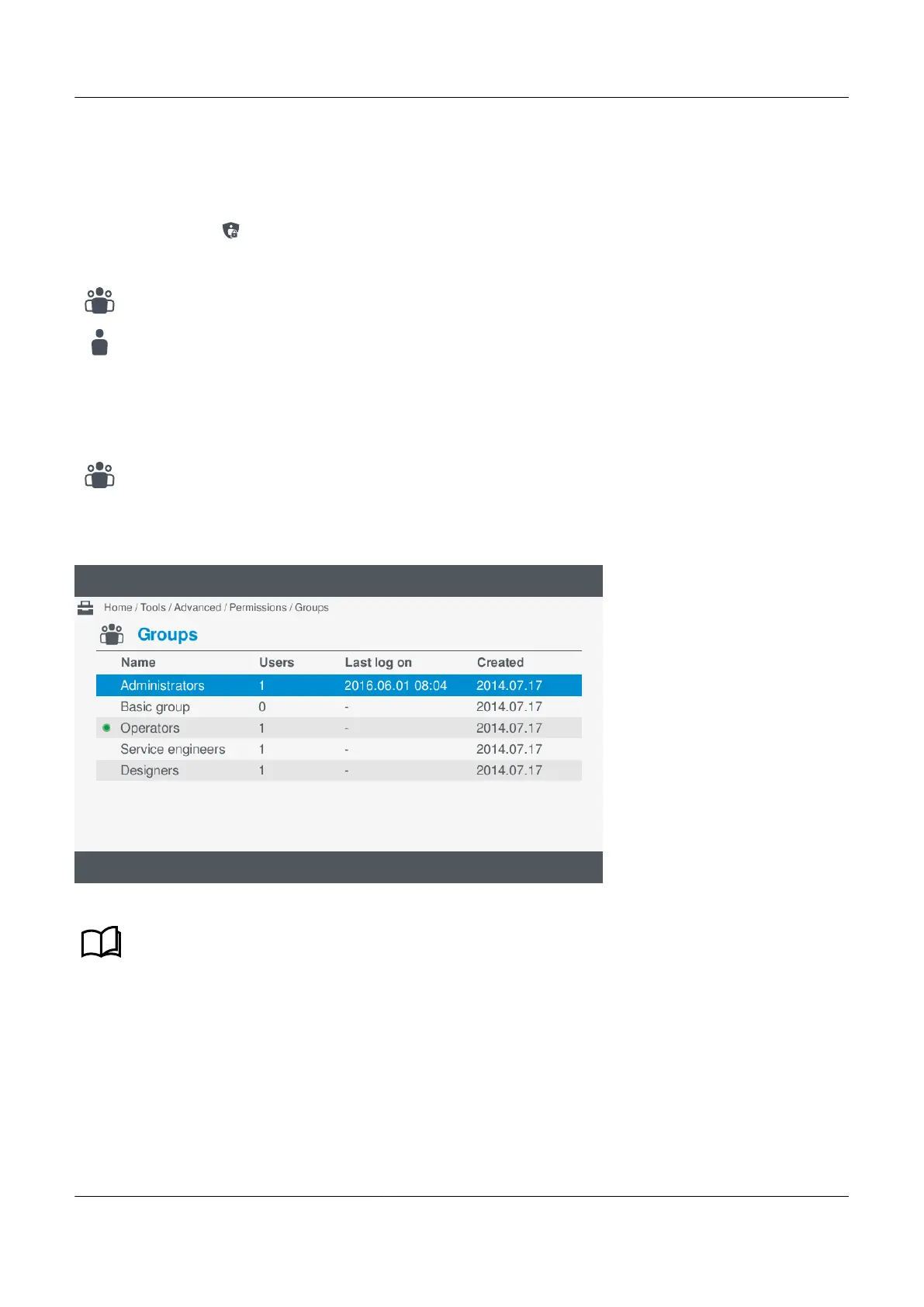
View the Group information under Tools > Advanced > Permissions > Groups.
Figure 10.4 Example groups screen
See PICUS software, Group permissions and users in the Designer's handbook for more information
regarding permissions.
Reviewing group information
To view the group information, perform the following steps:
1. Select Tools, from the Home menu.
2. Select Advanced, from the Tools menu.
3. Select Permissions, from the Advanced menu.
PPM 300 Operator's manual 4189340910 UK



 To Next Page