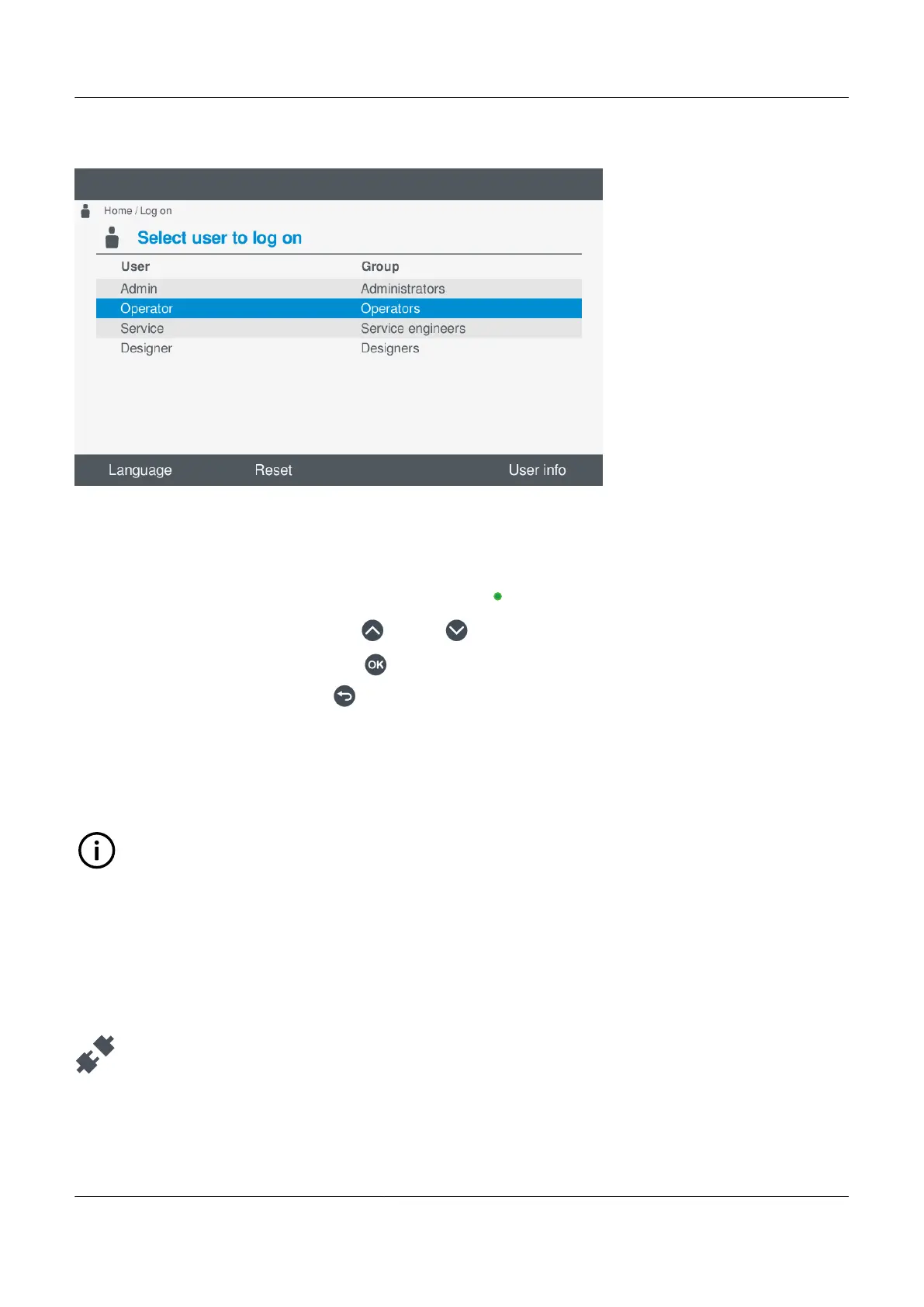
Figure 6.1 Example log on screen
Log on to controller
To log on the controller, perform the following steps:
1. Select Log on, from the Home menu, to view the available users for the controller.
• If a user is currently logged on this is shown with a green dot
.
2. Highlight the required user by pressing Up or Down .
3. Select the highlighted user by pressing OK
.
• Cancel the log on by pressing Back to return to the previous list of users.
• A virtual keyboard is then displayed on screen.
• You must enter the password for the selected user.
4. Enter the password by using the virtual keyboard.
5. If the password entered is correct, you are logged on as the new user and permissions.
INFO
You do not need to log off a user to log on as different one. You can simply log on as the new user.
6.3 Log off
6.3.1 Log off from controller
Log off from the display under
Log on.
PPM 300 Operator's manual 4189340910 UK
www.deif.com Page 59 of 157



 To Next Page