7.8.5
Configure alarm(s)
Create a new analogue custom alarm
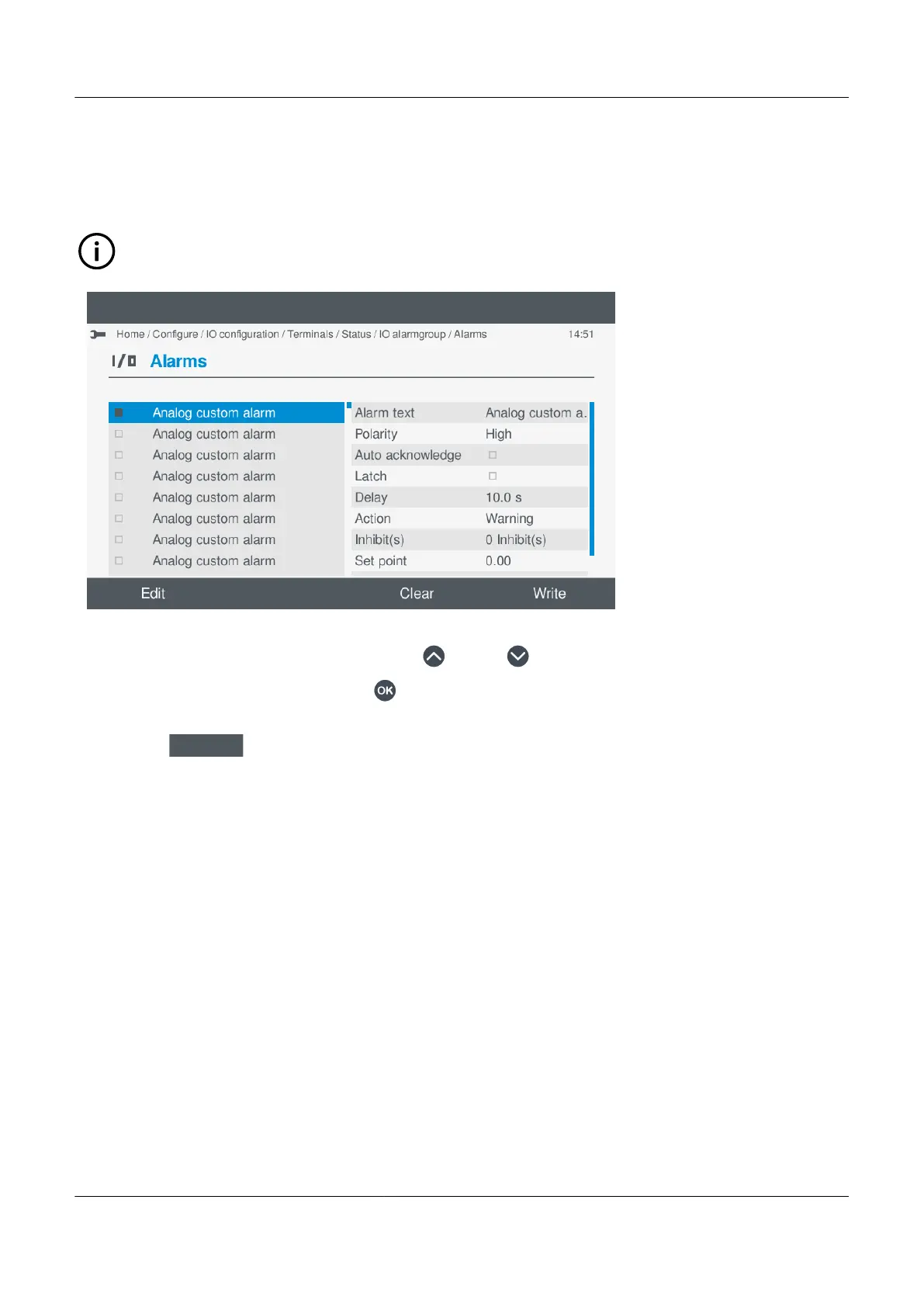
To create a new alarm, edit one of the available Analogue custom alarms listed.
INFO
Give the alarm a descriptive name, for easier reference.
•
1. Highlight a previously unused alarm, by pressing Up or Down .
2. Select and enable the alarm by pressing OK
.
• Enabled alarm(s) are shown with a solid box.
3. Select Edit
.
• Details of the alarm settings are shown on the display for you to configure.
PPM 300 Operator's manual 4189340910 UK
www.deif.com Page 85 of 157



 To Next Page