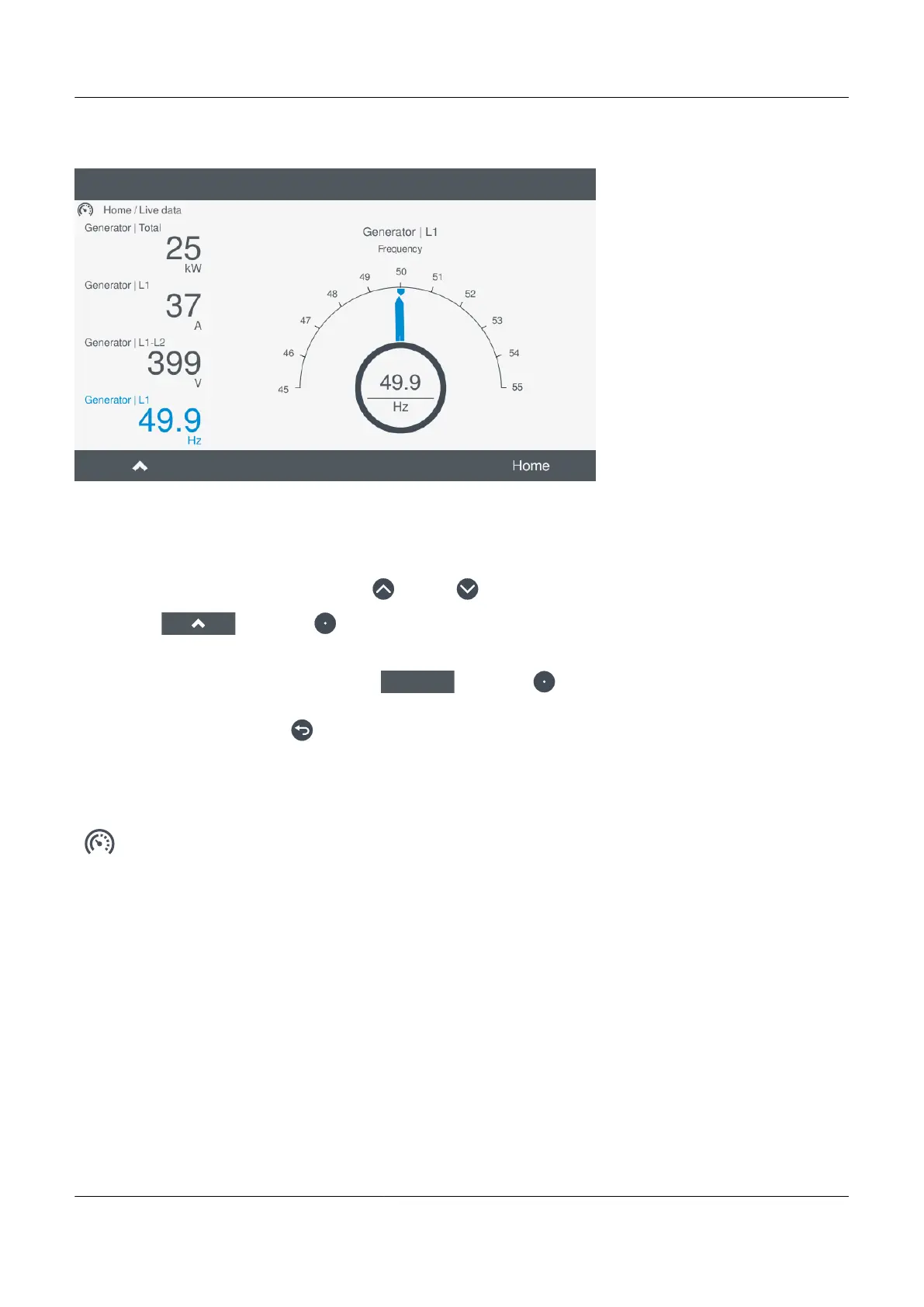
Figure 9.1 Example Live data screen
To cycle through the different information on a specific screen, perform the following steps:
1. Select Live data to view the current operating information.
2. Scroll to the required screen by pressing Up
or Down .
3. Select Up by pressing to cycle through the different information.
You can return to the main menu by using Home
by pressing .
Alternatively, press and hold Back for > 0.2 seconds to return to the main menu.
9.2.2 Live data counters
View counters under
Live data.
The Live data page has a display for counters.
PPM 300 Operator's manual 4189340910 UK
www.deif.com Page 127 of 157



 To Next Page