•
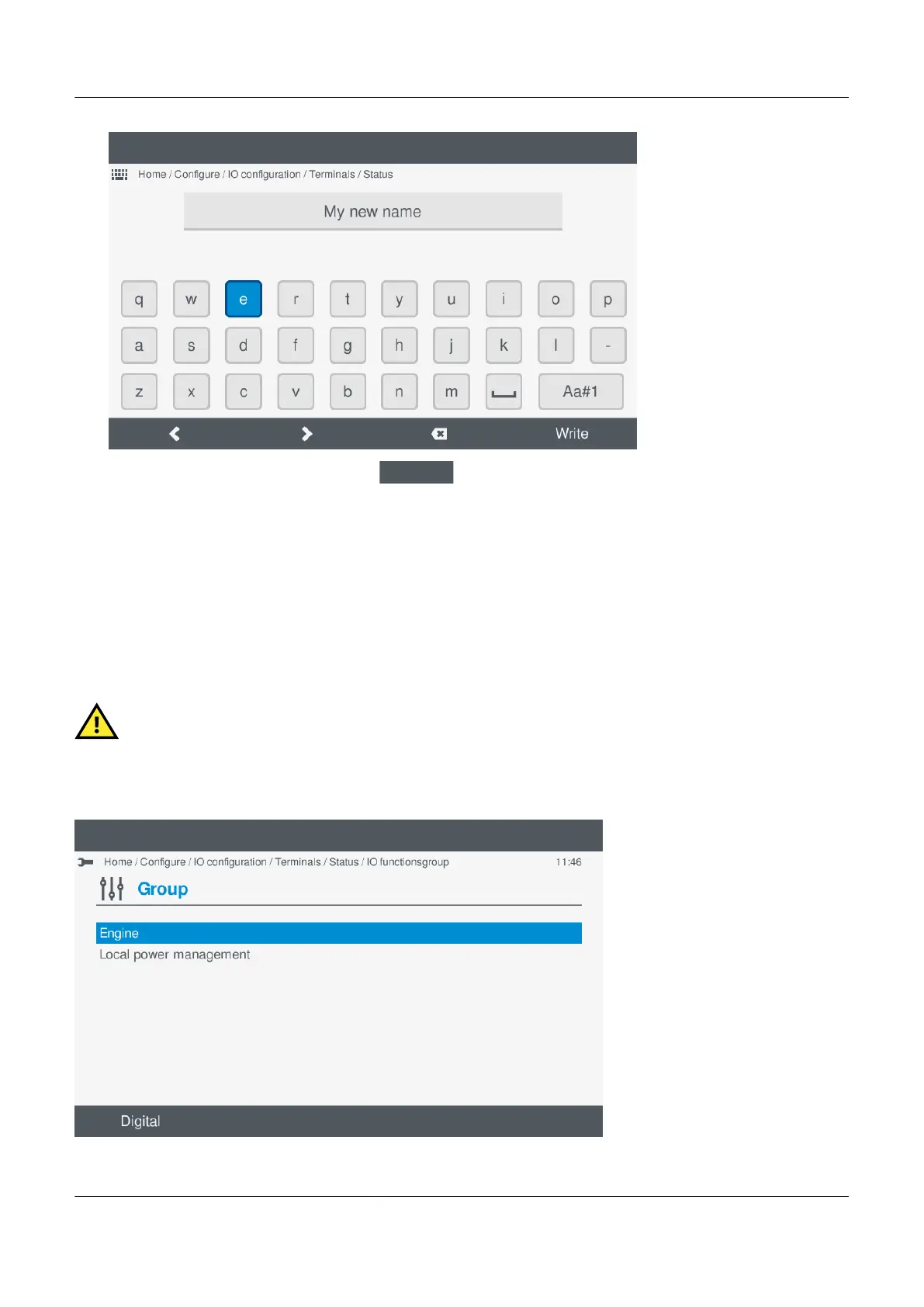
2. Enter the required I/O name and select Write
.
7.8.4
Configure function(s)
The functions available are organised in to categories and groups, which are similar to a tree structure view.
For analogue inputs (AI) you can select either:
• Analog: Analogue function(s)
• Digital: Supervised binary input function(s)
CAUTION
When using Supervised binary input function(s) you must configure the curve with y minimum 0 and y maximum 1
before selecting the binary function(s).
Selecting a function
PPM 300 Operator's manual 4189340910 UK



 To Next Page