1. For digital function(s), select Digital
.
2. For analogue function(s), select Analog
.
INFO
Analogue function(s) are shown by default when you open the page.
3. Highlight a category or group, by pressing Up or Down .
4. Select the highlighted category or group, by pressing OK .
• The display unit will show the function list, or another function group.
• If another function group is shown, repeat step 3 to open the required group.
5. Highlight a function, by pressing Up or Down .
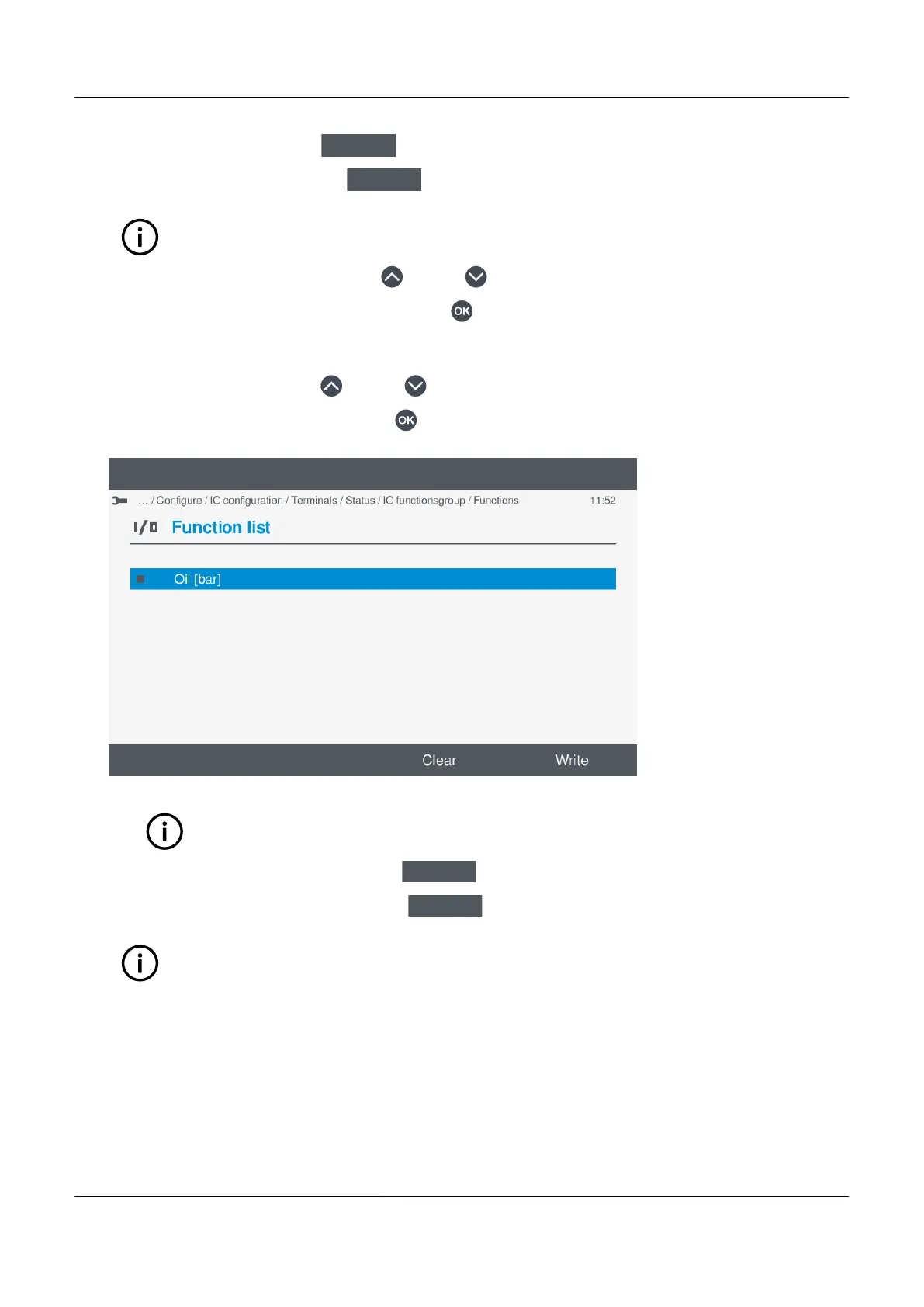
6. Enable the highlighted function, by pressing OK .
• Selected function(s) are shown with a solid box.
•
INFO
You can add further functions to the same input, provided they have the same unit of measure.
7. To clear all the Enabled function(s), select Clear
.
8. To save the settings to the controller, select Write
.
INFO
This only applies to the selected functions and does not apply other I/O change(s).
PPM 300 Operator's manual 4189340910 UK
www.deif.com Page 83 of 157



 To Next Page