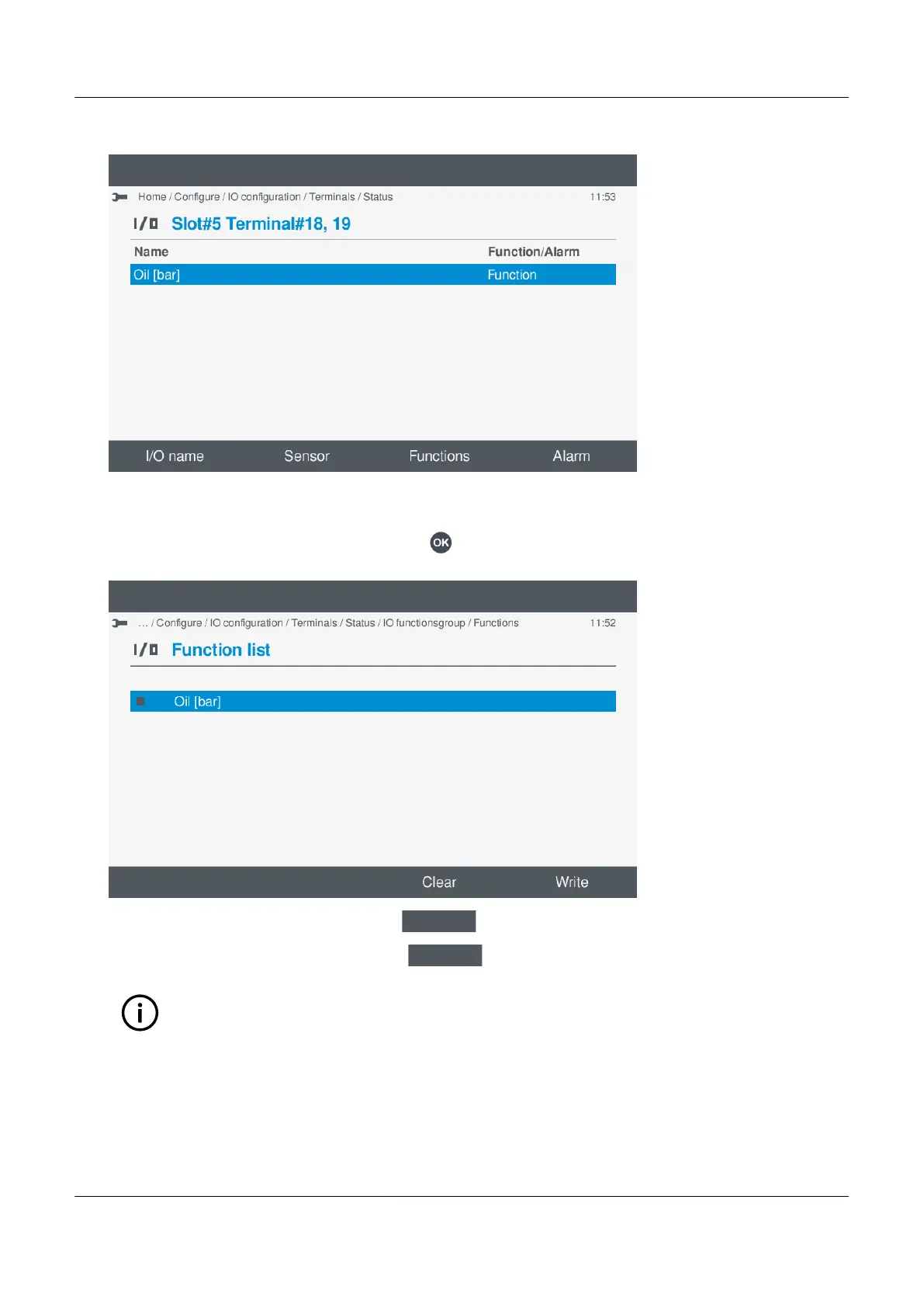
9. The enabled function(s) are now shown on the screen:
•
¨
Edit a function or clear function(s)
1. You can edit the selected function(s), by pressing OK .
• The function is now shown on the screen:
•
2. To clear all the Enabled function(s), select Clear
.
3. To save the settings to the controller, select Write
.
INFO
This only applies to the selected functions and does not apply other I/O change(s).
• The terminal(s) settings are now shown on the screen.
PPM 300 Operator's manual 4189340910 UK



 To Next Page