INFO
When the display unit starts, it connects to the controller that its Ethernet cable is connected to. If you unplug the
Ethernet cable and move it to a different controller, the display unit uses the network to resume its connection to the
original controller. You therefore need to reset the display unit.
Reset the display unit under Log on.
Reset the display unit
To reset the display unit, perform the following steps:
1. Select Log on, from the Home menu.
2. Select Reset
.
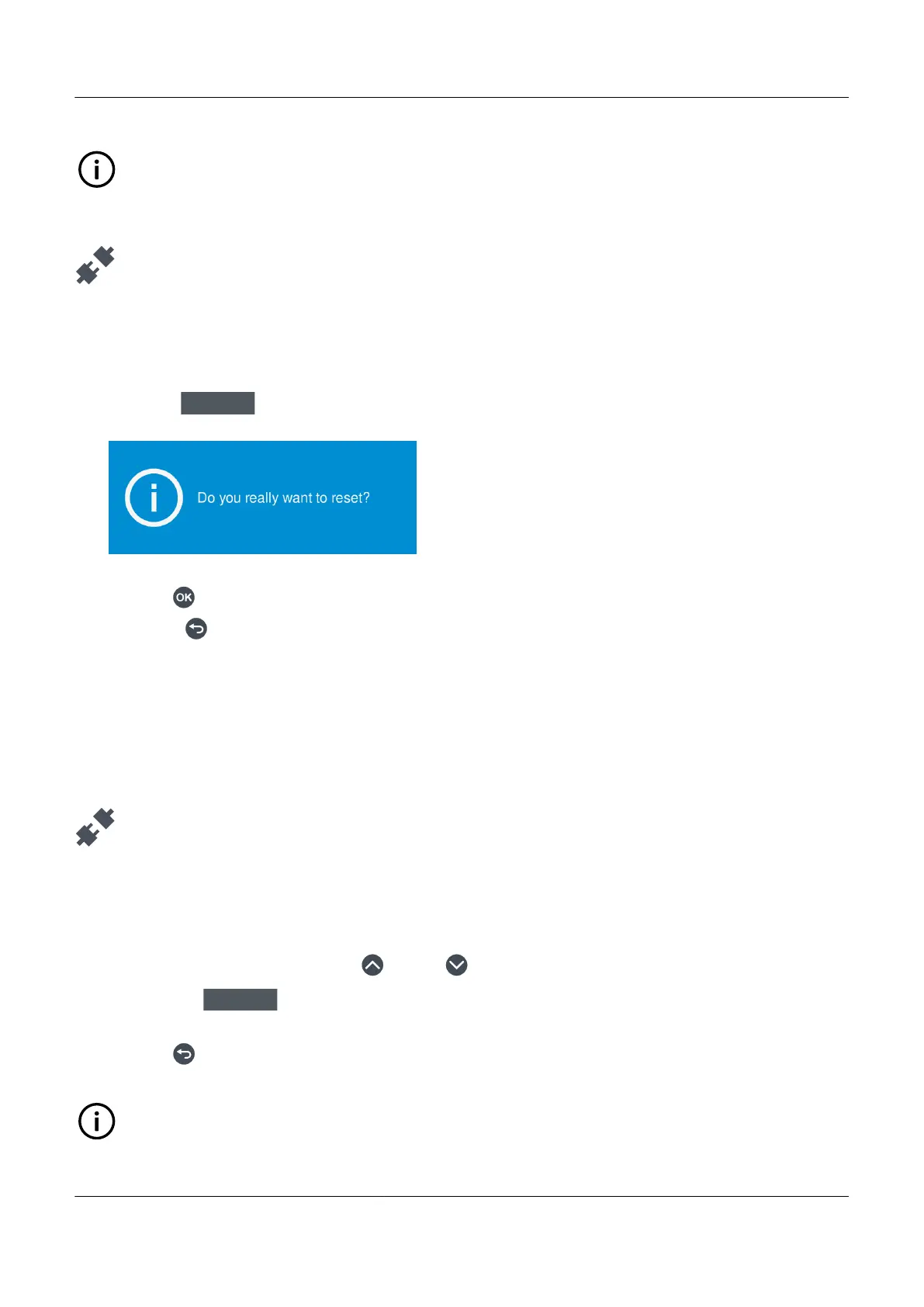
• A blue pop is displayed:
•
3. Select either:
• Press OK
to reset the display unit.
• Press Back to cancel the reset and return to the previous screen.
6.6 User info
6.6.1 View user information
View further user information under Log on.
View user information
To view further information about a user, perform the following steps:
1. Select Log on to view the available users for the controller.
2. Highlight the required user by pressing Up or Down .
3. Select User info
.
• Further details about the user are displayed on screen.
4. Press Back to return to the previous list of users.
INFO
You can also view user information from Tools > Advanced > Permissions > Users.
PPM 300 Operator's manual 4189340910 UK



 To Next Page