7.4 Parameters
7.4.1 View or configure parameters
Configure parameter settings under Configure > Parameters.
You can configure the parameters for both system settings and alarm settings.
The parameters are organised into categories and groups:
Category
Group
Parameter(s)
Configure parameters
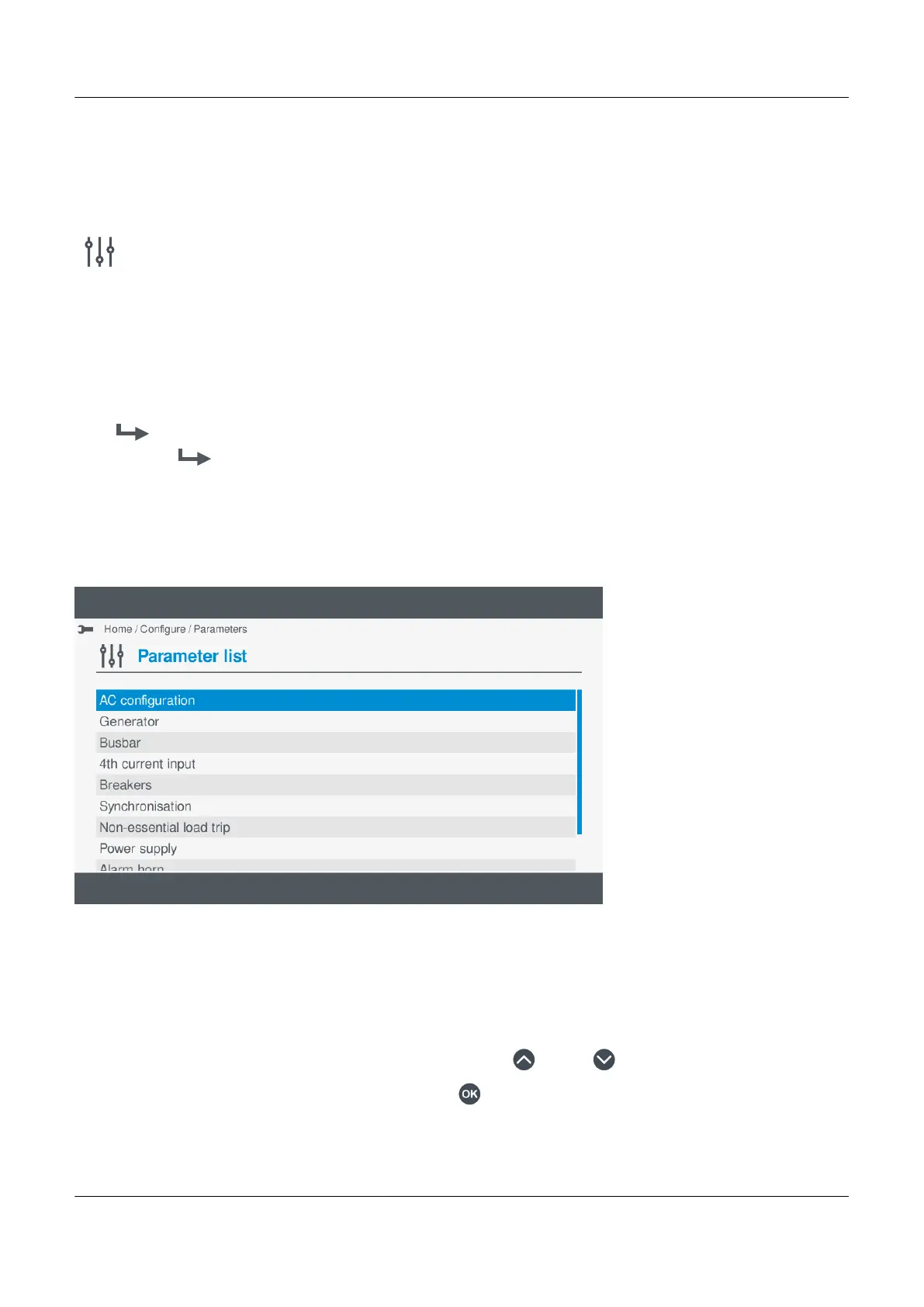
Figure 7.2
Example parameter categories
To configure the parameters, perform the following steps:
1. Select Configure , from the Home menu.
2. Select Parameters to view the controller parameter categories.
• The parameter categories shown depend upon the type of controller or whether the associated I/O has been
configured.
3. Highlight the parameter category you wish to open, by pressing Up or Down .
4. Select the highlighted parameter category by pressing OK
.
• The parameter groups under the selected category are shown on the display.
PPM 300 Operator's manual 4189340910 UK



 To Next Page