INFO
If you are not already logged on, you are prompted to do so.
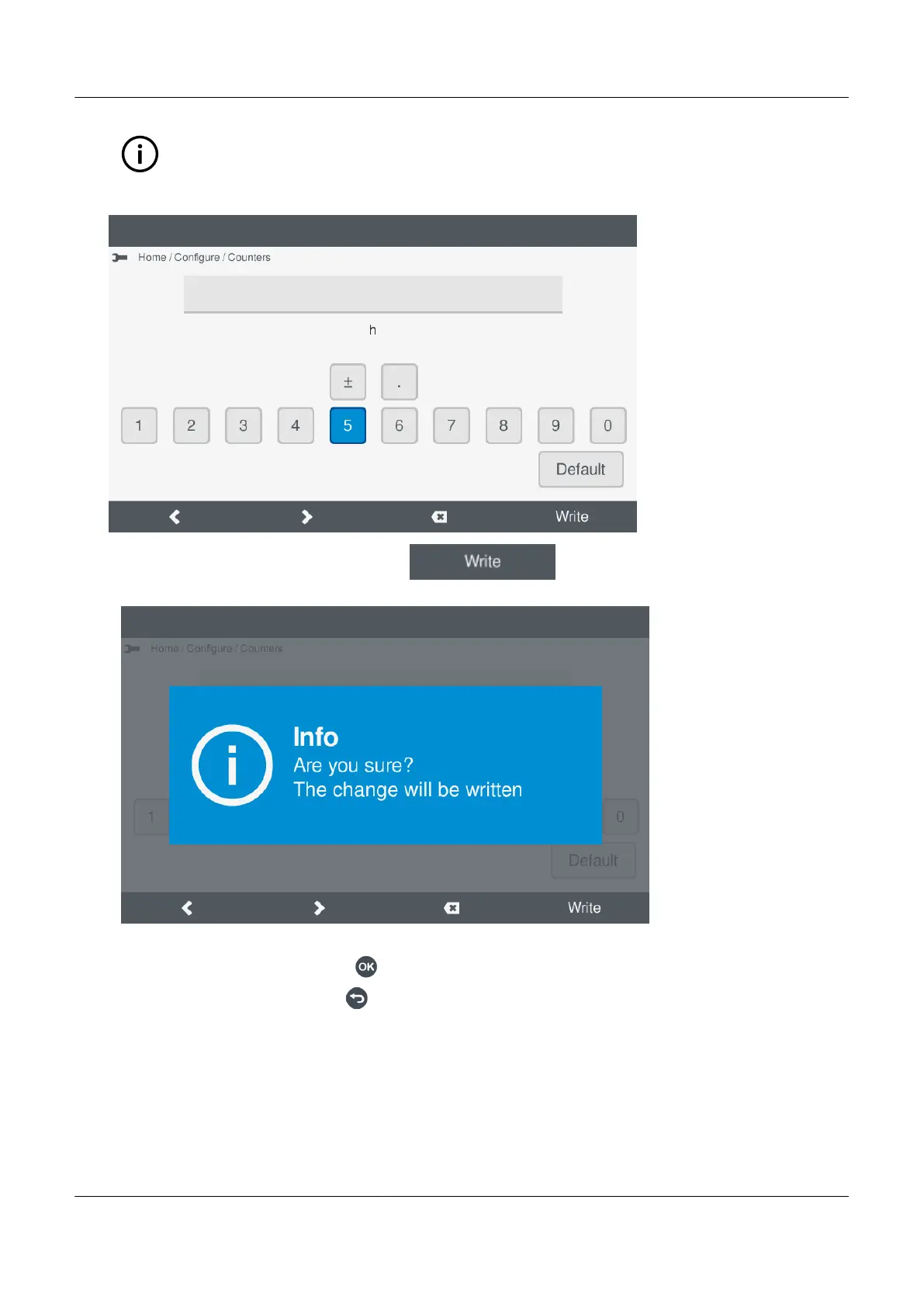
• The virtual keyboard is shown on the display.
•
3. Enter the required counter value, and select Write .
• A confirmation is displayed on screen:
◦
4. You can now either:
• Confirm the new value, by pressing OK .
• Cancel the change, by pressing Back .
PPM 300 Operator's manual 4189340910 UK
www.deif.com Page 67 of 157



 To Next Page