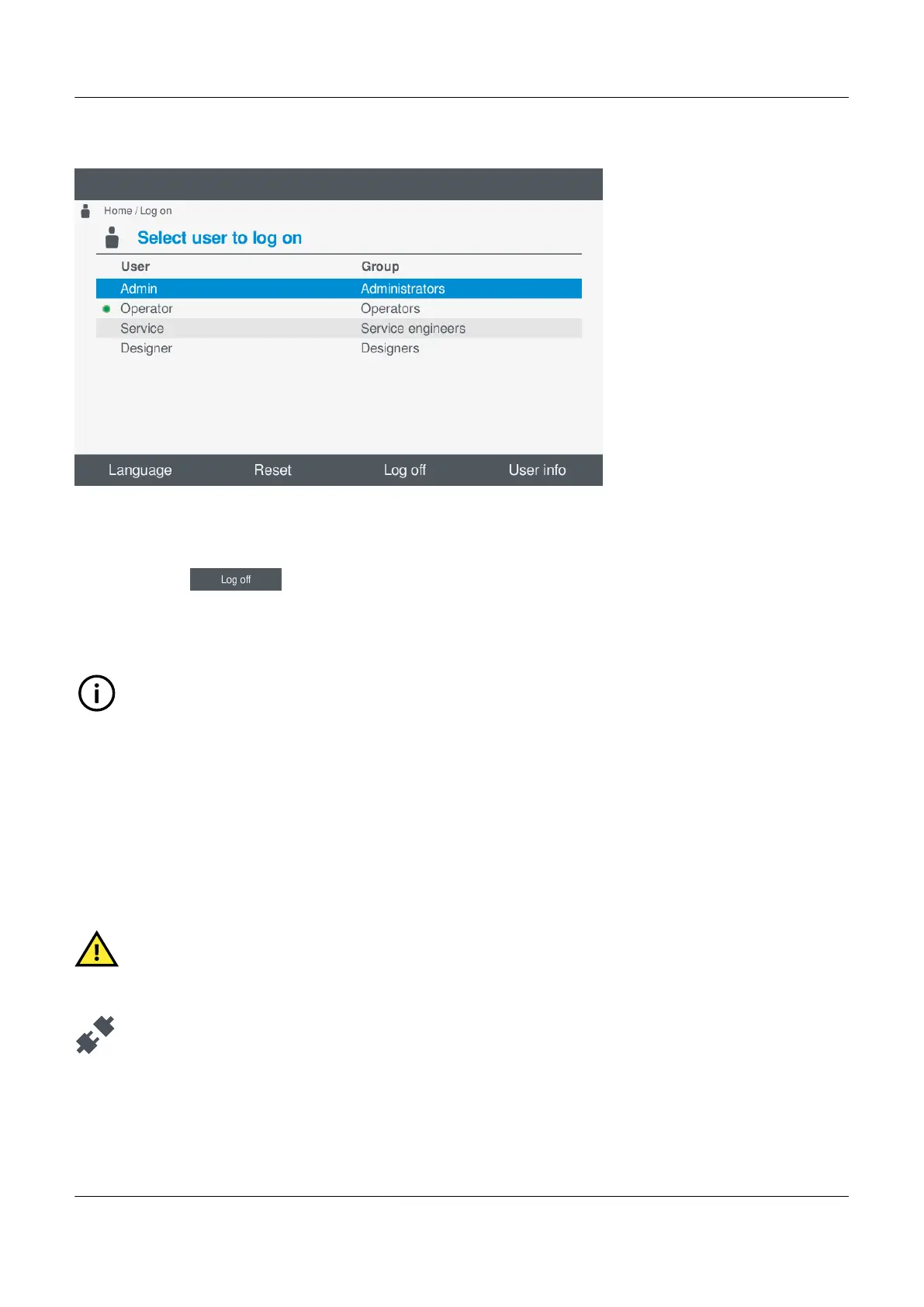
Figure 6.2 Example log off screen
To log on the controller, perform the following steps:
1. Select Log on, from the Home menu.
2. Select Log off .
• The logged on user is now logged off.
• You are returned to the Home menu.
INFO
Any logged on user will be automatically logged off after 3 minutes of inactivity. After the 3 minutes have expired the
default user will become active and have limited access to the display unit features or functions.
6.4 Language
6.4.1 Change language
The controller can be installed and configured with different language files. You can change the displayed language by using
this option.
CAUTION
The language feature is only available if both the controller and the display unit have the necessary language
software installed.
Change the display language under Log on.
Here you can configure the displayed language for the display unit.
PPM 300 Operator's manual 4189340910 UK



 To Next Page