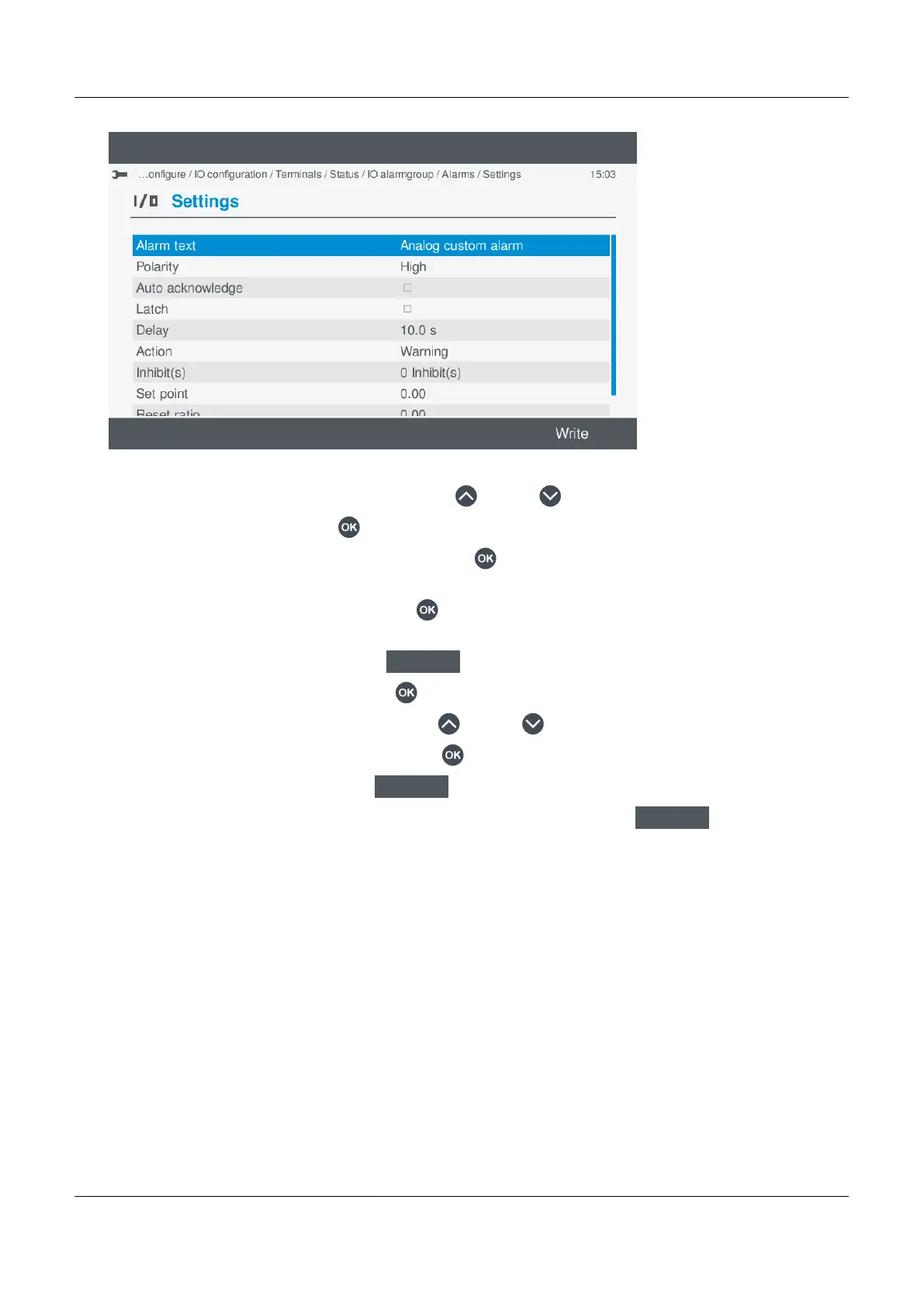
•
a. Highlight the required alarm setting, by pressing Up or Down .
b. To change the setting, press OK .
◦ If the setting is Enable or Not enabled, pressing OK toggles either Enable or Not enabled.
◦ Enabled settings are marked with a solid box.
◦ If the setting is text or a value, pressing OK displays the virtual keyboard to alter the setting.
◦ Make the required changes using the virtual keyboard.
◦ To confirm the changes, select Next
.
◦ If the setting is a selection, pressing OK displays an available list of selection options.
◦ Highlight the option required, by pressing Up
or Down .
◦ Select or unselect the option, by pressing OK .
◦ To confirm the setting, select Next
.
c. Once you have made all the required changes to the alarm settings, select Write
.
◦ This saves the alarm setting to the controller. This does not save any other settings.
◦ The list of available alarms is shown again on the display.
Select an existing analogue custom alarm
You can use or edit an existing Analogue custom alarm.
PPM 300 Operator's manual 4189340910 UK



 To Next Page