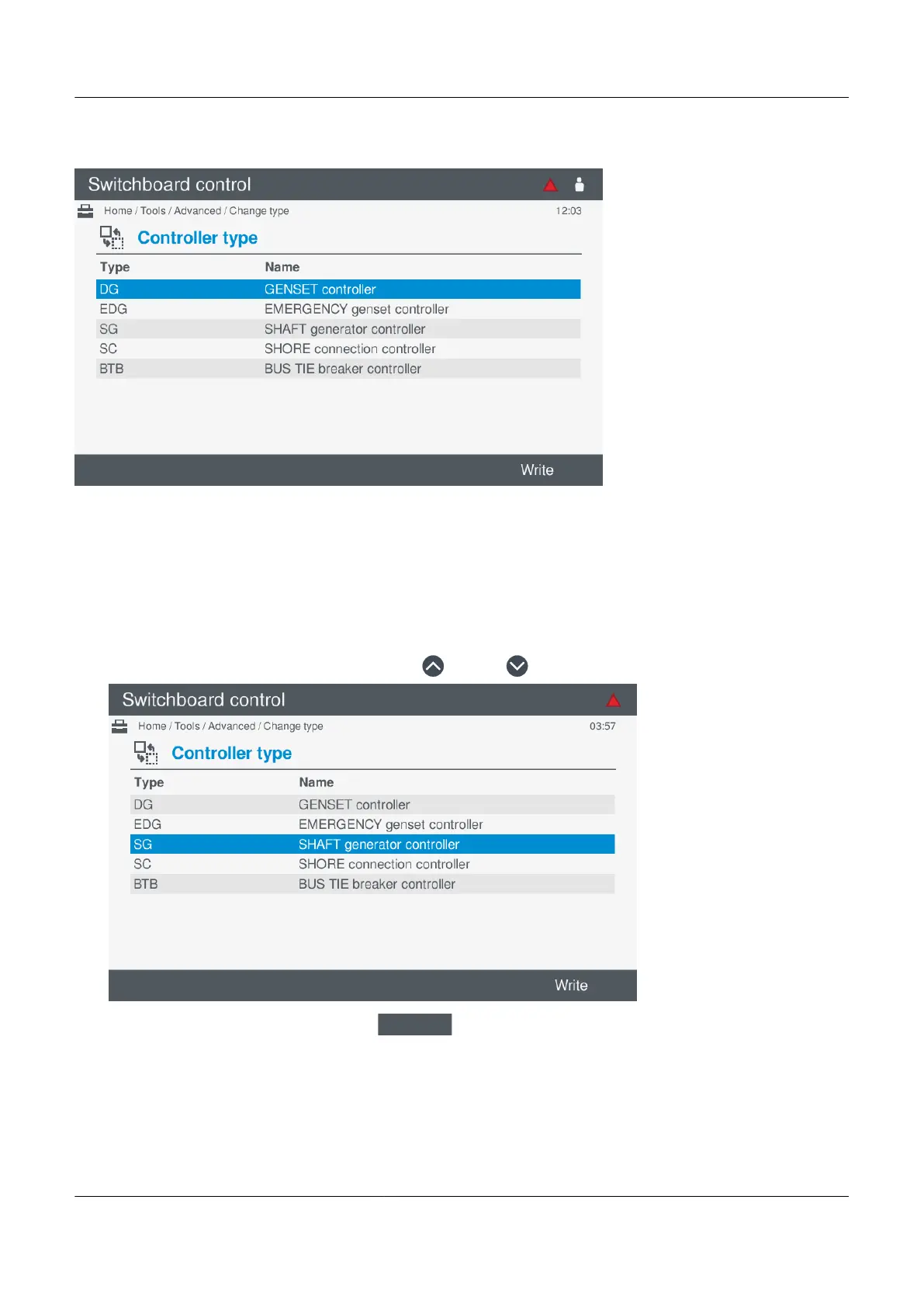
Figure 10.6 Example Change controller type screen
Change controller type
To change the controller type, perform the following steps:
1. Select Tools, from the Home menu.
2. Select Advanced, from the Tools menu.
3. Select Change type, from the Advanced menu.
• The list of available controller types are shown on the screen.
4. Highlight the required controller type by pressing Up
or Down .
•
5. Change the controller type by pressing Write
.
• You are prompted to confirm changing the controller type:
PPM 300 Operator's manual 4189340910 UK
www.deif.com Page 137 of 157



 To Next Page