INFO
You must be logged on with a user with the necessary permission to change the counter information. If you are not
logged on, you are asked if you wish to log on.
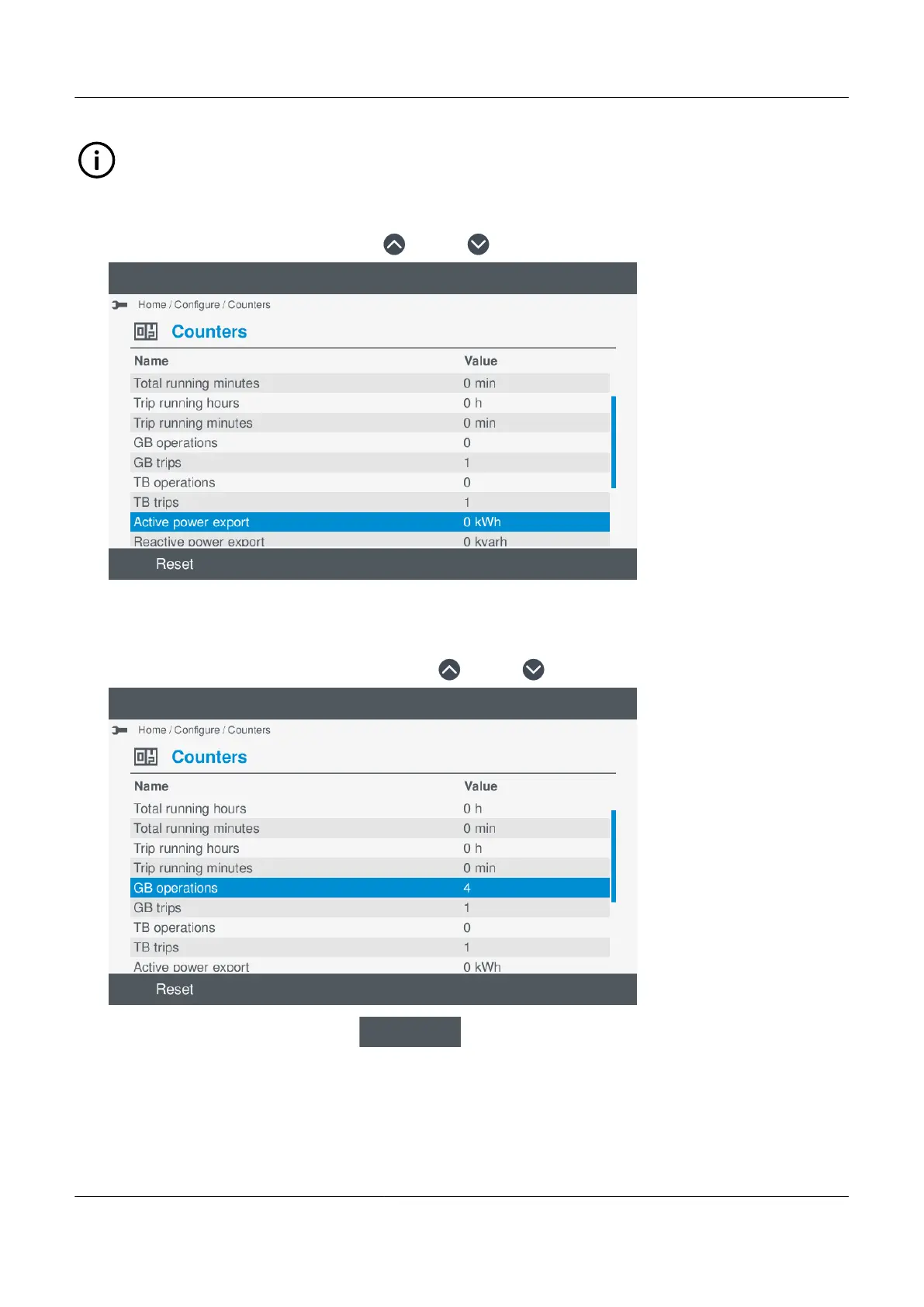
View the counter information
1. Scroll the counter information, by pressing Up or Down .
•
Reset a counter
You can reset any counter back to zero (0).
1. Highlight the counter you wish to reset, by pressing Up
or Down
•
2. With the counter highlighted, select Reset
.
PPM 300 Operator's manual 4189340910 UK
www.deif.com Page 65 of 157



 To Next Page