3. To save the settings to the controller, select Write
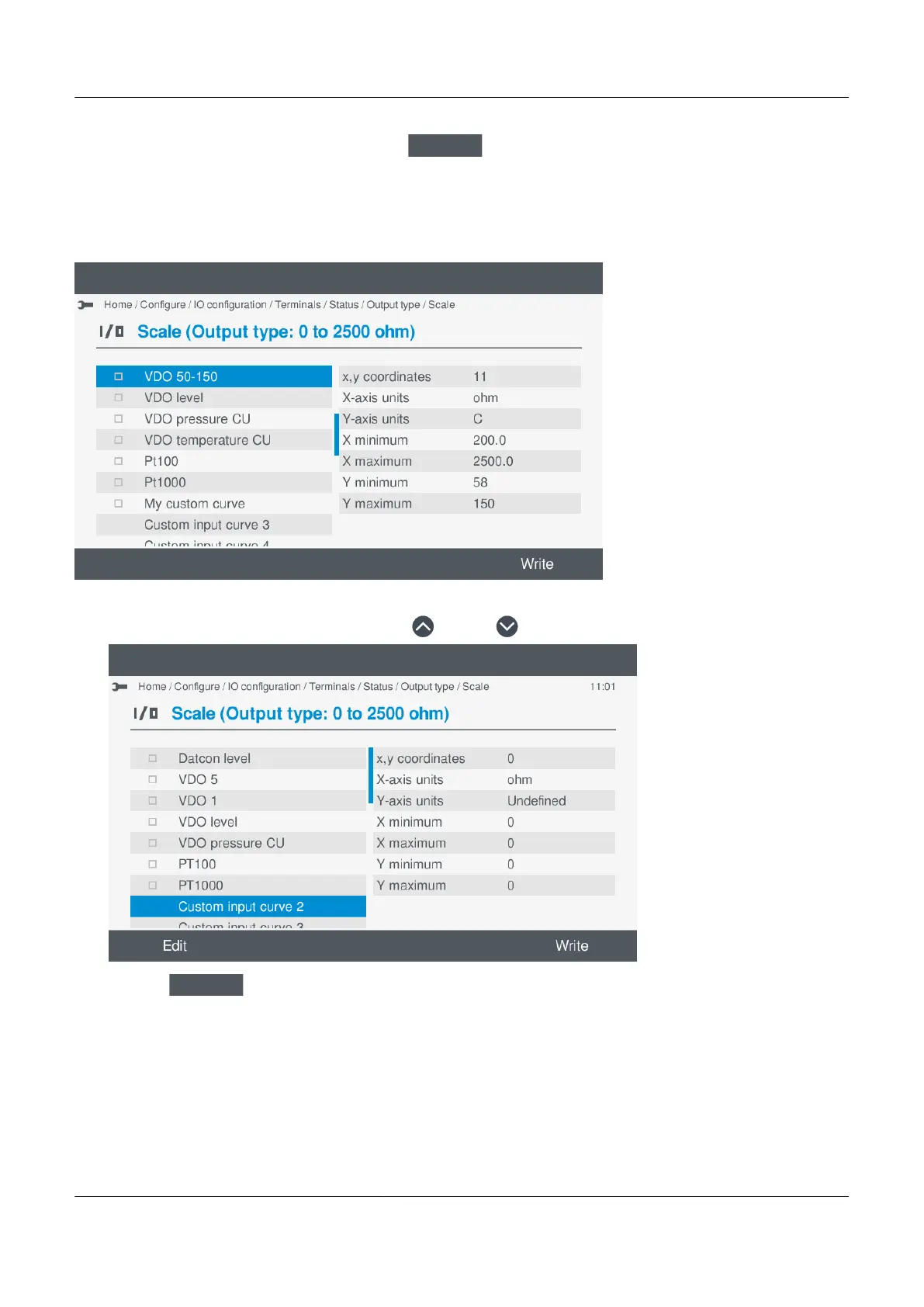
.
• This only saves the selected settings to the controller. It does not save other I/O settings.
Select a new custom curve
1. Highlight an unused custom curve, by pressing Up or Down .
•
2. Select Edit
.
• Details of the curve settings are shown on the display:
PPM 300 Operator's manual 4189340910 UK
www.deif.com Page 91 of 157



 To Next Page