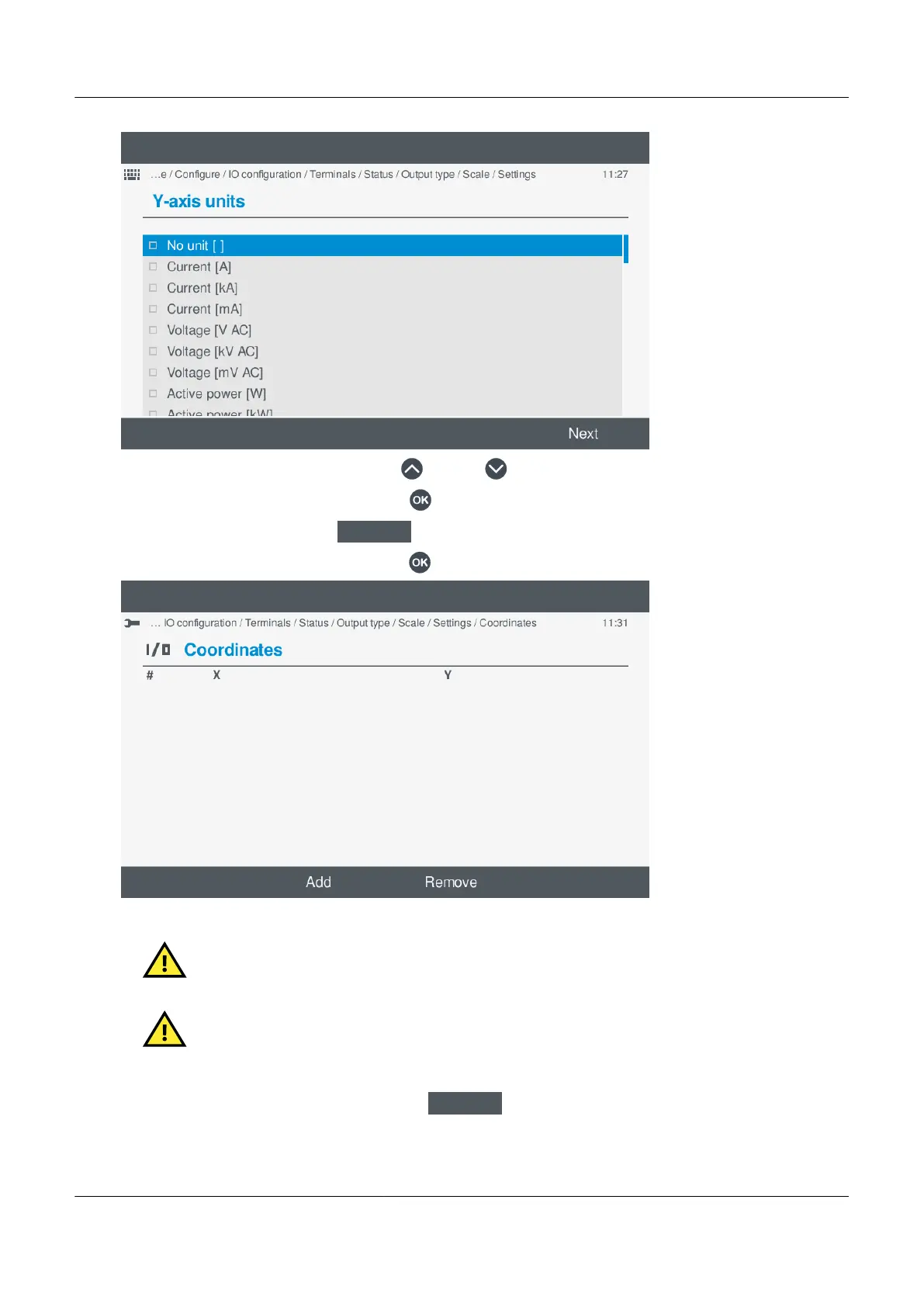
◦
◦ Highlight the option required, by pressing Up or Down .
◦ Select or un-select the option, by pressing OK .
◦
To confirm the setting, select Next
.
• If the setting is the x,y coordinates, pressing OK displays the coordinate options.
◦
CAUTION
Configure the y-axis units, y-axis minimum, and y-axis maximum BEFORE attempting to configure the
x,y coordinates.
CAUTION
A valid curve must contain a minimum of 2 sets of coordinates.
a. Add coordinates:
a. To add a set of x,y coordinates, select Add
.
◦ The Virtual keyboard is shown on the display:
PPM 300 Operator's manual 4189340910 UK
www.deif.com Page 93 of 157



 To Next Page