User's Guide
- 68 -
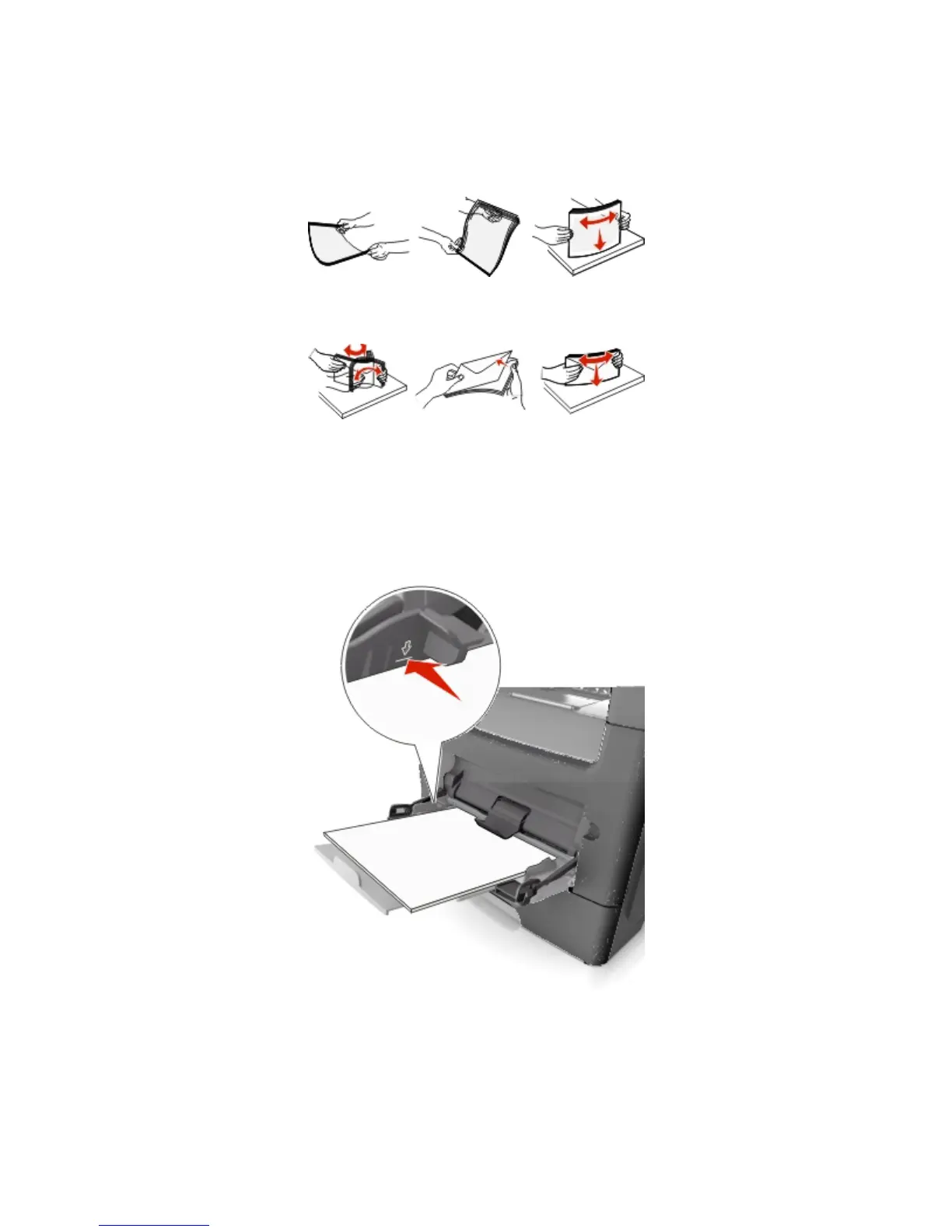
- Hold transparencies by the edges. Flex the stack of transparencies back and forth to loosen them,
and then fan them. Straighten the edges on a level surface.
Note: Avoid touching the printable side of the transparencies. Be careful not to scratch them.
- Flex the stack of envelopes back and forth to loosen them, and then fan them. Straighten the
edges on a level surface.
4. Load the paper or specialty media.
Notes:
- Do not force paper or specialty media into the multipurpose feeder.
- Make sure the paper or specialty media is below the maximum paper fill indicator located on the
paper guides. Overfilling may cause paper jams.










 To Next Page