User's Guide
- 69 -
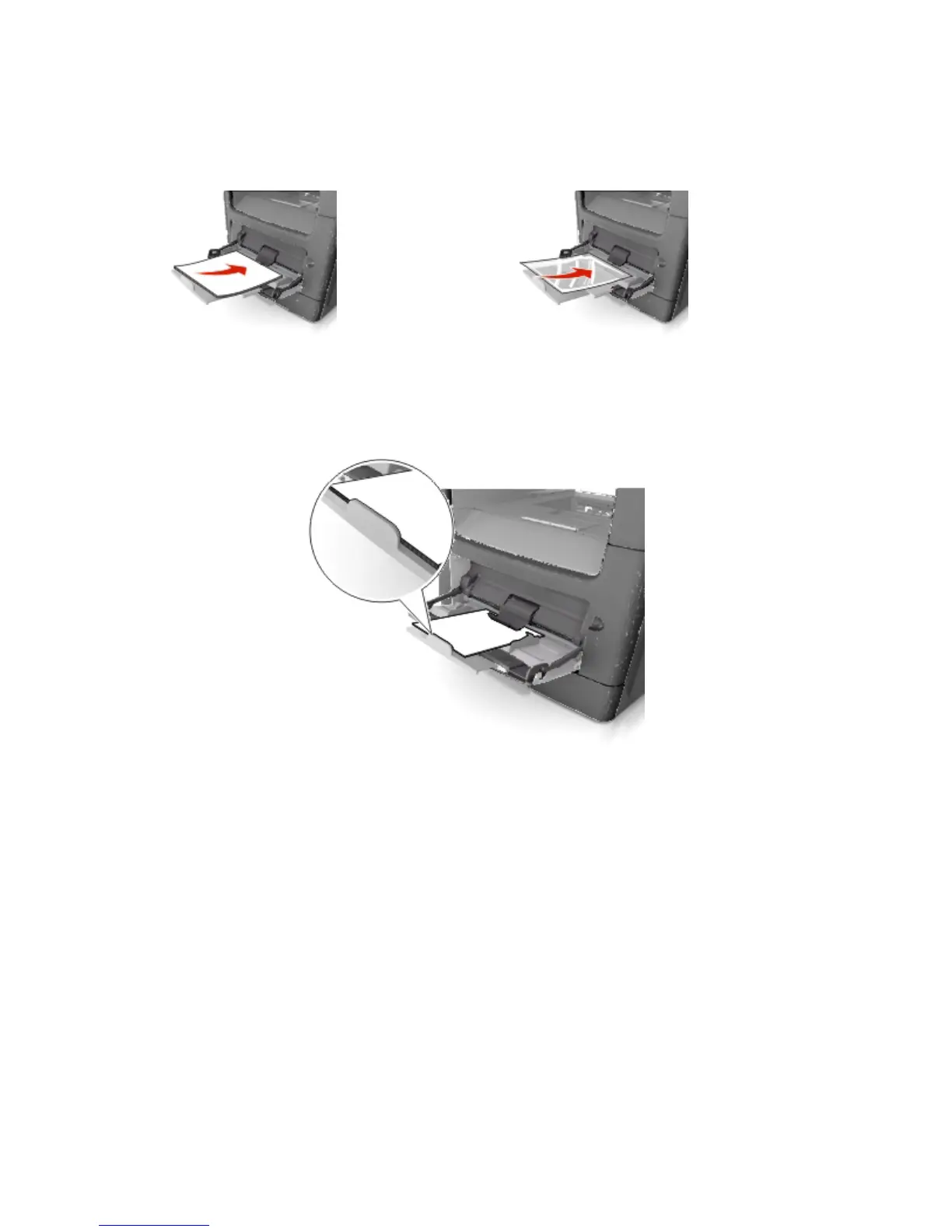
- Load paper, transparencies, and card stock with the recommended printable side faceup and the
top edge entering the printer first. For more information on loading transparencies, see the
packaging that the transparencies came in.
Note: When loading A6-size paper, make sure the multipurpose feeder extender rests lightly
against the edge of the paper so that the last few sheets of paper remain in place.










 To Next Page