2
Copy Operations
2-122 ineo+ 650/550/451
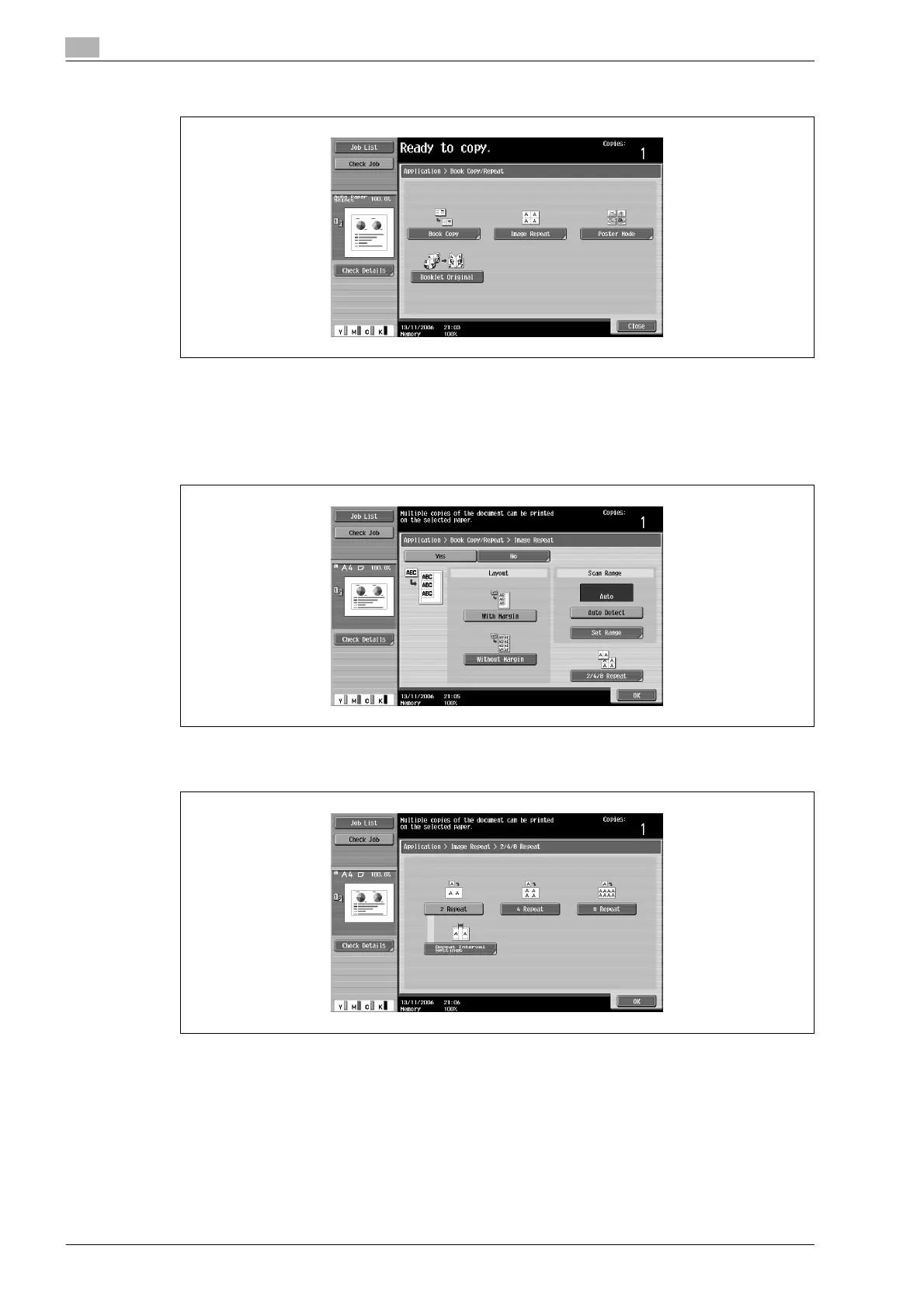
4 Touch [Image Repeat].
– [Booklet Original] does not appear if optional Finisher FS-608 is not installed.
The Image Repeat screen appears.
5 Under "Layout", touch [With Margin] or [Without Margin], or touch [2/4/8 Repeat].
– To cancel the "Image Repeat" function, touch [No].
– Touching [2/4/8 Repeat] displays the 2/4/8 Repeat screen, where the number of repeats and the
interval can be selected.









 To Next Page