2
Copy Operations
2-30 ineo+ 650/550/451
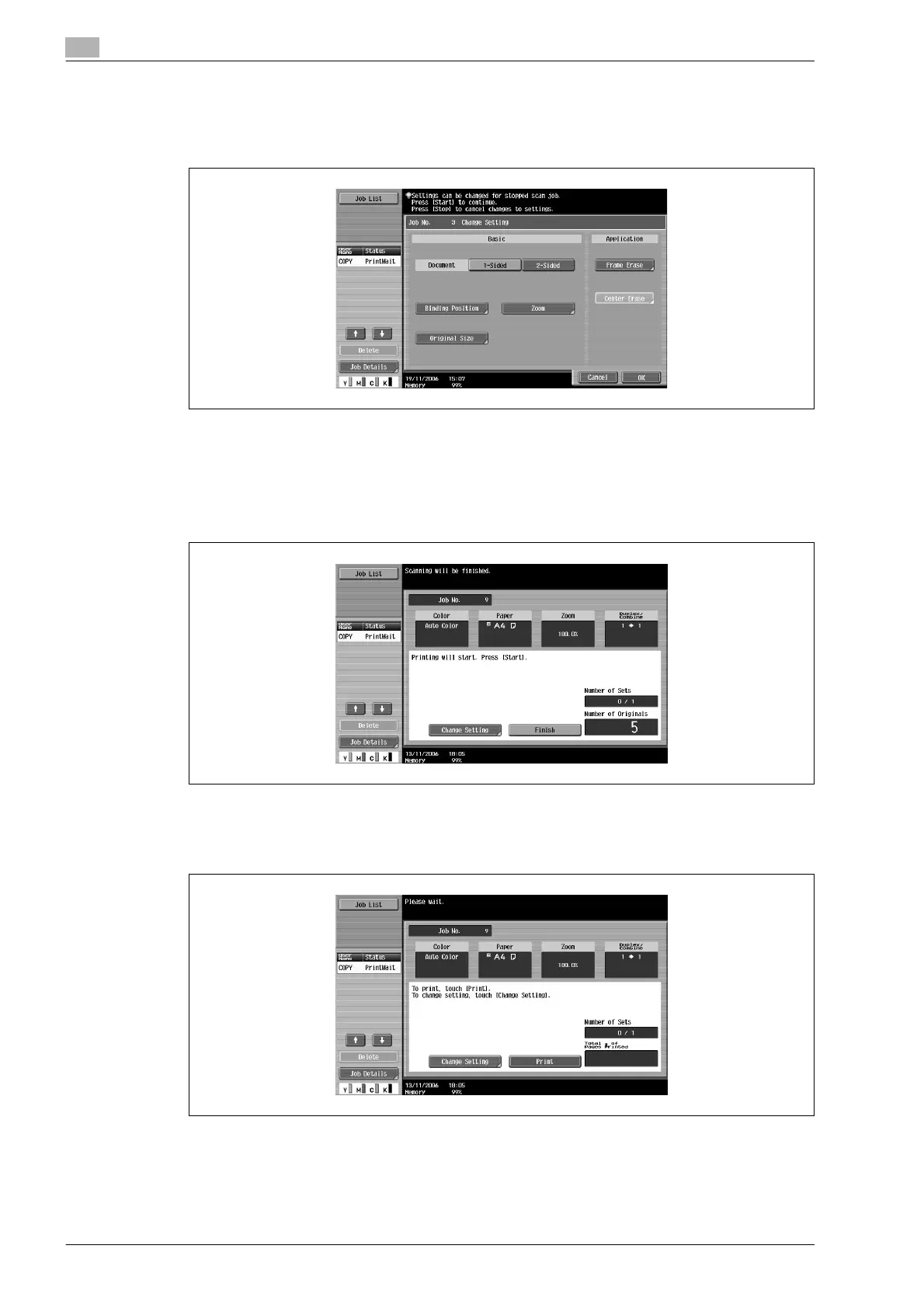
– The buttons that appear in the screen for changing the settings differ depending on the specified
settings. Settings for the following can be changed.
1-Sided/2-Sided, Binding Position, Zoom, Frame Erase, Center Erase Original Size
– To cancel changes to the settings, touch [Cancel].
– The amount of memory available can be checked beside "Memory" in the lower-left corner of the
screen.
To delete the image data, press the [Stop] key, and then delete the job. For details, refer to
"Temporarily stopping scanning/printing" on page 2-68.
4 After all document pages have been scanned, touch [Finish].
5 Press the [Start] key.
– If the "Separate Scan Output Method" parameter is set to "Batch Print", touch [Print] or press the
[Start] key.









 To Next Page