38 of 152 PSS5000/TEMA/803046/05
PSS 5000 – Technical Manual
5 Installation (Menu 2)
TCP/IP parameters listed in the table below must be assigned before commu-
nication is possible.
To view/change the
TCP/IP setup with web
service pages
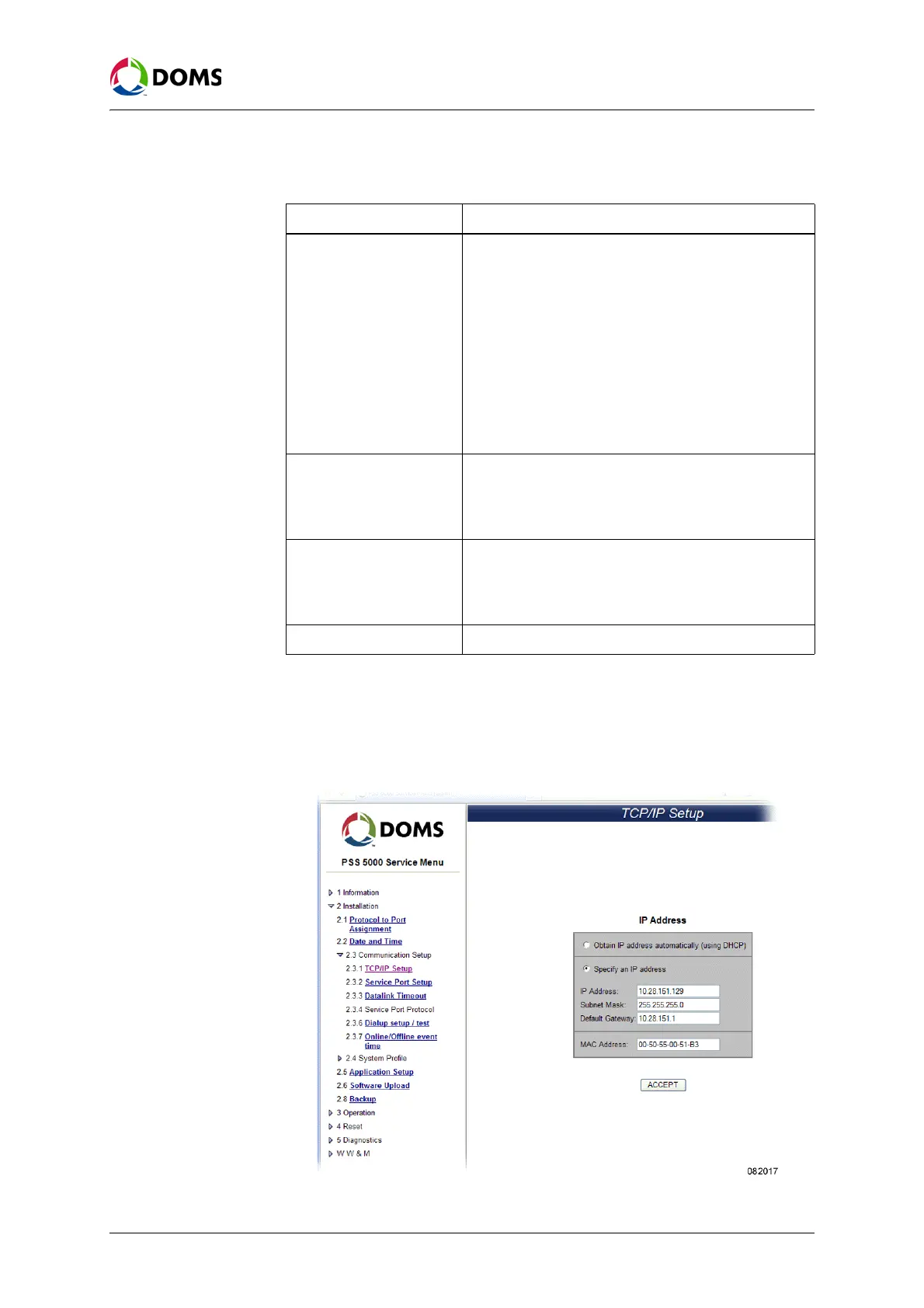
This procedure describes how to use the Service Menu in the web browser to
view/change the values for the TCP/IP setup parameters in the PSS 5000.
1. Select 2 Installation → 2.3 Communication Setup → 2.3.1 TCP/IP Setup.
The
TCP/IP Setup page appears.
Parameters Explanation
IP address The IP address can be assigned in one of 2 ways:
• Automatically – from a DHCP server. These are not
fixed IP addresses. They are leased from the serv-
er. If the lease runs out, or isn’t renewed periodical-
ly, then the IP address of the device may change.
• Manually – this is a fixed IP address assigned to a
device and has a standard dot notation, for exam-
ple 192.10.172.2.
If a manual IP address is not supplied, then a default IP
address is given. This is 10.10.10.100. This default ad-
dress is within the "private network" ranges and does
not conflict with public Internet IP addresses.
Subnet mask Using a subnet mask increases the routing efficiency of
the network. A subnet keeps the information within the
designated subnet mask and reduces traffic over the
entire network. The subnet mask has a standard dot
notation, for example: 255.255.255.0
Default Gateway This provides routing between subnets or networks.
Enter the IP address in a standard dot notation. The
factory setting for the default gateway is 10.10.10.1,
which is not in conflict with the factory setting for the
PSS 5000 CPU boards
MAC address Is the fixed physical address for each Ethernet Module



 To Next Page