1 Display:
Leak IPPV = xxx mL
If greater than 175 mL/min:
Repair leak, particularly for low-flow, or continue if
not problematical –
Confirm:
2 Press rotary control on ventilator!
1 Display with test block No. 9:
Leaktest MAN
1 Display:
Self-test
● Wait – approx. 1 minute!
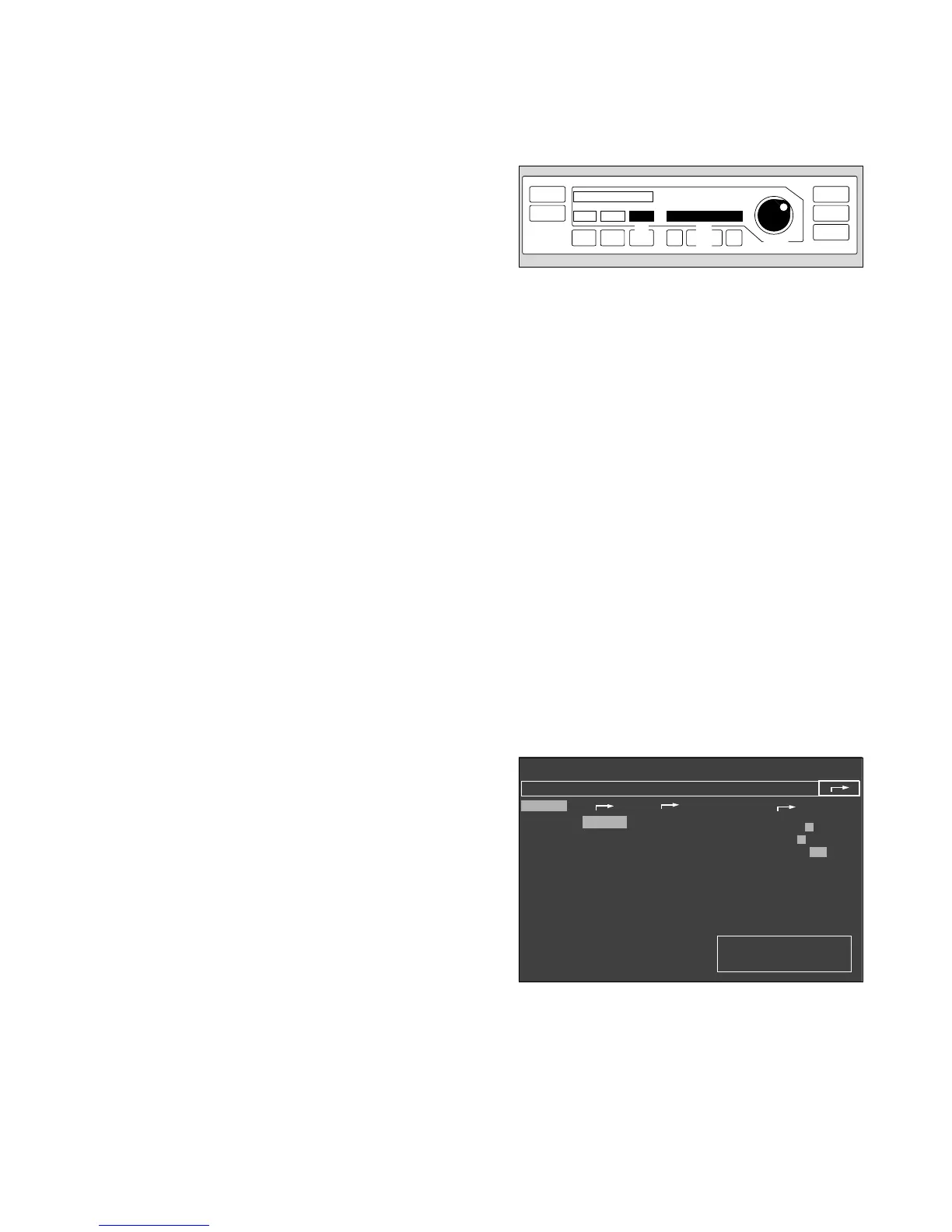
A tick (✔) appears on the screen when the ventilator test
has been completed successfully.
The prompt »Confirm« appears.
● Press rotary control on monitor.
The cursor jumps to the arrow symbol on the
configuration menu and the vertical pressure indication
disappears.
● Press the rotary control on the monitor again to
confirm and exit the configuration menu. Configuration
is now complete.
✔ Tick off the ventilator self-test and monitor self-test on
the checklist.
33
Preparing for use
Checking readiness for operation with checklist
Ventilator start-up test
11
2
Standby / Configuration
✓
anaesth. gas
Halothane
Enflurane
Isoflurane
Sevoflurane
Desflurane
no
anaesth. gas
warning
default
✓
calibrating
O
2
-sensor
21 Vol.%
flow sensor
Ventilator
start up test
more
✓
Alarms inactive!
defaults
pulse to.
0 1 2 3 4 5 6 7 8 9
alarm tone 1 2 3 4 5 6 7 8 9
mode adult Neo.
parameters
record
interfaces
alarm limits
curves
basic configuration
01728971 06028970












 To Next Page