Vigor2860 Series User’s Guide
123
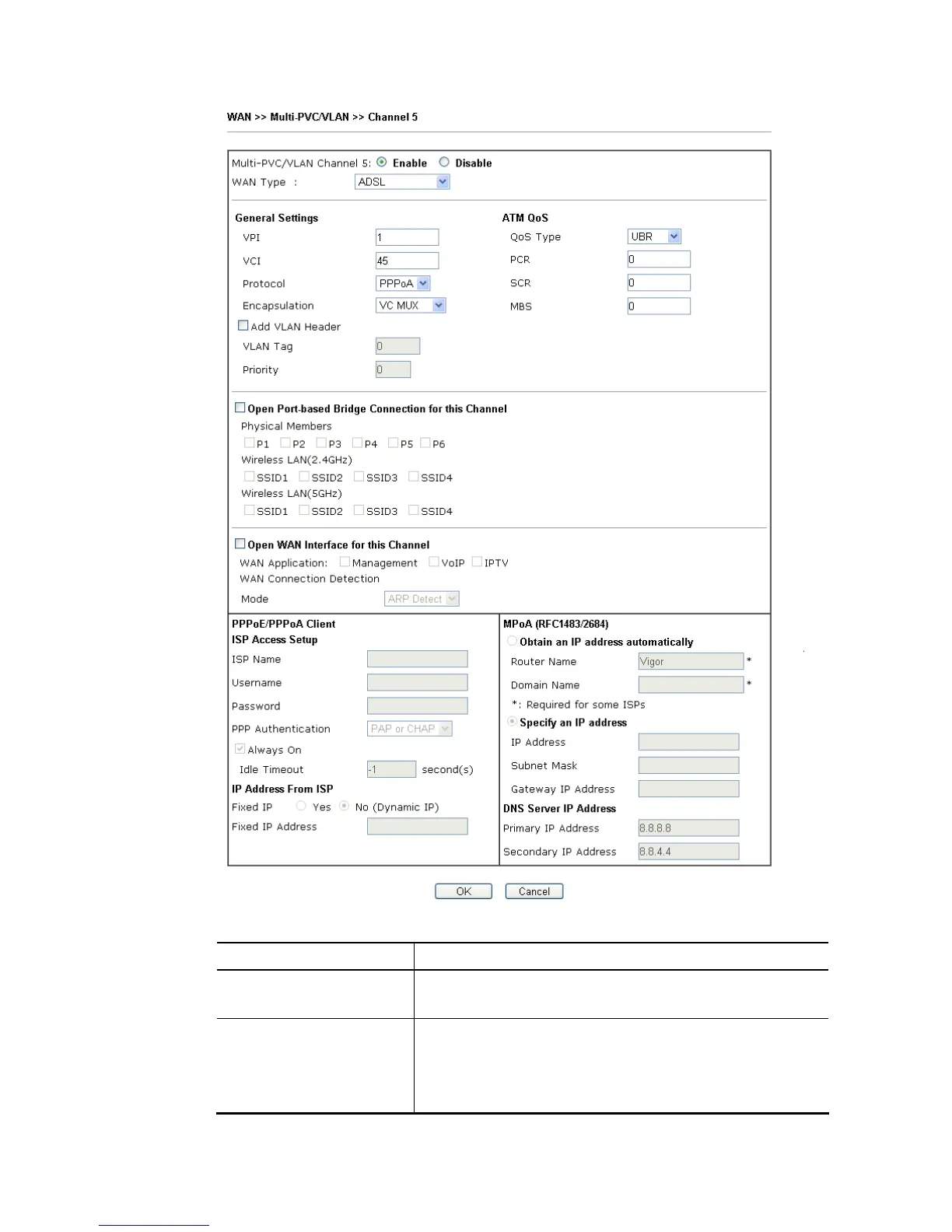
Available settings are explained as follows:
Item Description
Multi-PVC/VLAN Channel
5/6/7
Enable – Select to enable this channel.
Disable – Select to disable this channel.
WAN Type The connections and interfaces created in every channel may
select a specific WAN type to be built upon. In the Multi-PVC
application, only the Ethernet WAN type is available. The
user will be able to select the physical WAN interface the
channel shall use here.














 To Next Page