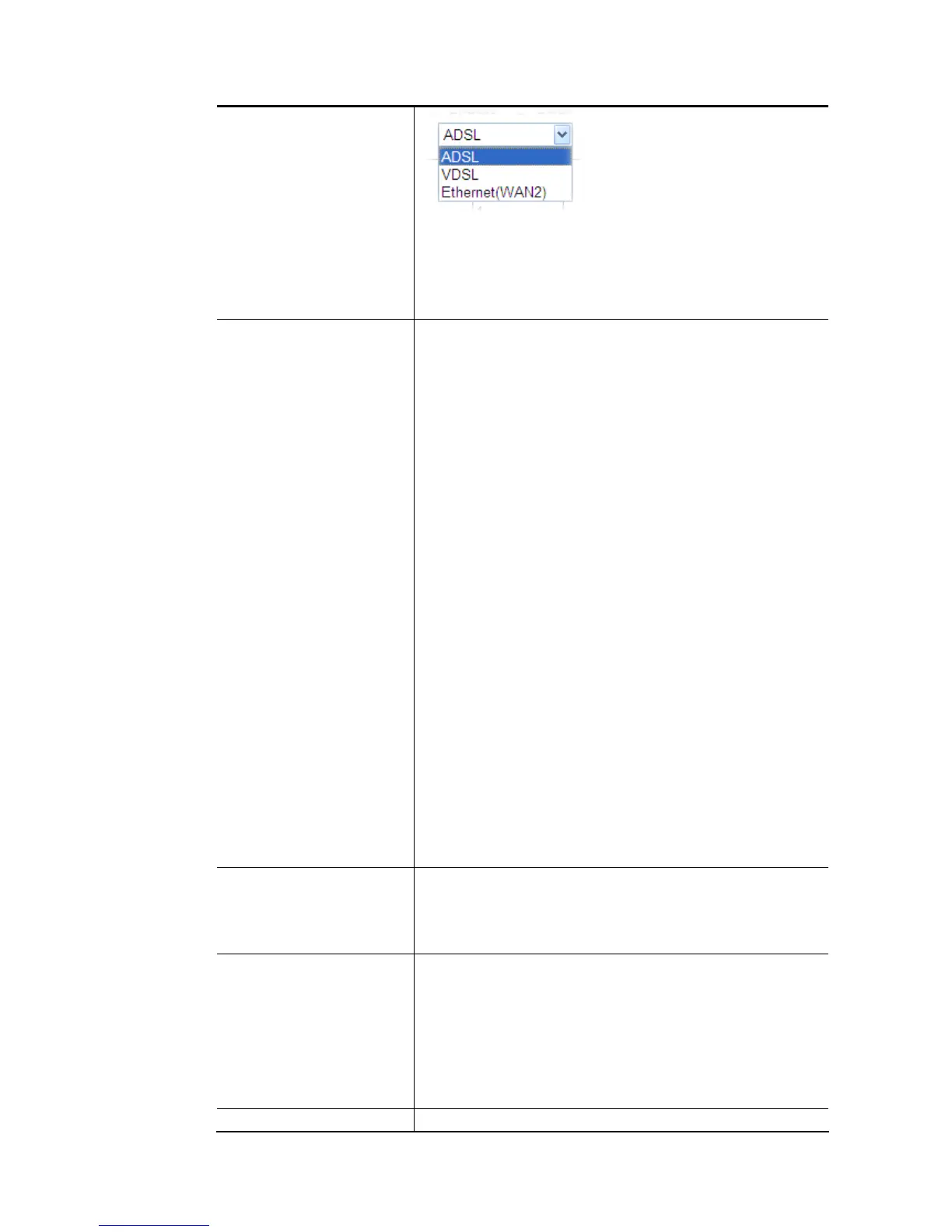
ADSL- A PVC Channel will be created using an ADSL
connection on WAN1.
VDSL- A VLAN will be created using a VDSL connection on
WAN1.
Ethernet (WAN2)- A VLAN will be created on WAN2.
General Settings VPI - (Available when WAN Type is ADSL) Virtual Path
Identifier. Contact your ISP or carrier for the appropriate
value.
VCI - (Available when WAN Type is ADSL) Virtual Channel
Identifier. Contact your ISP or carrier for the appropriate
value.
Protocol - (Available when WAN Type is ADSL) Access
protocol used for the ADSL connection. Contact your ISP or
carrier for the appropriate setting.
PPPoA: Point-to-Point over ATM.
PPPoE: Point-to-Point over Ethernet.
MPoA: Multiprotocol over ATM.
Encapsulation - (Available when WAN Type is ADSL)
Encapsulation mode used for the ASDL connection. Contact
your ISP or carrier for the appropriate setting.
VC MUX: Virtual Circuit Multiplexing.
LLC/SNAP: Logical Link Control/Subnetwork Access
Protocol.
Add VLAN Header – (Available when WAN type is ADSL) If
selected, enable VLAN tagging on this PVC.
VLAN Tag – Type the value as the VLAN ID number.
Valid settings are in the range from 1 to 4095. The
network traffic flowing on each channel will be
identified by the system via their VLAN Tags. Channels
using the same WAN type may not configure the same
VLAN tag value.
Priority – Choose the number to determine the packet
priority for such VLAN. The range is from 0 to 7.
ATM OoS Configures the Quality of Service (QoS) of the ATM circuit.
QoS Type - Select a proper QoS type for the channel.
Type the values for PCR (Peak Cell Rate), SCR (Sustainable
Cell Rate) and MBS (Maximum Burt Size) respectively.
Open Port-based Bridge
Connection for this
Channel
If selected, bridge this channel to one or more LAN ports.
Usually, bridge connection (for sharing IPTV and other
actions) is available for wired LAN users. With this features,
mobile phone users also can share the bridge connection as
wireled users.
Physical Members / Wireless LAN (2.4GHz/5GHz) – Group
the physical ports / SSIDs by checking the corresponding
check box(es) for applying the bridge connection.
Open WAN Interface for If selected, NAT (Network Address Translation) will be














 To Next Page